

WP Job Portal – AI-Powered Recruitment System for Company or Job Board website
Description
WP Job Portal is a complete recruitment system for WordPress: a careers page for your own company, or a job board for many employers. Post jobs, receive applications, review resumes and hire from your WordPress dashboard. No coding needed.
- Hiring for your company? Publish your openings on a branded careers page, take applications and keep every candidate in one place.
- Running a job board? Employers register, post jobs and manage their applicants; job seekers build resumes and apply in a few clicks. Charge for listings when you are ready.
You are live in minutes: the setup wizard prepares the site for a company or a job board, creates the pages and can add sample jobs to show it working.
View demo | Documentation | Videos | Support
Smarter hiring with AI
- AI writing: draft job and company descriptions, resume skills and cover letters in seconds (needs a ZyWrap account).
- Smart Search & Matching (premium): relevance-ranked job and resume search, suggested jobs for candidates, suggested resumes for employers and a match score for every application, run on your own server.
Jobs that get found
- Google for Jobs: every job carries JobPosting structured data, so it can appear in Google’s job search.
- Search-engine-friendly job addresses and a jobs XML sitemap
- Share buttons, RSS feeds and a “tell a friend” email for every job
- Weekly job alert emails that bring candidates back
For job seekers
- Search by keyword, category, job type, location and salary, and save searches to run again
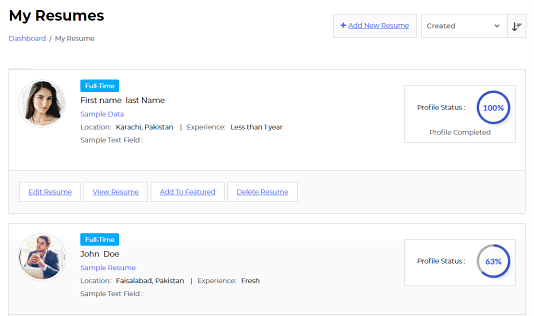
- Build a resume once and apply in a few clicks, or use Quick Apply with a resume file
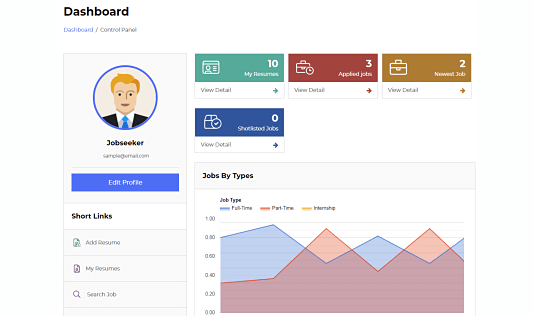
- Shortlist jobs and follow every application from a personal dashboard
For employers
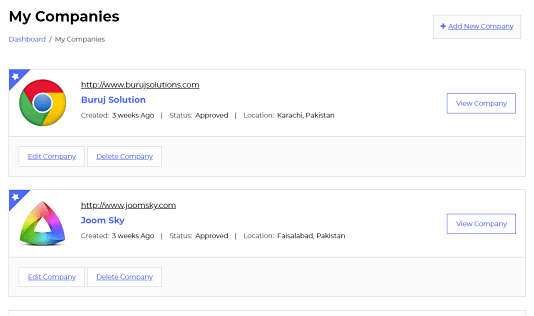
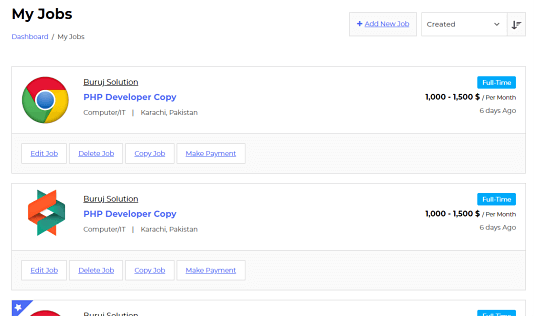
- Post, copy and manage jobs and company profiles from the front end
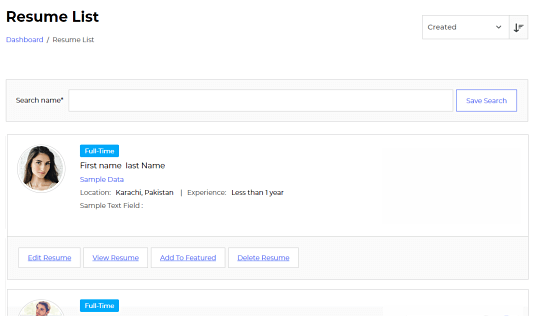
- Review applicants, read and print resumes
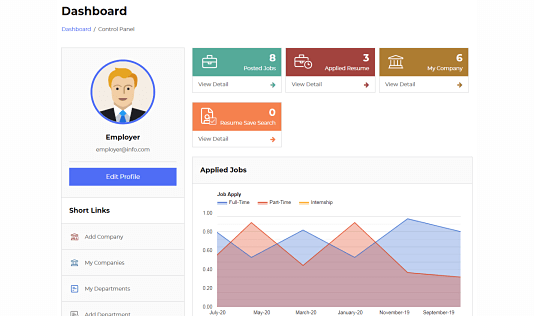
- A dashboard with their jobs, applications and statistics
Easy to run and fit to your site
- Approve jobs, companies and resumes before they go live
- Custom fields for jobs, resumes, companies and registration, with conditional logic
- Gutenberg blocks, an Elementor widget, 30+ shortcodes and seven sidebar widgets
- Works with any theme, with color presets to match your design, and supports right-to-left languages
- Registration and login for employers and job seekers, protected by Google reCAPTCHA or Cloudflare Turnstile
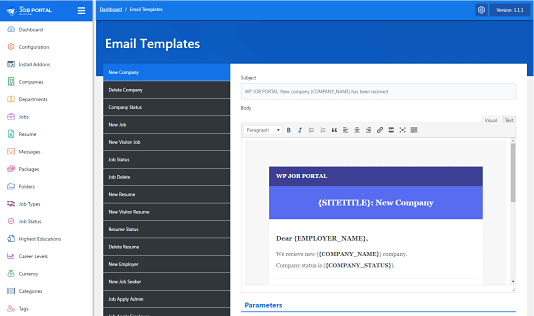
- An email template for every notification, and control over who receives which
- Location data for 186 countries, in English or the local language
- Import companies, jobs, resumes and applications from WP Job Manager
- Activity log and a system status page
Premium products
Add what your site needs. Each product works with the free plugin on its own and installs from your WordPress dashboard. Compare plans.
- Pro: advanced resume builder, multiple resumes and cover letters, resume search, visitor applications, messaging, PDF and export, reports, instant job alerts and maps with radius search.
- Marketplace Suite: sell job packages, credits and subscriptions through Stripe, PayPal or WooCommerce, with paid featured jobs, companies and resumes.
- Recruit Suite: a hiring pipeline for teams, with stages, scorecards, shared notes, offers with approvals and e-signatures, and recruiting reports.
- Smart Search & Matching: AI job and resume search, suggestions and match scores.
Translations
WP Job Portal is available in Arabic, Chinese (China), Czech, Dutch, French, German, Greek, Hebrew, Indonesian, Italian, Japanese, Polish, Portuguese (Brazil), Romanian, Russian, Spanish and Turkish, and installs the one your site uses. Help translate on translate.wordpress.org.
External services
WP Job Portal runs on your own server. It connects to the services below only in the cases described.
WP Job Portal translations (wpjobportal.com): when the site language is not English, the plugin downloads that language’s translation files and checks daily for updates. It sends nothing but the request for the files. To turn this off, add define( 'WPJOBPORTAL_TRANSLATIONS_AUTO', false ); to wp-config.php. Terms, Privacy policy.
WP Job Portal licences and updates (wpjobportal.com): only when you enter a licence key or have a premium product installed. It sends the licence key, your site address and the installed product versions, to activate the licence and offer updates. Terms, Privacy policy.
ZyWrap (api.zywrap.com): only when you turn on AI content generation and add your ZyWrap key. The text you ask it to write about is sent to ZyWrap. Terms, Privacy policy.
Google Maps (maps.googleapis.com): only when you add a Google Maps API key. Map pages load Google’s map script in the visitor’s browser. Terms, Privacy policy.
Google reCAPTCHA (google.com) or Cloudflare Turnstile (challenges.cloudflare.com): only when you turn one on for forms. The form page loads its script in the visitor’s browser. Google privacy policy, Cloudflare privacy policy.
Installation
- In your dashboard, go to Plugins > Add New Plugin, search for WP Job Portal, then click Install Now and Activate.
- Follow the setup wizard: choose a company careers site or a job board, answer a few questions and add sample data if you like.
- Your job pages are created for you. To show jobs, search or dashboards elsewhere, use the blocks or the shortcodes under WP Job Portal > Shortcodes.
To install by hand, download the ZIP and upload it under Plugins > Add New Plugin > Upload Plugin.
Updating
Updates install like any other plugin; back up your site first. Premium products update from your dashboard in the same way.
Minimum requirements
- WordPress 6.2 or greater
- PHP 7.4 or greater
- MySQL 5.5.5 or greater, or MariaDB
Screenshots

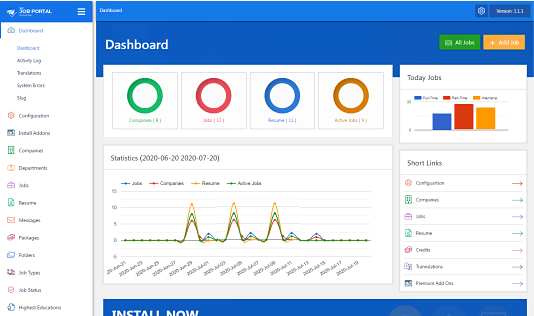
Admin dashboard
Job seeker dashboard
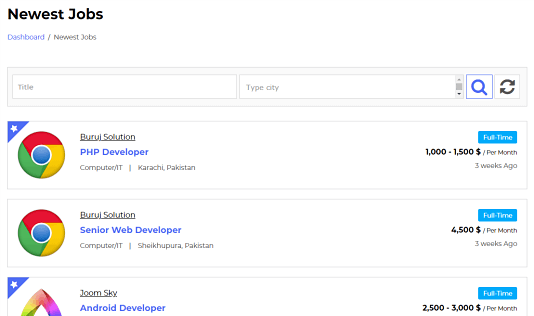
Newest jobs
An applied resume
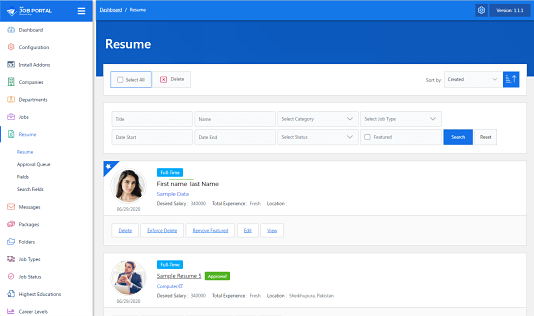
Resume
Credit packs (Marketplace Suite)
Pay to view details (Marketplace Suite)
Login
Apply now
Credit log (Marketplace Suite)
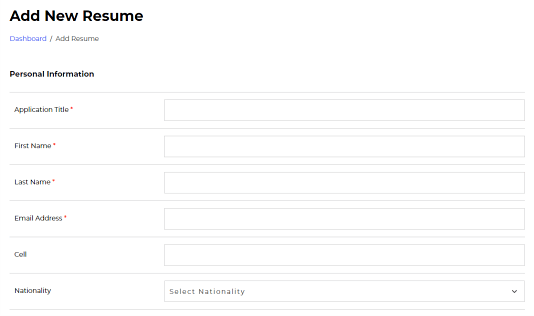
Add a resume
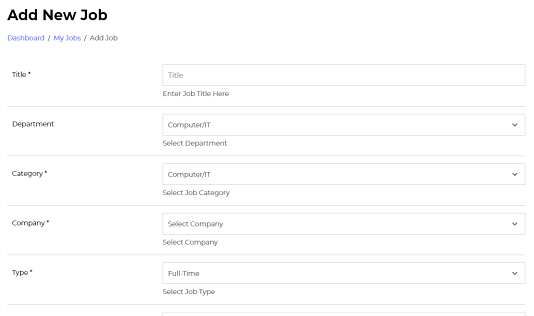
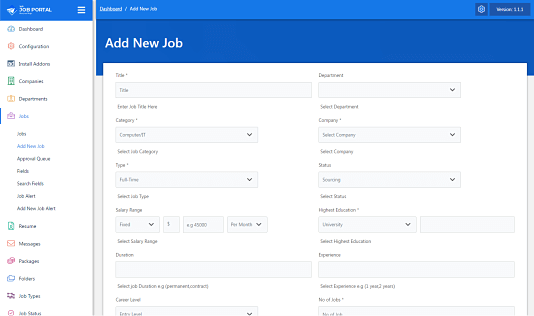
Add a job
Color presets
Activity log
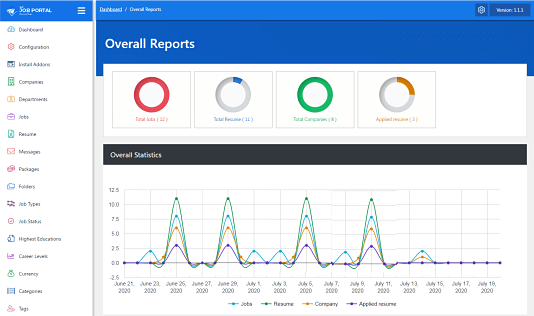
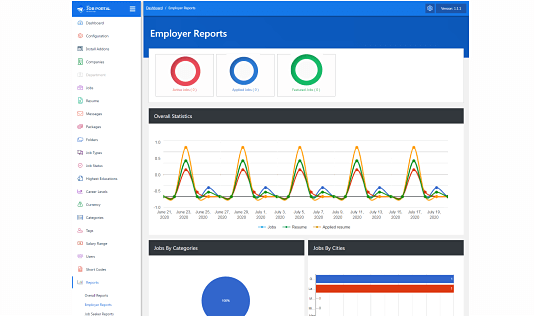
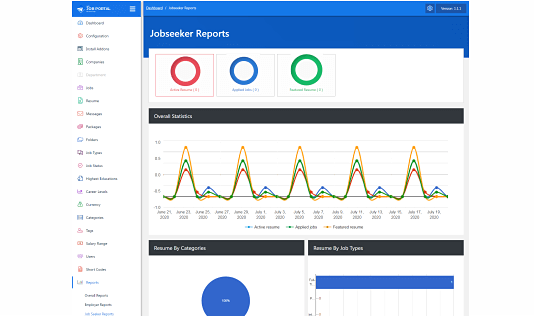
Reports
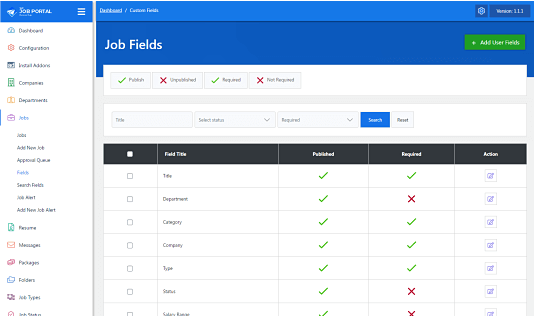
Fields
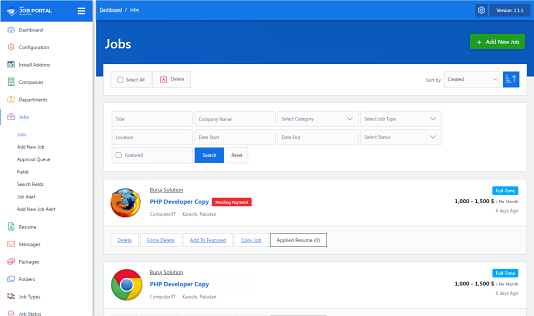
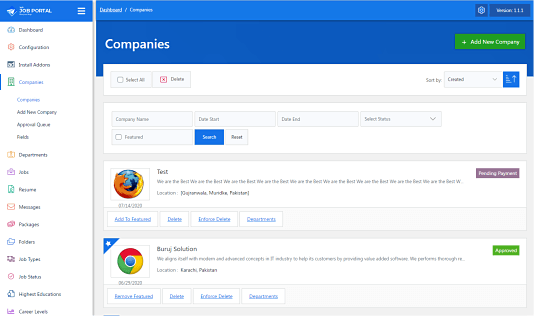
Admin: job listing
Users
User fields
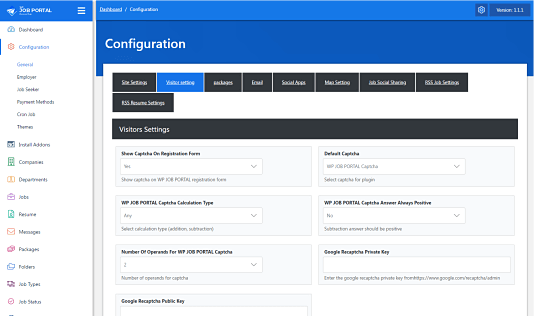
Configurations

Faq
Is WP Job Portal free?
Yes. Job posting, resumes, applications, employer and job seeker dashboards, search, job alerts and everything above not marked premium are free. The premium products add paid listings, team hiring tools, advanced resumes and smart matching.
Can I use it only for my company’s careers page?
Yes. Choose the careers site option in the setup wizard: only your company posts jobs, and candidates apply to you.
Can employers pay to post or feature jobs?
Yes, with Marketplace Suite: job packages, credits and subscriptions, paid through Stripe, PayPal or WooCommerce.
Will my jobs show in Google for Jobs?
Each job page includes JobPosting structured data, which is what Google reads for its job search. Google decides what it shows; you can check a job page with Google’s Rich Results Test.
Will WP Job Portal work with my theme?
Yes, it works with any theme. Color presets, blocks and the Elementor widget help it match your design.
Can I move from WP Job Manager?
Yes. The built-in import brings over companies, jobs, resumes and applications.
I bought separate add-ons before 2.7.0. What happens to them?
Twelve of them are now free and part of the plugin. The rest are included in Pro, Marketplace Suite, Recruit Suite and Smart Search & Matching. See Upgrading to 2.7 for what your purchase includes now.
What are the main shortcodes?
[wpjobportal_jobseeker_controlpanel], [wpjobportal_employer_controlpanel], [wpjobportal_job_search], [wpjobportal_job], [wpjobportal_job_categories], [wpjobportal_employer_registration], [wpjobportal_jobseeker_registration], [wpjobportal_login_page] and [wpjobportal_searchjob]. The full list, with options, is under WP Job Portal > Shortcodes.
Which options do the registration shortcodes have?
The employer and job seeker registration shortcodes can hide the role choice, show or hide the header and title, change the button text, send people to a page after sign-up, and add a CSS class.
Employer example:
[wpjobportal_employer_registration hide_role=”1″ show_header=”1″ show_title=”1″ button_text=”Register as Employer” redirect_url=”” class=””]
Job seeker example:
[wpjobportal_jobseeker_registration hide_role=”1″ show_header=”1″ show_title=”1″ button_text=”Register as Job Seeker” redirect_url=”” class=””]
Where can I get help?
Read the documentation, ask in the support forum here on WordPress.org, or contact us through wpjobportal.com/support.
How can I report a security issue?
Through the Patchstack Vulnerability Disclosure Program, whose team validates and handles reports. Report a security vulnerability.
Reviews
Unable to Edit Fields
By  webkow on November 14, 2025
Hi, I tried editing the job and user fields in the free plugin, and I noticed there are some predefined fields. There are also preset dropdown options, but I can’t find where to edit them. For example, in the ‘Employment Type *’ field, I want to add one more option but I can’t locate it. How can I change this?
Best plugin ever
By  nealnorr on January 13, 2025
Very good experience with the WP Job Portal. Everything from the configuration to use as well.
Awesome Experience
By  scaesar on December 18, 2024
An awesome plugin, plenty of features even in the free version and a very good listing.
Useful plugin
By  billy47 on December 13, 2024
There is a lot of value in the free version and even more in the other plugin paid version.
A complete job board
By  barnettjo on December 2, 2024
This is the best plugin for job board. It offers lot of functionality straight out of the box for free, along with even more paid options.
Useful Plugin
By  nashtate on November 26, 2024
Easy to install, easy to configure and easy to use with lots of features.
Great Support
By  calebkai on November 19, 2024
I would recommend this product! The response was timely, helpful.
Great Support
By  haydenashly on November 13, 2024
Great plugin and great support by the team.
Wonderful
By  adam013 on November 10, 2024
A wonderful job board plugin.
Great Plugin
By  jamxhad1 on October 22, 2024
Perfect job board solution, highly recommended!
Changelog
2.7.0
Major update: the separate add-ons become four premium products, and twelve of them are now free.
- New: Recruit Suite, a hiring pipeline for teams with stages, scorecards, shared notes, offers with approvals and e-signatures, and recruiting reports.
- New: Marketplace Suite, to sell job packages, credits and subscriptions through Stripe, PayPal or WooCommerce, with paid featured jobs, companies and resumes.
- New: Smart Search & Matching, with AI job and resume search, suggested jobs and resumes, and match scores.
- New: Pro, with the advanced resume builder, resume search, messaging, PDF and export, reports, instant job alerts and maps.
- New: twelve former add-ons are now free: Shortlist, Tags, Job Alert, RSS, Social Share, Print, Tell a Friend, Copy Job, Cron Job, All Companies, Job Listing Enhancer and Widgets.
- New: four-step setup wizard and sample data that fits your site.
- New: Account Sign-Up setting, separate from WordPress’s “Anyone can register”.
- New: saved job searches for job seekers.
- Fixed: updating from 2.6 could end on a critical error. Existing job and company links keep working after the update.
- Fixed: the salary, currency, education and postcode filters in search.
- Fixed: RSS feeds, Tags, Shortlisted Jobs and Job Alert on new installs.
- Fixed: other errors on new installs and in the Insufficient Credits popup.
2.6.0
- Added explicit Careers & ATS and Job Marketplace setup modes.
- Added upgrade-safe existing-site compatibility mode.
- Added mode-aware setup steps, administrator navigation, and diagnostics.
- Improved keyboard and screen-reader support on the setup-mode screen.
- Aligned the first setup step with centralized mutation authorization.
- Added a persistent, server-derived onboarding checklist with per-administrator dismissal and reopen controls.
- Added actionable mode, page, upload, add-on, and sample-data readiness diagnostics.
- Added durable ownership markers, exact cleanup previews, and conservative cleanup for newly installed sample records.
- Hardened optional sample-image downloads with bounded, image-only, traversal-safe archive extraction.
- Preserved the selected operating mode during sample-page creation and protected pre-existing or modified demo content from cleanup.
- Simplified mode-specific administration labels while preserving bookmarked and direct URLs.
2.5.9
- Added System Status Page
- Added Role-Based Validation Checks
- Added InnoDB Conversion
2.5.8
- Improve SSL
- Improved Credit System
- Improved Job Alerts
2.5.7
- Security hardening: prepared SQL query paths for job/apply filters and related lookups.
- SEO improvement: added native WP Job Portal jobs XML sitemap and sitemap integration hooks.
Earlier versions are listed in changelog.txt in the plugin folder.