
Super Page Cache – Cloudflare Cache, Page Speed & Core Web Vitals
Description
Super Page Cache is a powerful full page cache plugin for WordPress that caches static files (CSS, JS, images) and HTML webpages at both server disk-level and the global Cloudflare CDN. Get enterprise-level performance with zero configuration required.
Super Page Cache improves site speed by enabling server-side caching, cache preloading, local Google Fonts, and removing unused CSS and JavaScript, boosting Core Web Vitals and load times.
Works right out of the box with or without Cloudflare. Powerful disk caching saves files locally on your server. To use Cloudflare CDN, just enter your API Key or Token. The intuitive dashboard includes detailed settings and built-in documentation, though most users won’t need to change the defaults.
⚡ Quick Links
- Documentation Complete setup and configuration guide
- Support Forum Community help and expert support
- YouTube Videos Step-by-step visual guides for every feature
- Go Pro Advanced features and priority support
🚀 How Does The Plugin Work?
Disk Caching (Works Without Cloudflare): Server-level caching saves HTML pages and static files directly to your server, loading pages instantly without any CDN.
Cloudflare CDN (Optional): Connect your Cloudflare account to leverage 200+ edge locations using modern Cache Rules. Works with FREE Cloudflare Plan – no paid account required. Achieve higher Pingdom and GTmetrix scores with edge delivery.
Supports Free, Pro, and Enterprise Cloudflare plans with auto-purging, cron jobs, and integrated metrics.
🔥 Core Features (Free Version)
🚀 Complete Caching Solution
Super Page Cache combines full page caching, disk caching, and browser caching, with lazy loading for images, videos, and iframes.
- Disk Caching: Lightning-fast server caching with Cloudflare fallback
- CDN Integration: Optional Cloudflare CDN with 200+ edge locations
- Cache Controls: Exclude cookies, query params, URIs, AMP, feeds, REST API
- Cache Lifespan: Custom expiration or never-expire settings
- Header Management: Preserve critical response headers
- Cache Buster: Logged-in users never see cached content
- Performance Metrics: Track cache effectiveness
⚡ Performance Optimization
Speed optimization tools remove unused CSS, remove unused JS, and handle Google Fonts optimization by serving local Google Fonts.
- Google Fonts: Combine and serve locally for better Web Vitals
- Lazy Loading: Images, videos, iframes, background images
- Lazy Load Exclusions: By keywords, URL patterns, or CSS classes
- Assets Manager: Enable/disable CSS/JS per page
- Browser Caching: Auto-configure
.htaccessrules
These performance features cover CSS, caching, lazy loading, and browser caching to keep every page fast.
🛠️ Advanced Cache Management
- Auto-Purging: Clear cache on content updates including related pages
- Granular Purge: HTML only or entire cache with assets
- Preloader: From sitemaps, menus, or recent posts (manual/CRON)
- Background Processing: Uses
Action Scheduler - Queue-Based Purging: Prevent server overload
- Backend Bypass: Prevent admin dashboard caching
- Per-Page Control: Exclude via editor metabox
- Toolbar Purging: Instant purge from WP toolbar
🔧 Developer & Power User Features
- Redesigned Dashboard: Intuitive navigation with grouped settings
- Built-in Documentation: Tips within the dashboard
- Cache Backends:
advanced-cache.phpor cURL-based - Defer JS Filter:
spc_defer_scriptto exclude scripts - Role Permissions: Control who can purge cache
- Cloudflare API: All plans via API Key or Token
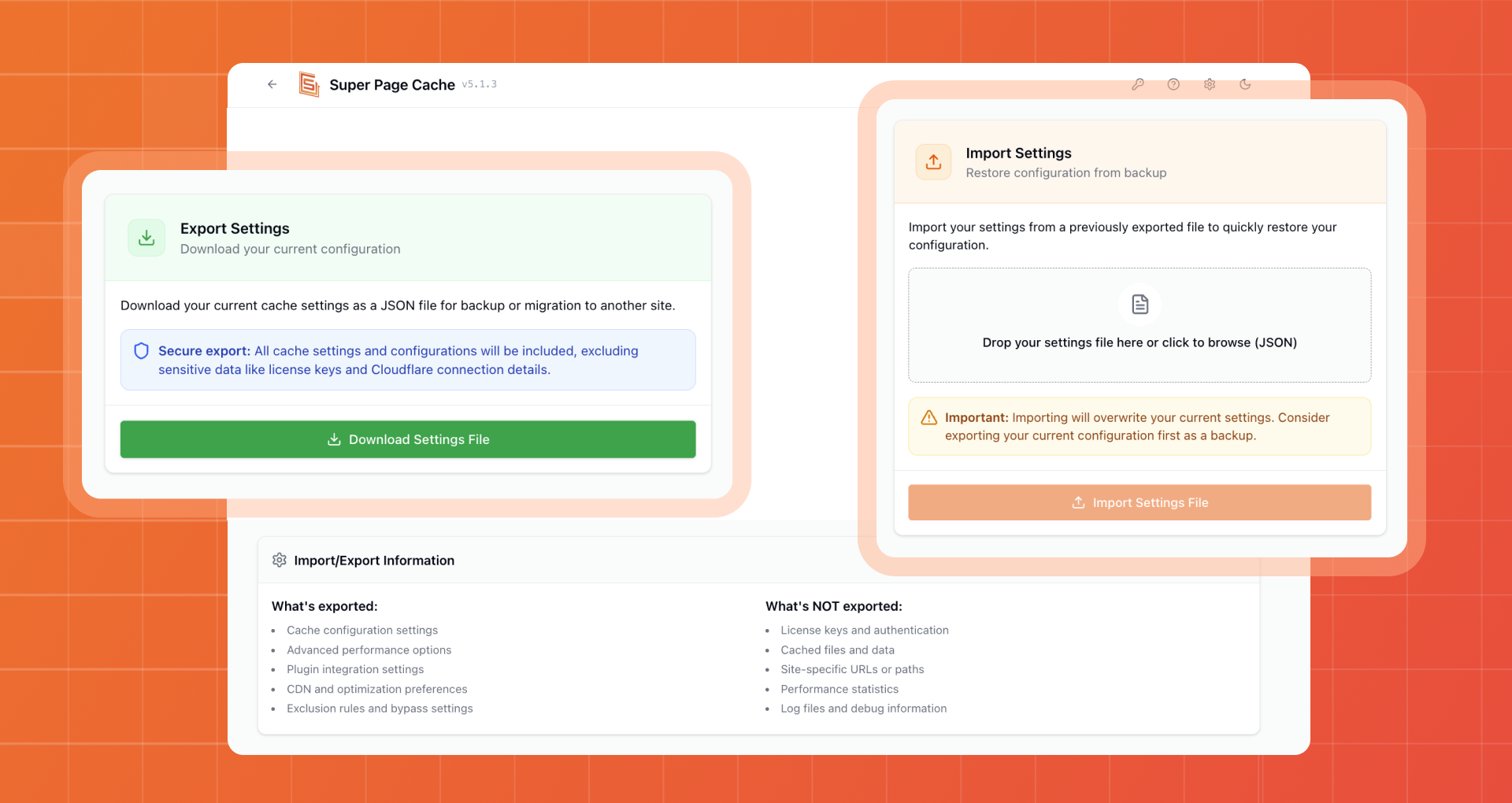
- Export/Import: Settings as JSON
- Preserve on Deactivation: Retain settings for staging
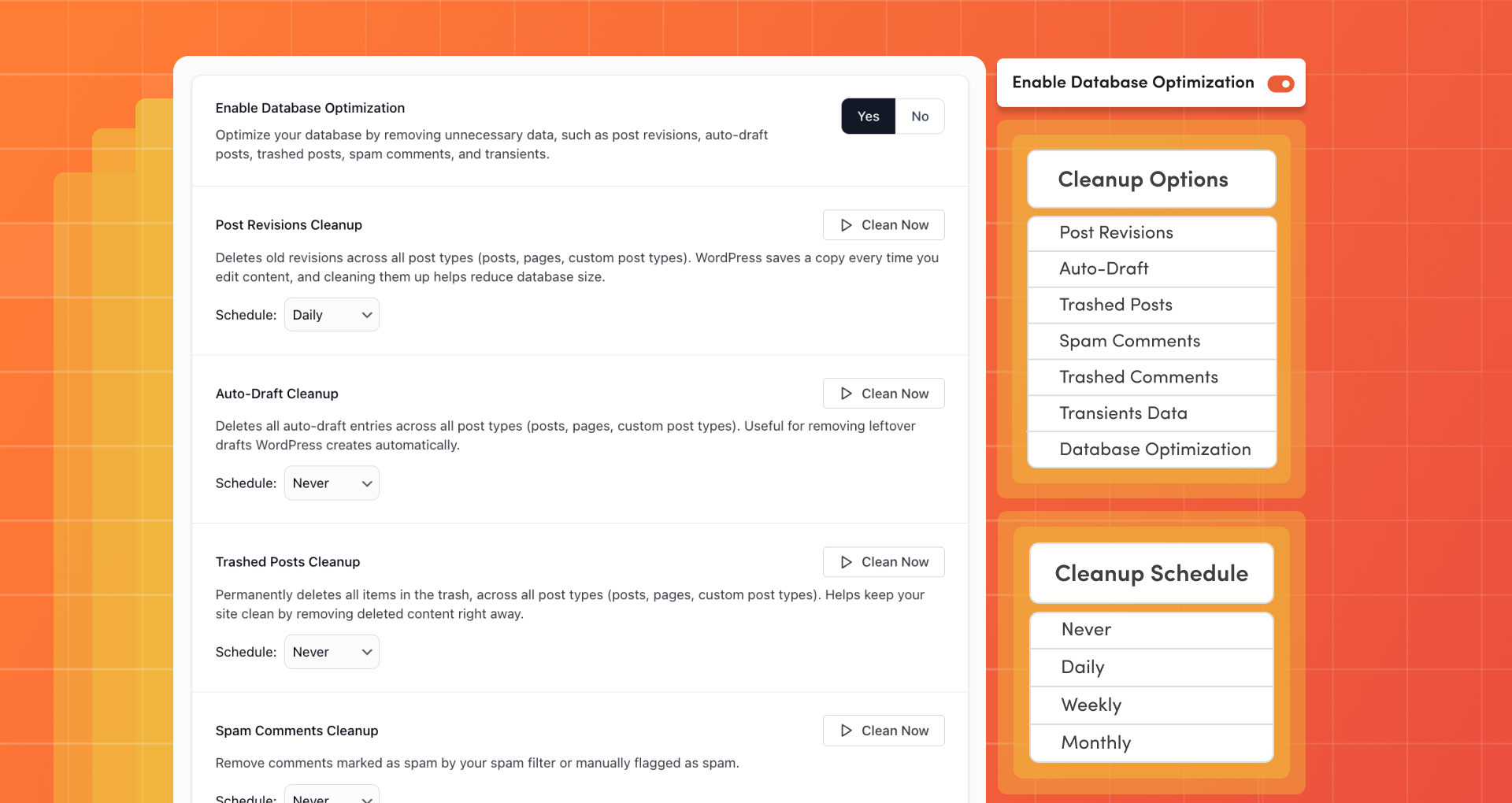
🗄️ Database Optimization
- Database Cleanup: Remove revisions, auto-drafts, trash, spam, transients
- Scheduled Maintenance: Daily, weekly, or monthly
- Table Optimization:
SQL OPTIMIZE TABLEfor defragmentation - Selective Cleanup: Choose which data types to clean
One-click database optimization helps clean database clutter and improve performance.
🌐 Universal Compatibility
- Premium Hosts: Kinsta, WP Engine, SpinupWP, and more
- eCommerce: WooCommerce, Easy Digital Downloads
- Server Caches: Varnish, OPcache auto-purge
- Prefetch: Internal links via Instant.page
💎 Super Page Cache PRO with Advanced Performance Features
- Ignore Marketing Parameters: Better cache hit rate (UTM, affiliate, tracking codes)
- Defer JavaScript: Eliminate render-blocking JS. Learn more
- Delay JavaScript: Load JS on interaction only. Learn more
- Advanced Lazy Loading: Viewport detection, above-the-fold optimization
- Advanced Exclusions: Exclude specific JS/pages from caching
- Priority Support: Faster email response times
🎯 Usage Note
Disable page caching in other plugins (WP Rocket, LiteSpeed Cache, W3 Total Cache). Safe to use alongside Optimole, Autoptimize, Perfmatters, ShortPixel for asset optimization.
⭐ What Users Say
★★★★★ “Response times dropped from 400ms+ to below 200ms. Almost the same as my static S3 site—using the free version!” – @jurijs0
★★★★★ “A game-changer for our website’s performance! Noticeable improvement in loading times, boosted engagement and SEO.” – @brandnexusstudios
Leave a review | Follow us on Twitter | YouTube
Super Page Cache is backed by Themeisle, powering 1M+ WordPress sites with 450+ five-star Trustpilot ratings.
Installation
FROM YOUR WORDPRESS DASHBOARD
- Visit “Plugins” > Add New
- Search for Super Page Cache
- Activate Super Page Cache from your Plugins page.
FROM WORDPRESS.ORG
- Download Super Page Cache
- Upload the “wp-cloudflare-super-page-cache” directory to your “/wp-content/plugins/” directory, using ftp, sftp, scp etc.
- Activate Super Page Cache from your Plugins page.
Screenshots

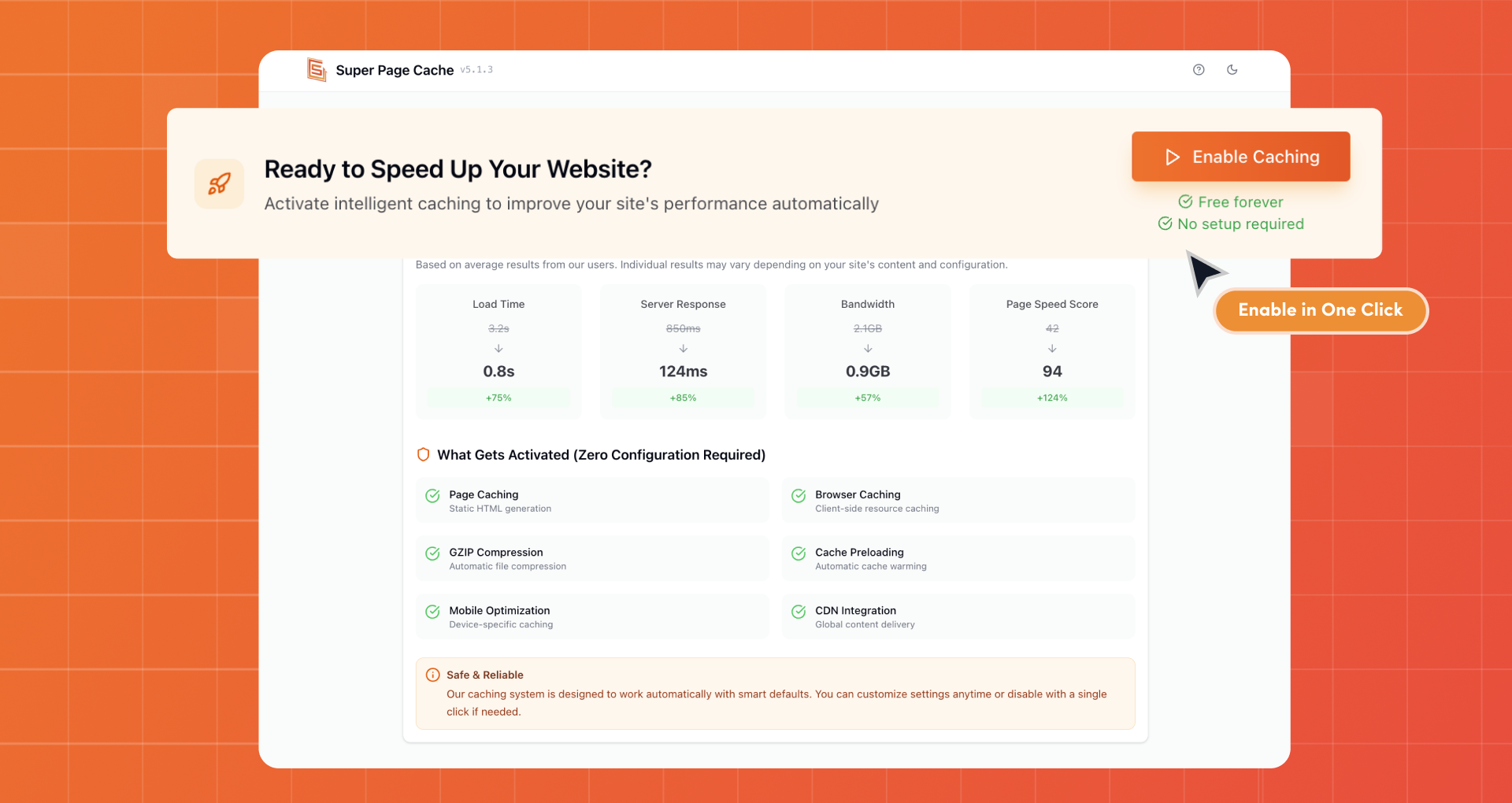
Enable Caching in One Click
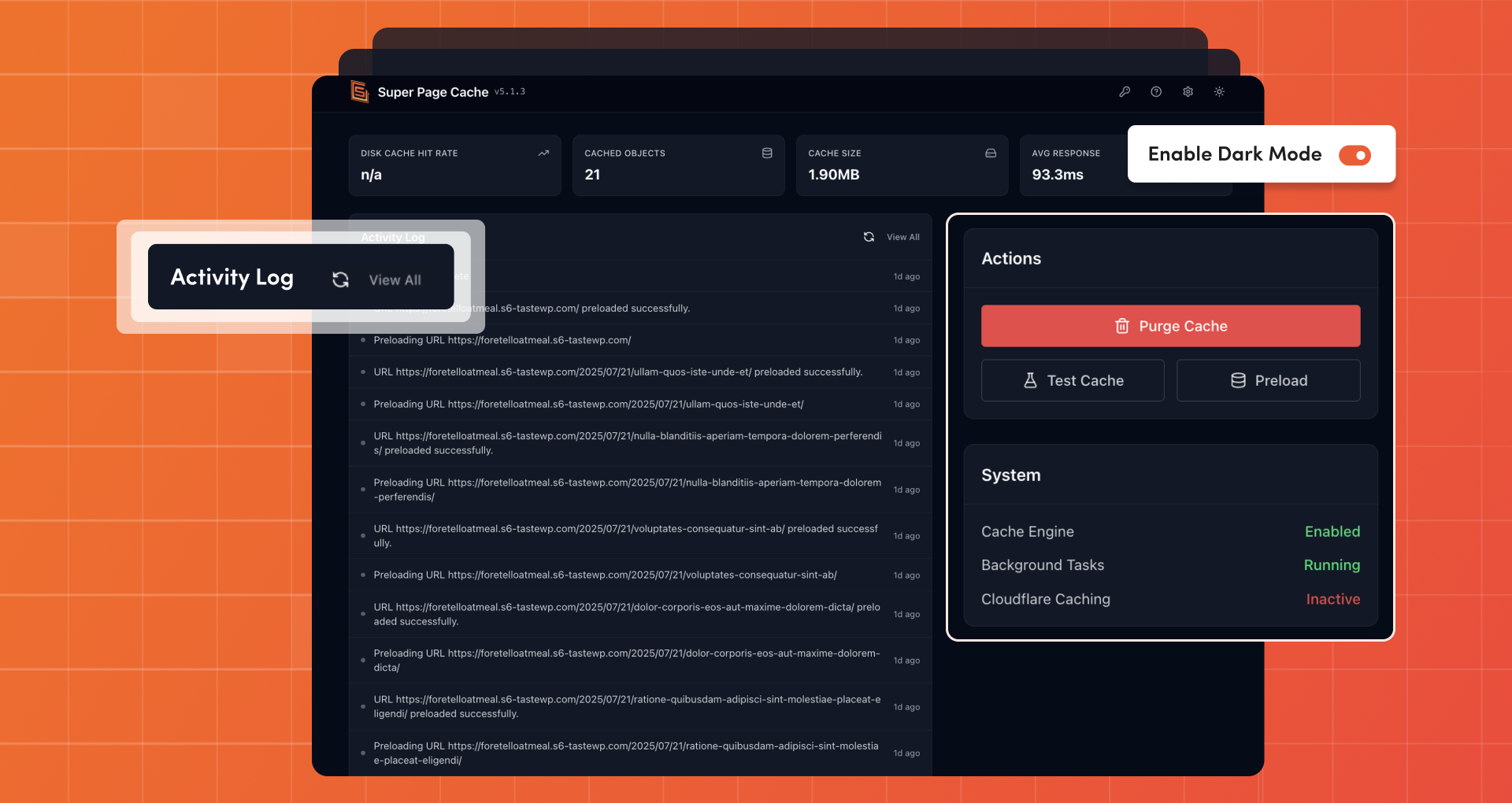
Cache Management with Activity Log
Asset Manager
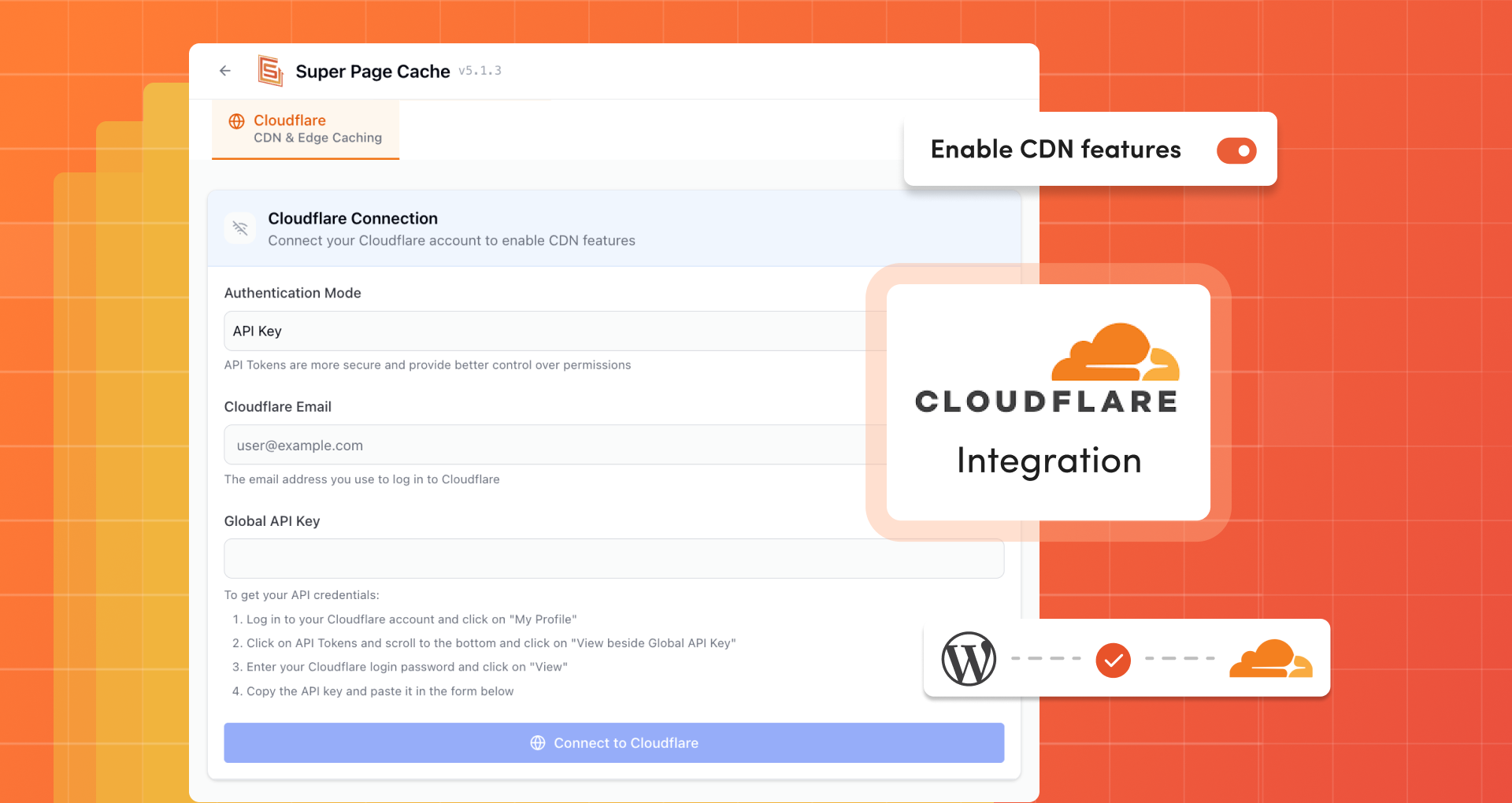
Cloudflare (CDN & Edge Caching)
Lazy Loading
Database Optimization
Import and Export Settings


Faq
Cloudflare APO uses Workers & KV Storage to push cache to all edges instantly. It costs $5/month for free accounts (free for paid accounts).
Our plugin enables FREE account users to leverage Cloudflare’s Cache Rules with more features, functionality, and third-party plugin integration than APO offers. Read a detailed comparison.
Check HTTP response headers in Incognito mode:
- x-wp-cf-super-cache:
cache= active,no-cache= disabled for this page - x-wp-cf-super-cache-active:
1= page placed in Cloudflare cache - cf-cache-status:
HIT= served from cache,MISS= refresh page,BYPASS= excluded,EXPIRED= cache expired
Yes. This is the main purpose of this plugin.
It is a cache buster. Allows you, while logged in, to bypass the Cloudflare cache for pages that could be cached.
Yes, you can enable this option from the settings page.
Yes, there is a reset button.
Disable the plugin first to restore Cloudflare settings, then delete. The plugin removes all stored data to keep your WordPress installation clean.
You will not be able to use them anymore. However, there is an option to enable browser caching rules.
Yes but it must be installed separately for each website in the network as each site requires an ad-hoc configuration and may also be part of different Cloudflare accounts.
Yes, you can. Read the FAQ section in the plugin settings page for further information
Check the FAQ tab in plugin settings first. If needed, enable log mode and send us the log file with steps to reproduce. Ensure you’re using the latest version.
Reviews
The best
By  bagyiphyo on October 18, 2026
The best, Loving it
Great cache plugin
By  Luis Celadita (Kodam) on September 28, 2026
Pairing this plugin with Cloudflare’s free tier is an excellent way to take advantage of edge network performance.
Works perfectly
By  Earl_D on September 28, 2026
Works perfectly clear instructions right on the plug-in pages. Highly useful.
bad support
By  alex845 on September 18, 2026
support refused to delete annoying message from old clearfy plugin in dashboard. It breaks my site
The Best I have tried
By  pbchambers26 on September 17, 2026
This caching software was easy to set up and very powerful in what it does. I have had no problems with it at all and I highly recommend it
good plugin for speed up wordpress
By  jackie9439 on September 15, 2026
good plugin for speed up wordpress
Amazing Plugin
By  tanimarafi on September 14, 2026
Amazing Plugin works perfectly
Excellent Page Caching Plugin
By  afterdarkgrafx on September 7, 2026
I use this on all of my websites now. Fast, easy to setup and integrates with Cloudflare in minutes!
Great Caching Plugin.
By  Praveen Kumar (spk100) on September 3, 2026
I moved from another plugin to Super Page Cache recently. Support has been amazing, quick and fast.
Set up is blazing fast. Activate, configure a few things and you are done.
Happy that I chose this 🙂
Great cache works smooth
By  Sakshin on August 31, 2026
Keep on rocking
Changelog
Version 5.3.8 (2026-10-20)
- Fixed pages crashing during upgrade with an old fallback cache file.
- Fixed excessive password generation slowing every uncached page load
- Fixed preloader queueing invalid phone and email links as pages
- Fixed the public optimization endpoint to verify signatures securely.
- Fixed Purge Cache on trashed posts clearing the old public URL
- Fixed manual cache purge showing generic error instead of actual failure reason.
- Fixed leftover cached pages remaining after turning HTML-only purging off
- Fixed the preloader queueing invalid taxonomy and excluded URLs.
- Fixed late-loading Google Fonts falling back to default fonts
- Fixed admin stylesheet restyling other plugins’ admin pages
- Fixed commenter details leaking into cached pages for other visitors
- Fixed unrelated events purging related pages or the whole cache
- Fixed Remove Unused CSS staying inactive when another plugin rewrote the optimizer script.
- Fixed queued cache purges exhausting PHP memory on large queues
- Fixed SEOPress sitemaps being cached instead of bypassed automatically
- Fixed batched Cloudflare purges reporting success when batches failed
- Fixed Transform Rule leaving a leading ampersand in cleaned URLs.
- Fixed the Transform Rule leaving excluded parameters after retained parameters.
- Updated dependencies