

Products Coming Soon for WooCommerce
Description
Products Coming Soon for WooCommerce lets customers see products before they can buy them. Tick one box on a product, and the Add to Cart button is replaced by a “Coming Soon” message, in the shop, on the product page, and in block themes too.
Free features
- One-click Coming Soon in the Publish box of every product.
- Automatic release on an arrival date and time (uses WP-Cron, released to the minute, no page-load queries).
- Stock based availability: show Coming Soon while stock is at or below a number you choose.
- Purchase protection: coming soon products cannot be bought, even through direct add-to-cart links.
- Works with classic and block themes, WooCommerce Cart/Checkout blocks and High-Performance Order Storage (HPOS).
- Custom message with an
{date}placeholder, custom button label, message position and CSS. - Optional badge on product images and hide price for coming soon products.
- Product list column and filter to see what is coming soon at a glance.
- Site-wide Coming Soon mode: a clean placeholder page for visitors (503 + noindex for SEO) while logged-in team members see the real site. No core files are modified.
- Lightweight: no Bootstrap, no icon fonts, no external requests.
Pro features
The Pro build adds a pro folder to the plugin. It is plug and play: when the folder exists Pro features switch on, and without it the free features run as usual.
- “Notify me when available” email capture with automatic release emails and one-click unsubscribe.
- Live countdown timer on product pages and the site-wide page.
- Quick Edit and Bulk Edit for coming soon status and arrival date.
- Variation level coming soon status and arrival date.
- Per-product custom messages.
- Subscriber manager with CSV export, plus WordPress privacy export/erase integration.
- Site mode extras: secret preview link, IP allow-list, launch countdown, email capture.
- Shortcodes:
[woo_coming_soon product_id="123"]and[woo_cs_countdown product_id="123"].
Developers
Useful hooks: woo_cs_is_coming_soon (filter), woo_cs_notice_html (filter), woo_cs_notice_message_raw (filter), woo_cs_product_released (action), woo_cs_product_saved (action), woo_cs_site_bypass (filter).
Installation
- Upload the plugin to
/wp-content/plugins/woo-coming-soonor install it from the Plugins screen. - Activate it.
- Edit any product and tick Coming Soon in the Publish box.
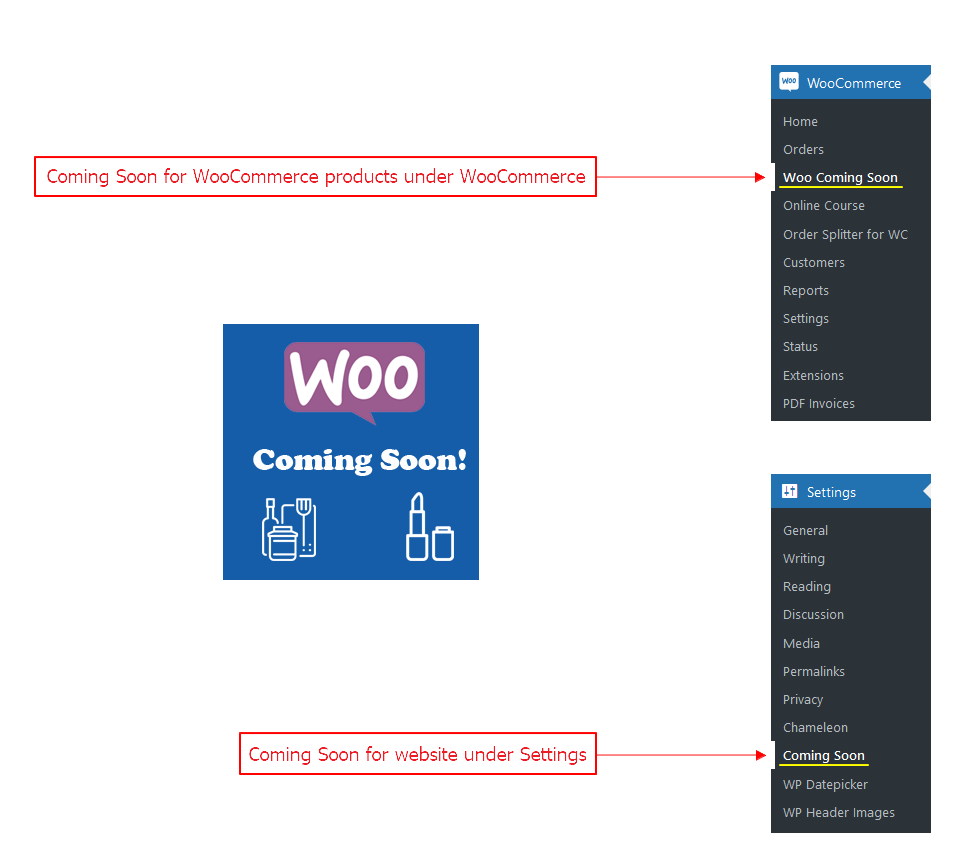
- Optional: go to WooCommerce > Coming Soon to customise the message, or Settings > Coming Soon for site-wide mode.
Screenshots

Coming Soon box in the product Publish panel.
Add to cart replaced by a Coming Soon button in the shop loop.
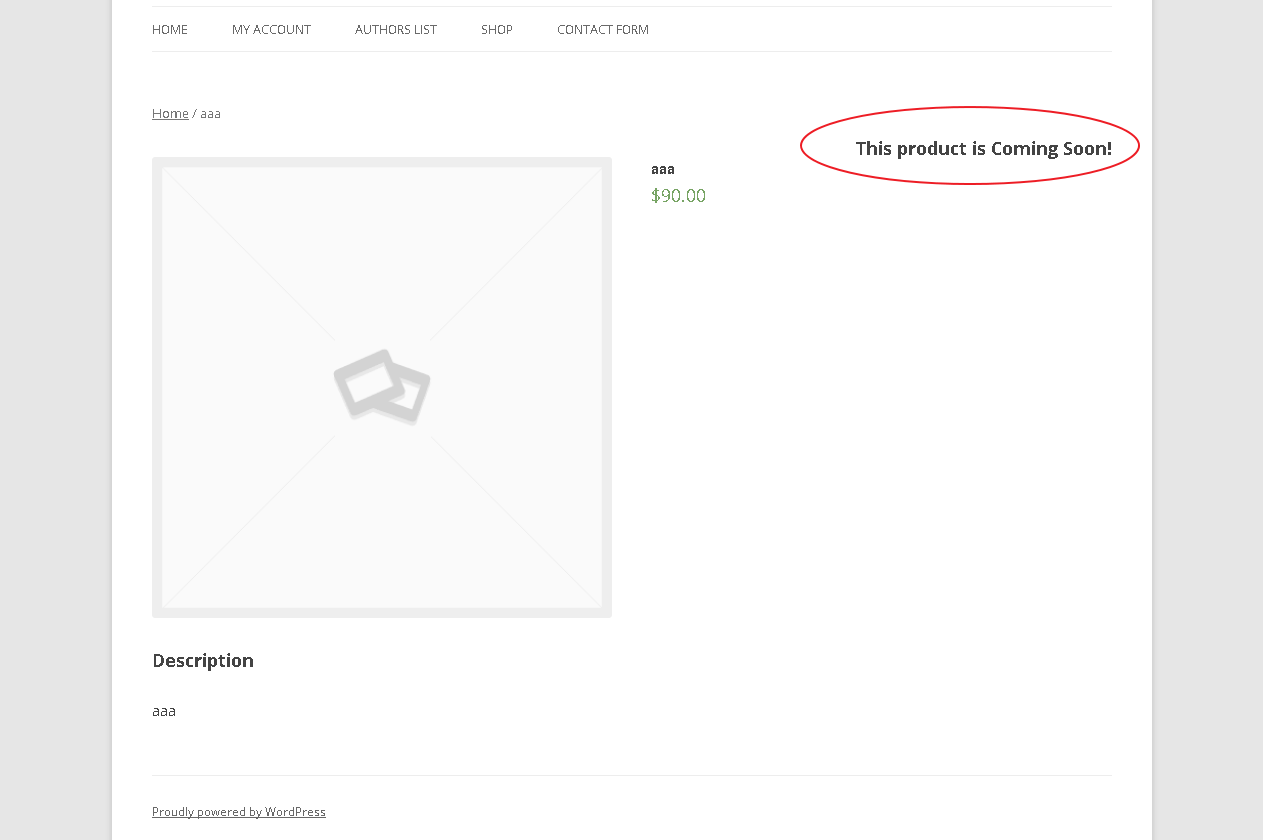
Product page message with custom style.
Product list column, filter and Quick/Bulk Edit (Pro).
Overview tab with upcoming releases.
Site-wide Coming Soon mode settings.
Notify me form and countdown (Pro).



Faq
How do I mark a product as Coming Soon?
Open the product, tick Coming Soon in the Publish box and click Update. To release it automatically, enable “arrival date” in WooCommerce > Coming Soon > Products and choose a date and time.
Can customers still buy a coming soon product?
No. The product becomes non-purchasable, the add to cart form is removed, and direct add-to-cart URLs are rejected.
Does it work with block themes?
Yes. In block themes the message replaces the Add to Cart Form block automatically.
How does stock based availability work?
Enable it in the settings, then turn it on per product and choose a number. While the stock is at or below that number the product is shown as Coming Soon.
How does Coming Soon mode for the whole website work?
Go to Settings > Coming Soon (or the Site Coming Soon tab), turn it on and save. Visitors see a placeholder page; anyone logged in who can edit posts sees the real site. The page is sent with a 503 status and noindex so search engines do not index it.
Do I still need the Chameleon plugin?
No. Site mode is built in. If an older version left a modified index.php in your WordPress root, the plugin restores the standard file automatically on the first admin visit.
I used the Android app. What happened to it?
Version 2.0 removes the app’s REST API because its authentication could be bypassed. Product management now happens in wp-admin.
How do I enable Pro?
Install the Pro build over the free plugin. The pro folder is detected automatically. Note that updating from WordPress.org replaces the plugin folder, so update Pro from your Pro download.
Is any data sent to third parties?
No. The free plugin makes no external requests. Pro stores subscriber emails in your own database only.
Reviews
Very helpful plugin with exceptional support
By  bartolo11 on April 14, 2021
Great Product!
By  tfdb2018 on August 18, 2019
Changelog
2.0.0
- Rebuilt from the ground up for WordPress 7.1 and current WooCommerce.
- Security: removed the companion-app REST API (its login check could be bypassed) and deleted any keys it created.
- Security: nonces and capability checks on every save; all output escaped; all SQL removed or prepared.
- Security: the plugin no longer overwrites the site’s root index.php; the standard file is restored for sites affected by older versions.
- Fix: add to cart can no longer be re-enabled by other plugins’ purchasable filters, and direct add-to-cart URLs are blocked.
- Fix: a past arrival date is honoured instantly, and releases run via WP-Cron instead of a query on every page load.
- New: built-in site-wide Coming Soon mode (503 + noindex), no Chameleon plugin required.
- New: block theme support, WooCommerce Cart/Checkout blocks and HPOS compatibility.
- New: Overview tab, product list filter, badge, hide price,
{date}placeholder, native date and time pickers. - New: plug and play Pro directory (notify me, countdown, quick/bulk edit, variations, subscribers).
- Removed ~4.5 MB of unused assets (Bootstrap, Font Awesome, jQuery UI, QR code library).
- Requires WordPress 6.0+ and PHP 7.4+.
1.5.0
- Fix: Allow reviews for products marked as Coming Soon.
1.4.6
- Fix: hook position displayed in the left corner after updating.
Older changelog entries are available in the plugin’s previous releases.