

Twenty20 Image Before-After
Description
Twenty20 is a professional-grade image comparison tool that helps you showcase transformations in a highly engaging way. Perfect for:
- Photography portfolios
- Real estate before/after
- Renovation projects
- Design makeovers
- Product comparisons
- Restoration work
- Medical procedures
- And much more!
Video Tutorial
Live Demo
Check the Live Demo.
Key Features
- Responsive design – works perfectly on all devices
- Horizontal and vertical sliding options
- Customizable slider position and orientation
- Custom “before” and “after” labels
- Adjustable image widths and alignments
- Mouse hover sliding effect
- Touch-enabled for mobile devices
- Multiple sliders per page
- Widget support for sidebars
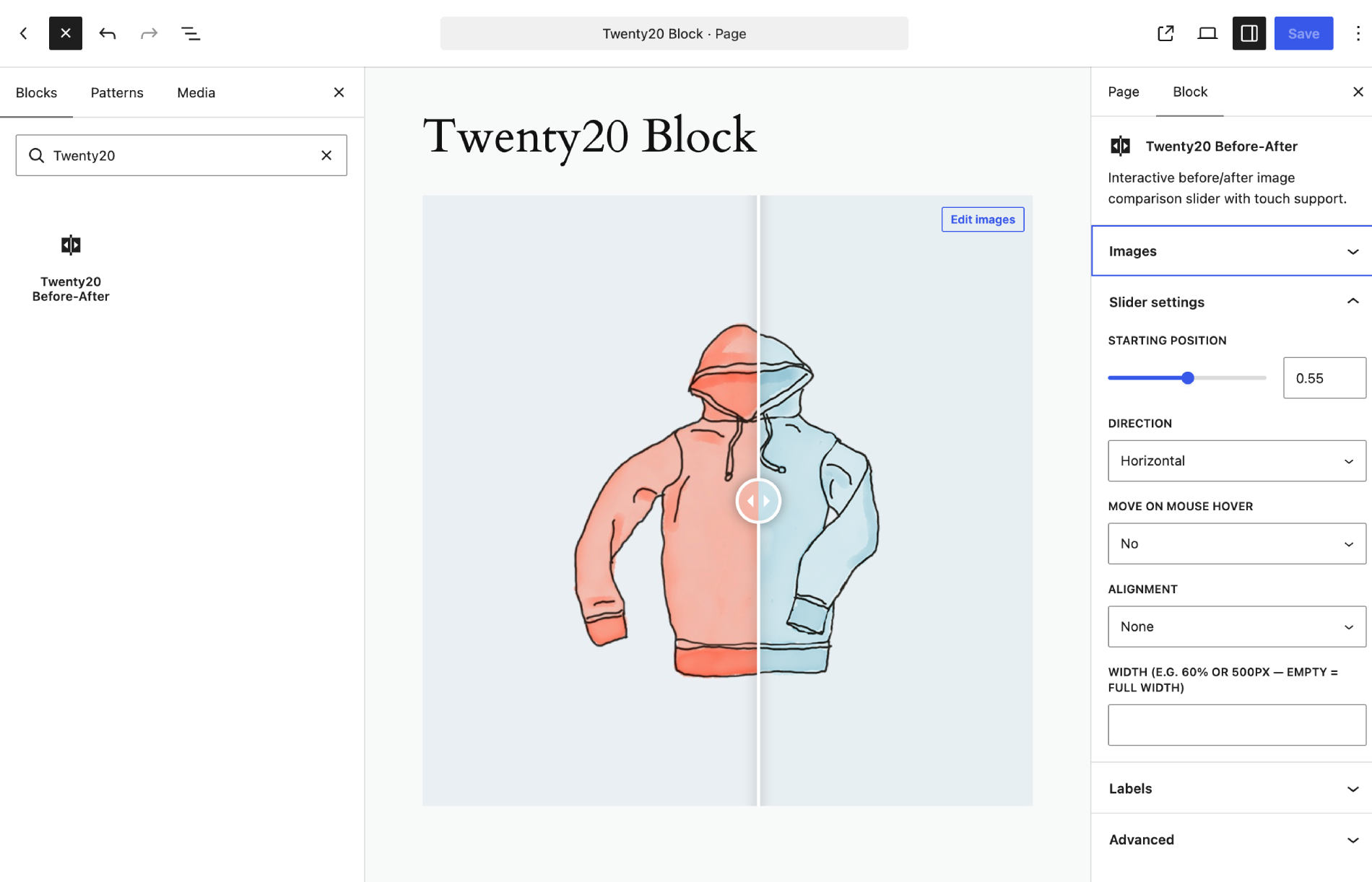
- Native Gutenberg block with live preview and sidebar settings
- SEO-friendly with proper alt tag support
- Accessibility compliant image comparisons
Page Builder Support
- Block Editor (Gutenberg) — native Twenty20 Before-After block with live preview
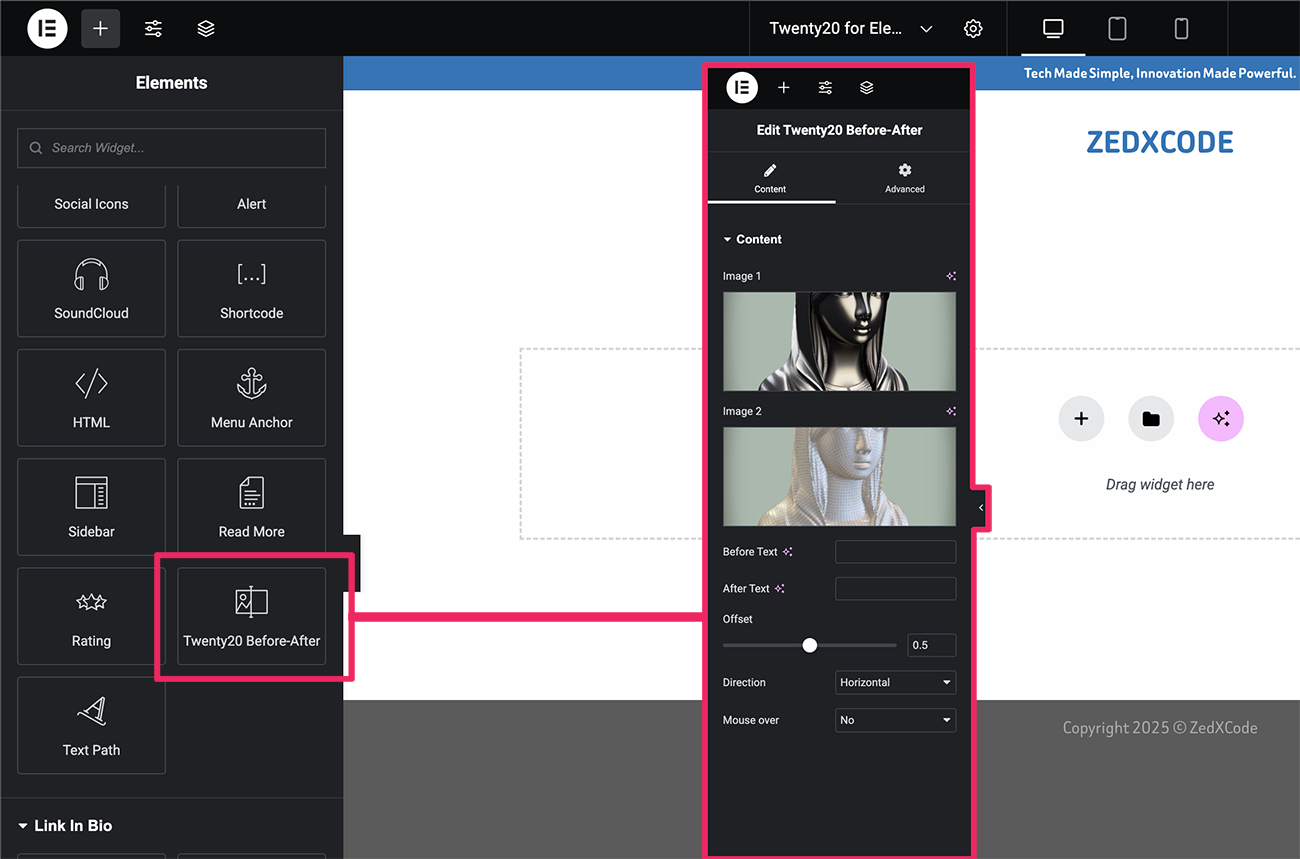
- Elementor
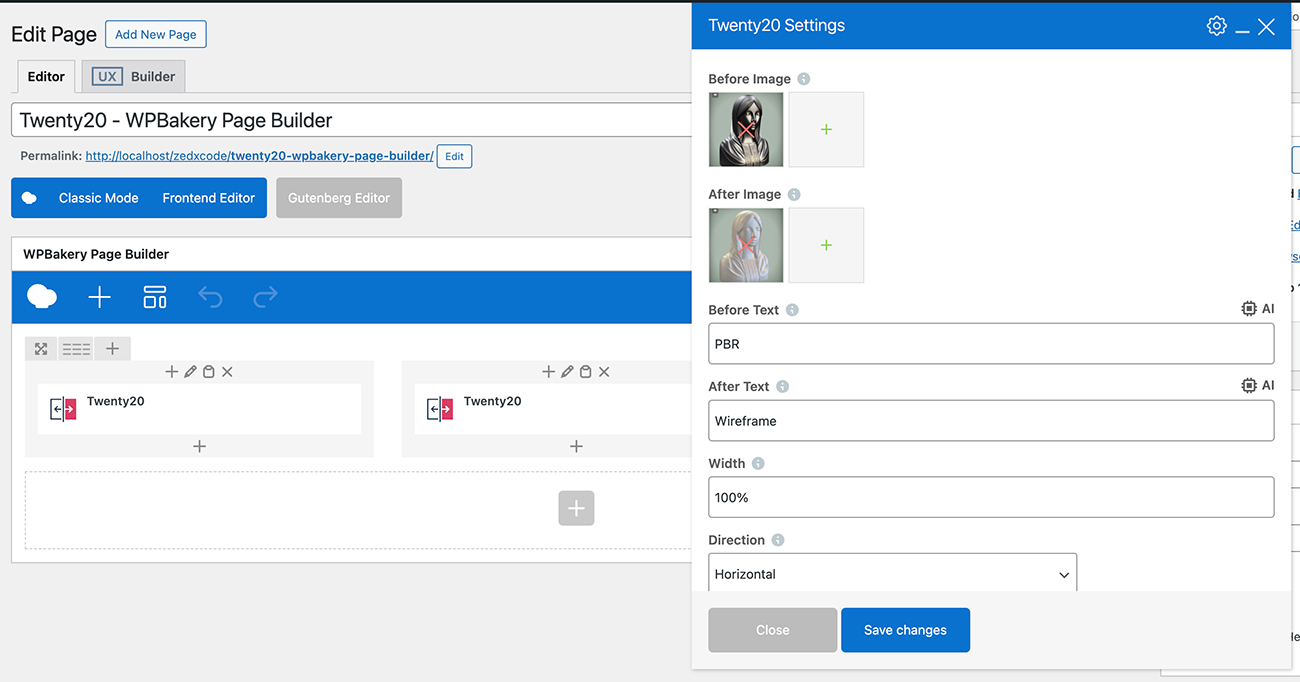
- WPBakery Page Builder (Visual Composer)
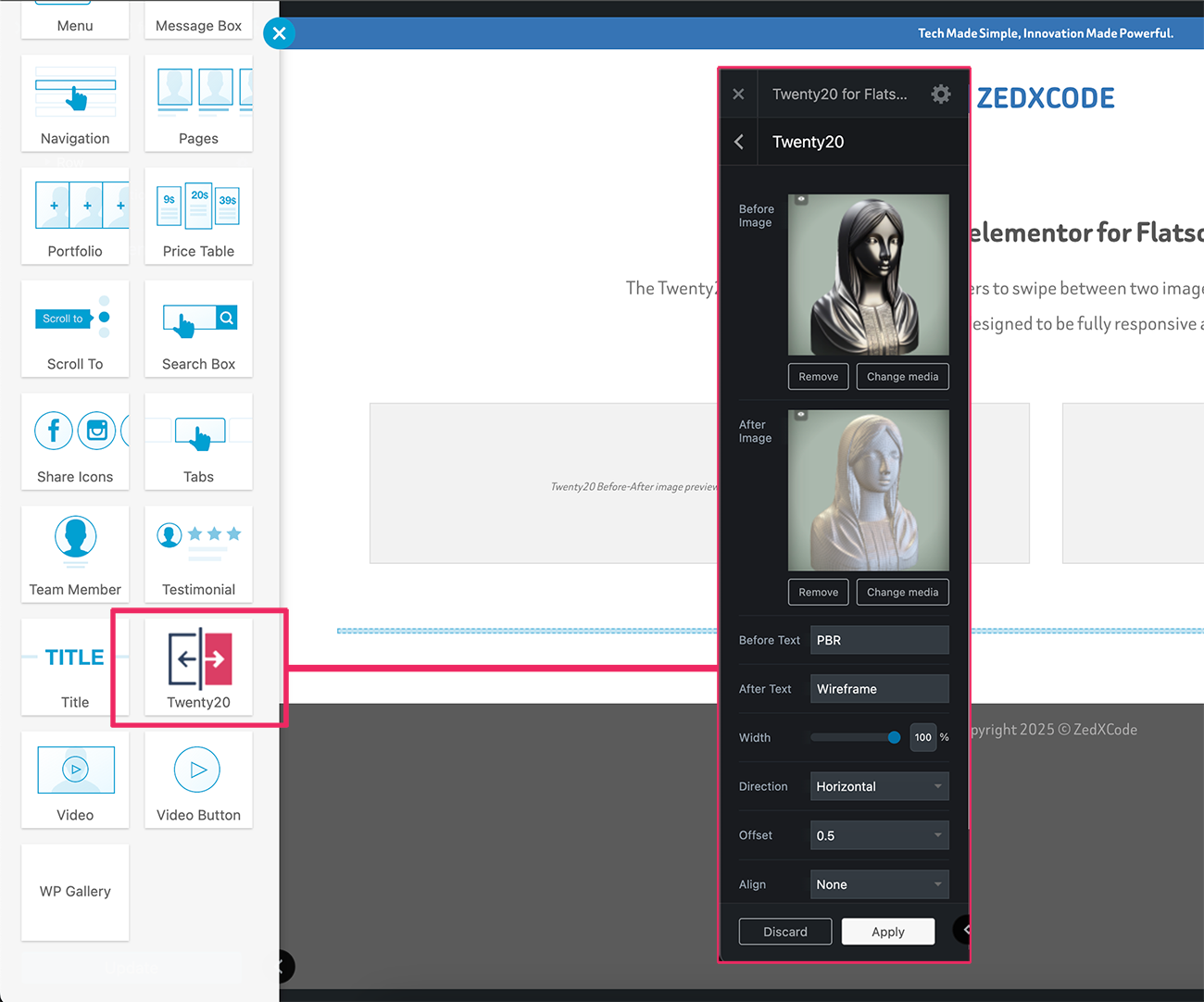
- Flatsome UX Builder
- Classic Editor
Perfect For
- Photography before/after edits
- Home renovation comparisons
- Web design makeovers
- Product transformations
- Restoration projects
- Beauty transformations
- Real estate renovations
Usage
Shortcode Example
Quick Example
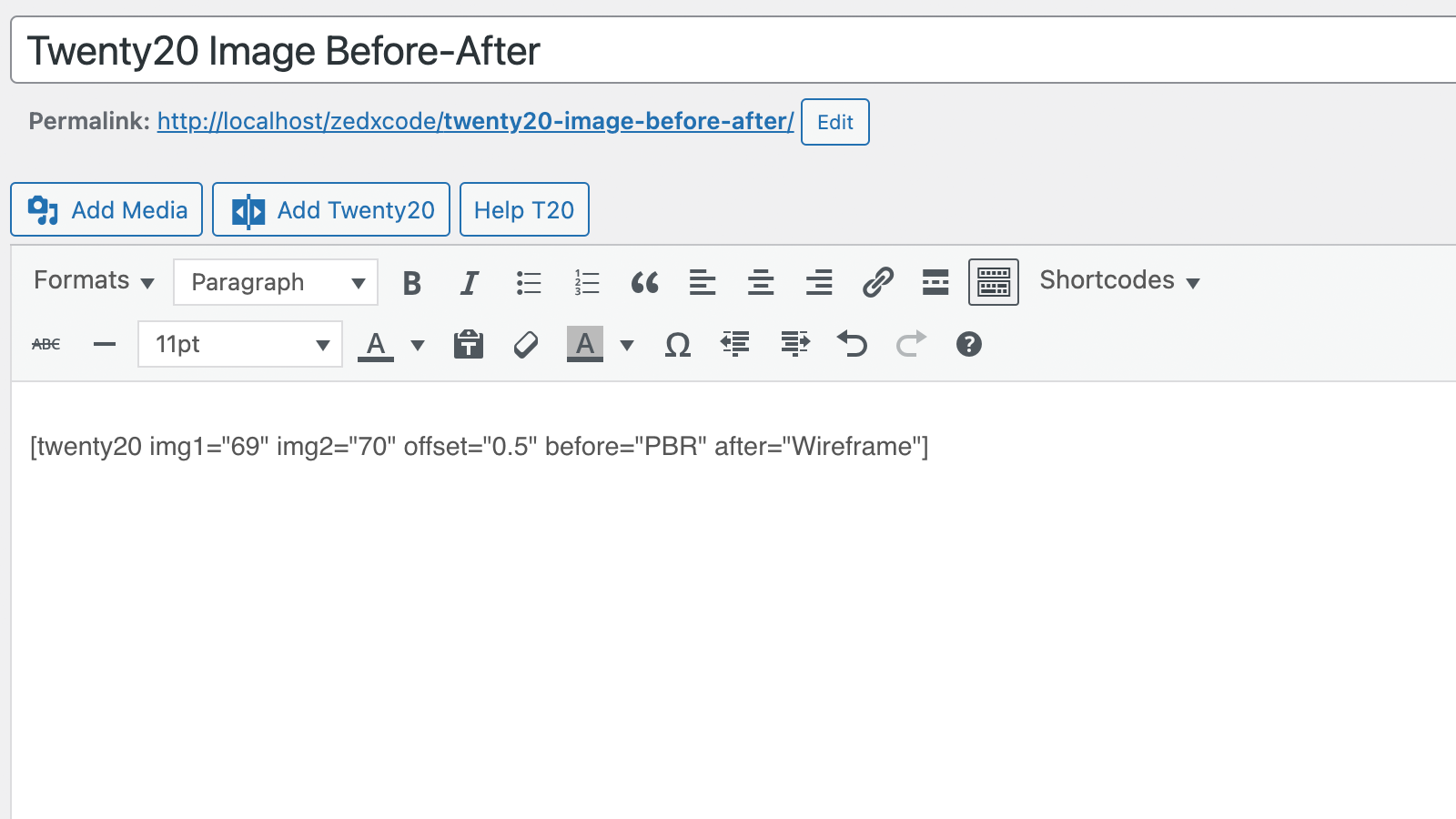
[twenty20 img1="" img2="" direction="vertical" offset="0.5" align="right" width="60%" before="Before" after="After" hover="true"]
Shortcode Parameters
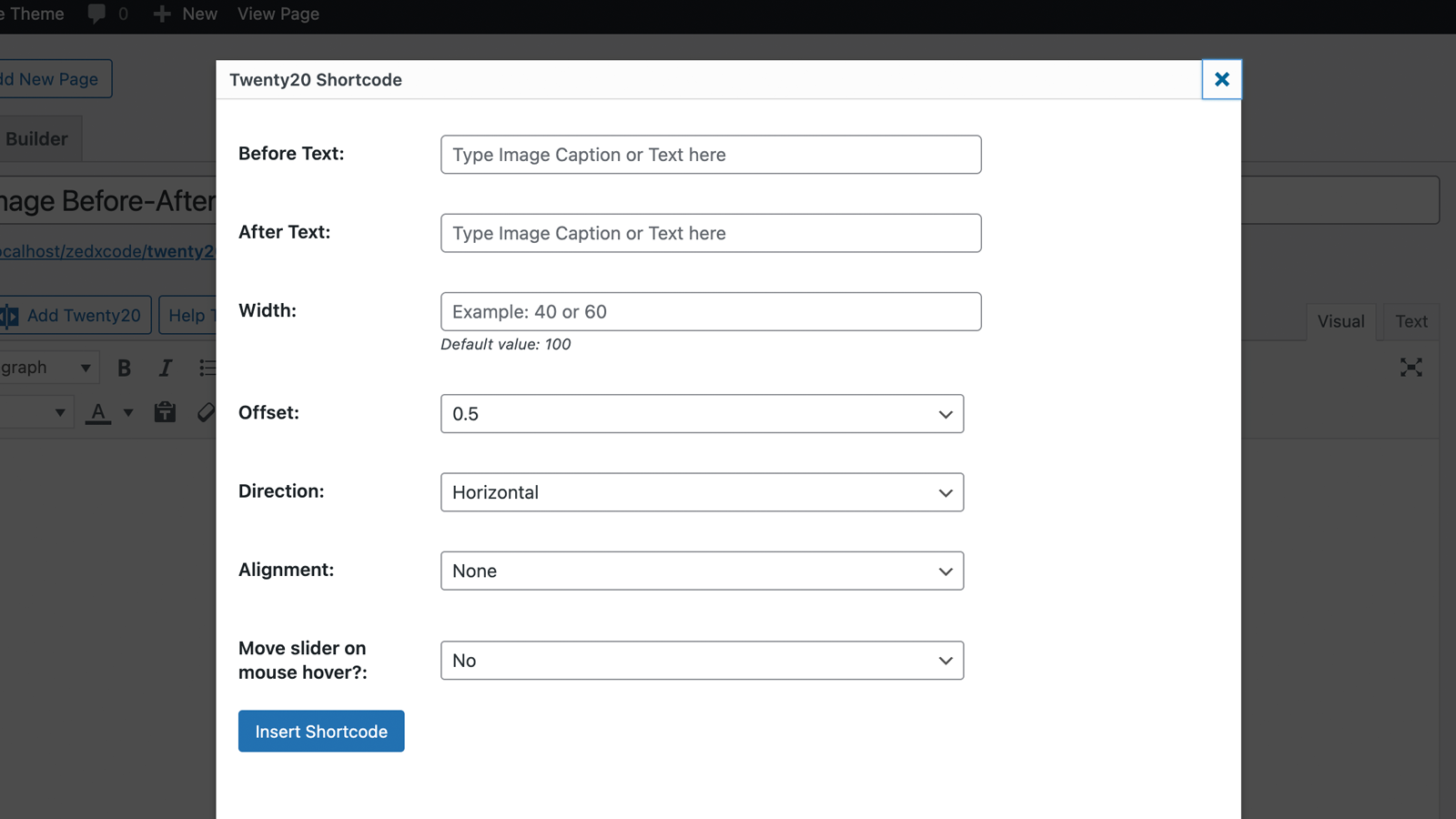
img1– image ID.img2– image ID.offset– range from 0.1 to 1.0.direction–horizontal|vertical.align–none|right|left.width– supports bothpxand%.before– text for the “before” label.after– text for the “after” label.hover–trueorfalse.
Installation
- Upload the
twenty20folder to your/wp-content/plugins/directory - Activate the plugin through the ‘Plugins’ menu in WordPress
- Add the “Twenty20 Before-After” block in the block editor, use the shortcode
[twenty20]in your posts/pages, or use the widget
Quick Start Guide
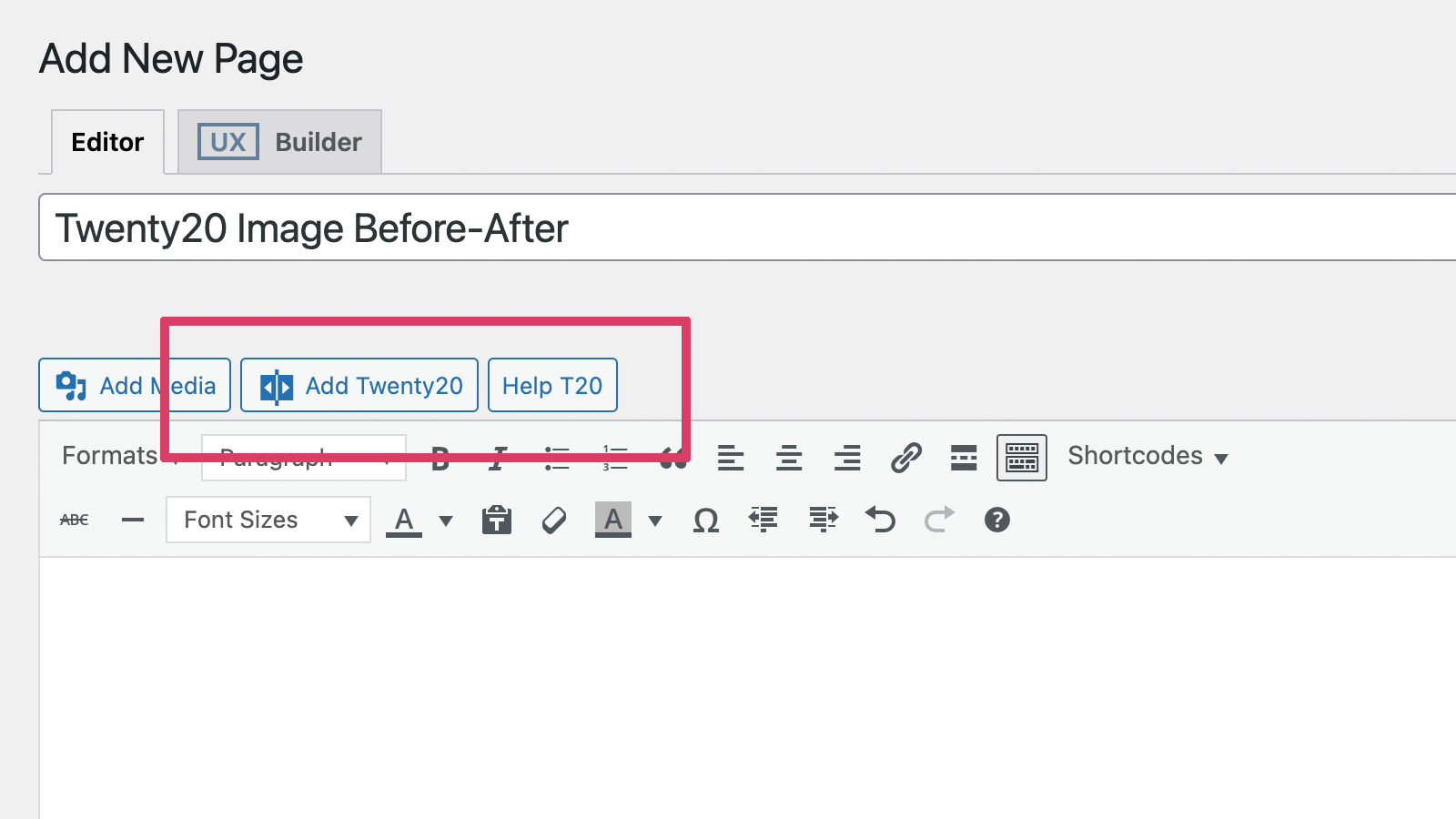
- Click the “Add Twenty20” button in your editor
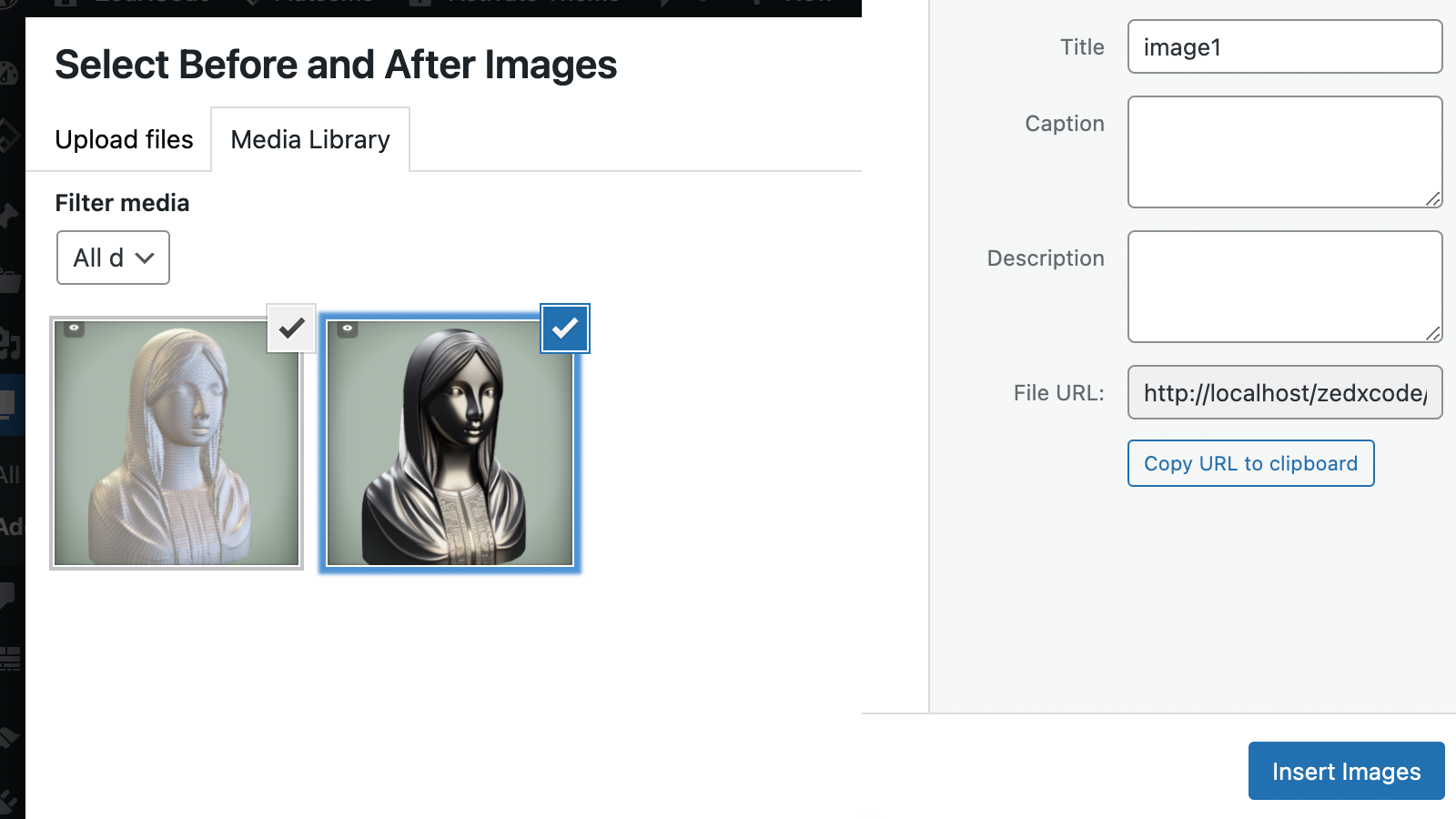
- Select your before and after images
- Customize settings as needed
- Insert and publish
Screenshots

Add a Twenty20 before-after image.
Select any two images from the Media Library.
Twenty20 shortcode settings page.
Shortcode.
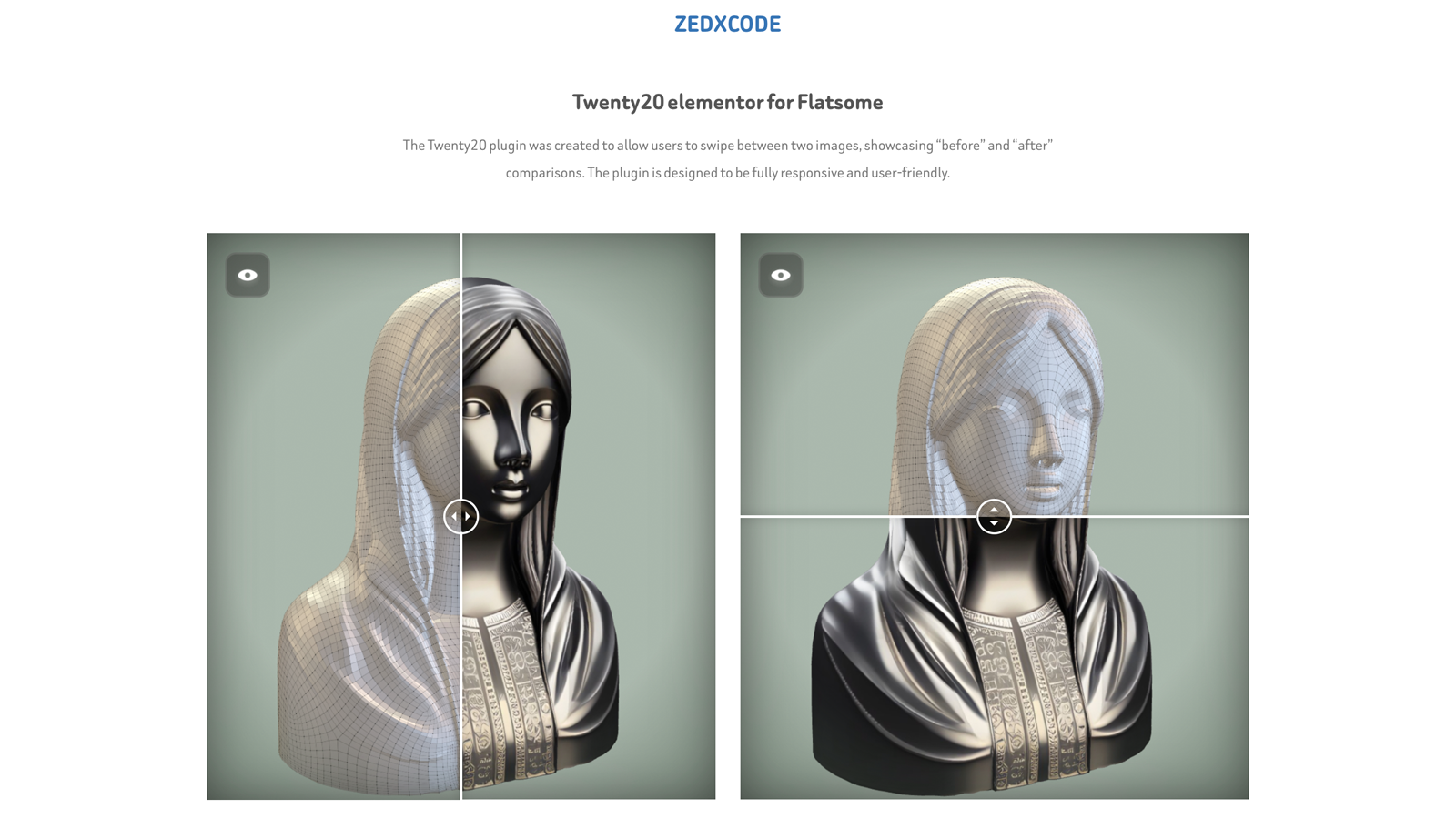
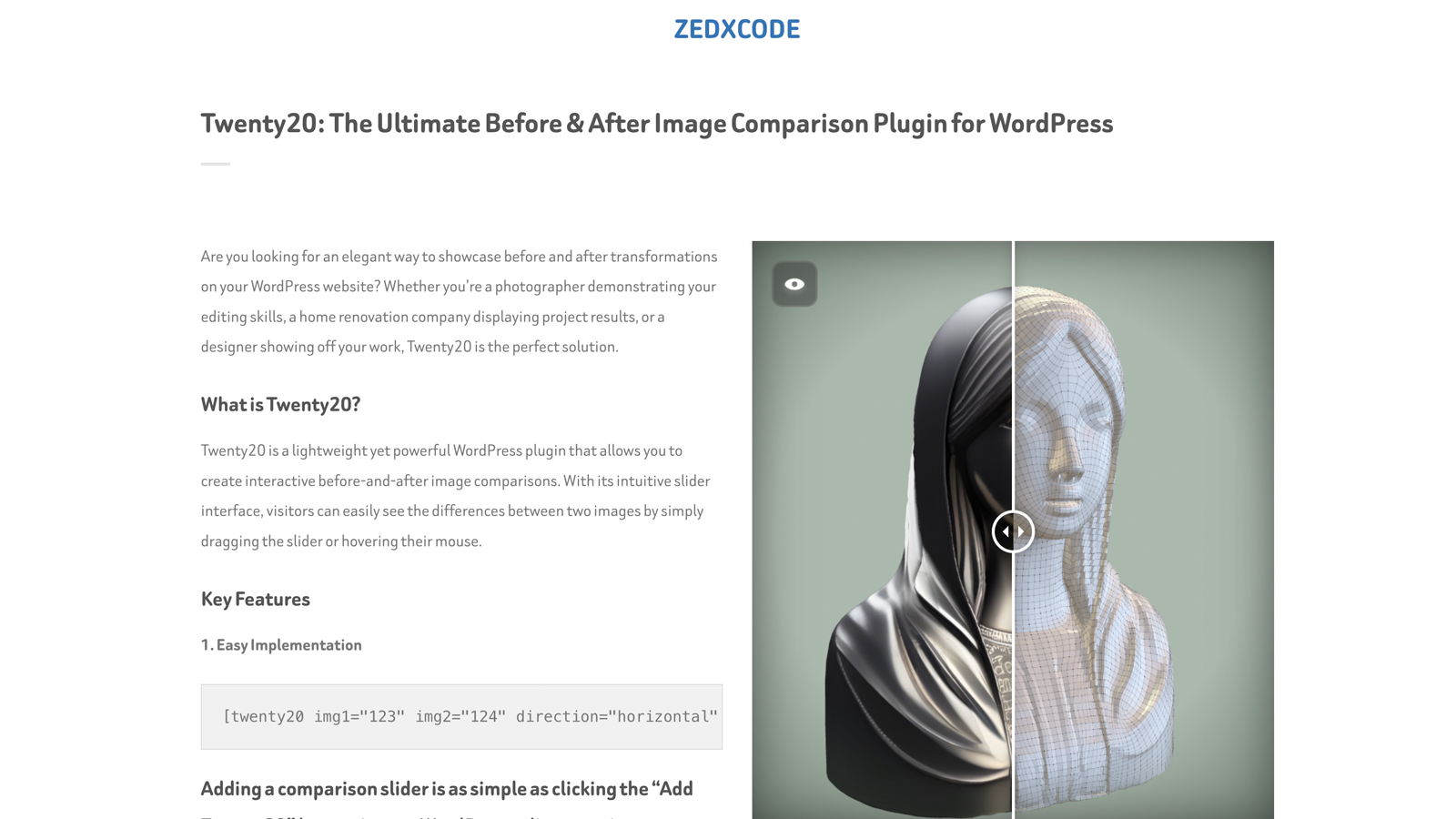
Twenty20 in action.
Multiple sliders in different directions.
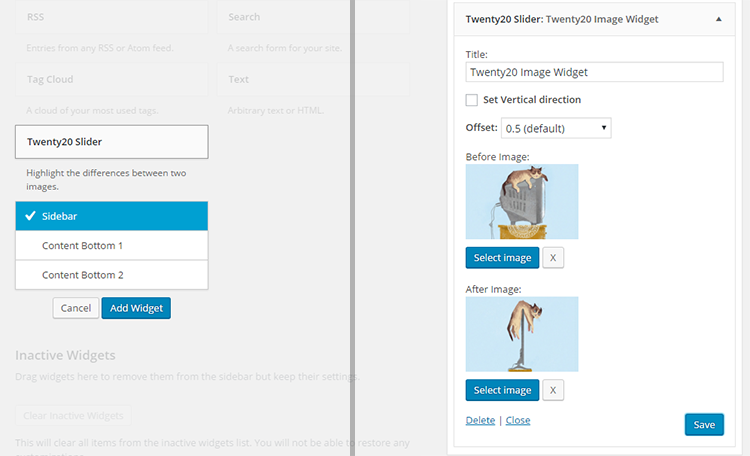
Twenty20 widget.
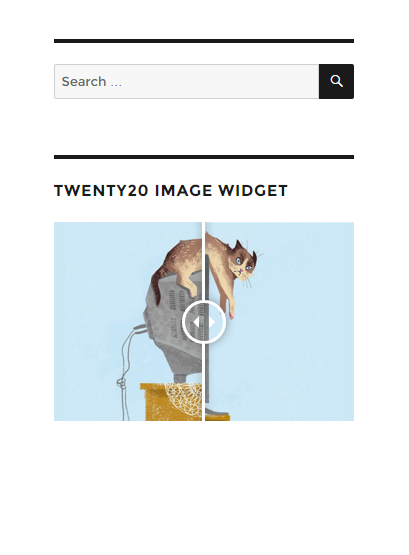
Widget in action.
WP Bakery Visual Composer settings.
Elementor element.
UX Builder element.
Gutenberg block with live preview and sidebar settings.
Faq
Twenty20 works by stacking two images on top of each other. As the slider moves across the image.
[twenty20 img1=”” img2=”” direction=”vertical” offset=”0.5″ align=”right” width=”60%” before=”Before” after=”After” hover=”true”]
img1– image ID.img2– image ID.offset– range from 0.1 to 1.0.direction–horizontal|vertical.align–none|right|left.width– supports both px and %.before– text for the “before” label.after– text for the “after” label.hover–trueorfalse.
Check the demo Video demo.
Add the “Twenty20 Before-After” block, pick the before and after images, then tune the starting position, direction, labels, alignment, width, and mouse-hover behavior in the block sidebar. The canvas shows a live preview that updates as you change settings — click the preview to jump back to the block settings, or use the Preview/Edit toggle in the block toolbar. The block uses the same secure renderer as the shortcode.
Watch the video demo on YouTube.
Yes, the Twenty20 plugin allows users to add unlimited before-after sliders.
Reviews
Great plugin, fast support
By  bing4 on August 12, 2024
Great plugin, fast support, simple, easy to use.
No Longer Working
By  (vegasdood) on September 24, 2023
Type for an update or get pulled.
ブロックエディター未対応
By  tsutlnps149 on March 24, 2023
恐らく、このプラグインはブロックエディターに対応していないので、Gutenbergでは画像が挿入できないです。
あと、lazyload.jsや”loading=lazy”を使用すると、表示されなくなったり画像下に空白ができてしまったりするバグがあるため、画像表示が崩れます。
Suberb plugin!
By  boraboraphotovideo on March 21, 2022
Good job
By  ucan74 on September 7, 2021
Excellent plugin!
By  Serge (serge-wp) on June 3, 2021
awesome plugin
By  dev678 on March 10, 2021
Awesome and works well
By  alFrame on February 20, 2021
Better than paid for plugins
By  lrymill on February 18, 2021
Works Well
By  thehowarde on January 6, 2021
Changelog
2.1.0
- New: native Gutenberg block (“Twenty20 Before-After”) with image pickers, live preview, and sidebar settings for position, direction, labels, alignment, width, and mouse hover — no build step required
- Improved: block UX — sidebar Images panel, click-preview-to-open settings, toolbar Preview/Edit toggle, and live-updating preview
- Improved: block rendering reuses the hardened shortcode renderer, so all 2.0.6 XSS protections apply automatically
2.0.6
- Security: fix CVE-2022-4580 Contributor+ Stored XSS — validate/sanitize shortcode attributes (offset clamped float, whitelisted direction/align/hover, absint image IDs, text-only before/after via .text() and data attributes, no user input in inline JS)
- Security: harden widget (sanitized update(), escaped output, fixed data-orientation markup) and Elementor widget (fixed offset Array bug, escaped render)
- Fixed: widget admin scripts not loading (wrong hook names), PHP 8 undefined-index notices, Elementor editor script guards, media-button capability checks
- No shortcode changes required — all existing attributes and defaults preserved
2.0.5
- WP 7.1 Tested
2.0.4
- Minor fixes
2.0.3
- Minor fixes
2.0.2
- Fixed: Missing alt attributes in image comparison
2.0.1
- Improved: Accessibility compliance
- Improved: SEO optimization for image comparisons
2.0.0
- Complete codebase modernization
- New: Enhanced image loading system
- New: Improved mobile touch response
- New: Better compatibility with page builders
- New: Modernized admin interface
- Fixed: Widget image selection issues
- Fixed: Image replacement bug in widgets
- Fixed: Admin CSS loading in editor
- Fixed: Multiple slider initialization issues
- Improved: Script loading reliability
- Improved: Overall performance optimization
1.7.6
- Fixed Elementor Widget
- Improved mobile responsiveness
- Performance optimizations
1.7.5
- Fixed Elementor Widget
1.7.4
- Fixed Elementor Widget
1.7.3
- Bug fixes
1.7.2
- Improve script
1.7.1
- Bug fixes
1.7.0
- Bug fixes
1.6.1
- Bug fixes.
1.6.0
- Security fixes, and passed in WordPress review.
1.5.9
- Security fixes
1.5.8
- Fix: Minor jQuery fix
1.5.7
- Fix: WP 5.6 Uncaught TypeError (Thanks to @negru13)
1.5.6
- Fix: Jetpack’s lazy load images issue
1.5.5
- Fix: Widget mouse over.
1.5.4
- Added: Integrated with WP Image alt.
1.5.3
- Fixed cation overlay issue.
1.5.2
- Fixed Before and After shortcode insert issue
1.5.1
- Fixed loading issue
1.5
- NEW: Add Elementor Page builder support.
- NEW: Add UX Builder by UXThemes support.
- Minor CSS fixes
1.4
- NEW: ‘Move slider on mouse over’.
1.3
- NEW: Image Before and After caption.
- Fixed arrow shadow css.
- Widget updated.
1.2
- Fixed alignment bug
1.1
- Fixed width issue
1.0
- First Release