

SiteGround Migrator
Description
SiteGround Migrator: the easiest way to move your site to SiteGround
This plugin is designed to automate the transfer of a WordPress instance to a SiteGround hosting account. It can’t be used to transfer a WordPress instance to another hosting provider.
Important: This solution is not suitable for migrating localhost WordPress sites or for Full Multisite installations (separate Multisite blogs are fine).
How to Use
First, you need to get a transfer token from your SiteGround account. You can do this through the WordPress Migrator tool located in the WordPress section of your SiteGround hosting control panel.
Once you select the domain name that you want to initiate the transfer for, our system will generate a transfer token for you.Paste the token in your SiteGround Migrator plugin and press Initiate Transfer. That’s all!
Installation
Automatic Installation
- Visit Plugins -> Add New
- Search for “SiteGround Migrator”
- Activate SiteGround Migrator from your Plugins page.
- Go to Plugins -> Activate SiteGround Migrator.
Manual Installation
- Upload the “siteground-migrator” folder to the “/wp-content/plugins/” directory
- Activate the SiteGround Migrator plugin through the ‘Plugins’ menu in WordPress
- Go to Plugins -> Activate SiteGround Migrator.
WP-CLI Support
In version 1.0.13 we’ve added WP-CLI command for migrations.
- wp migrator start transfertoken –[email protected]
Screenshots

Starting the transfer – paste your Migration Token and select notification email if you want
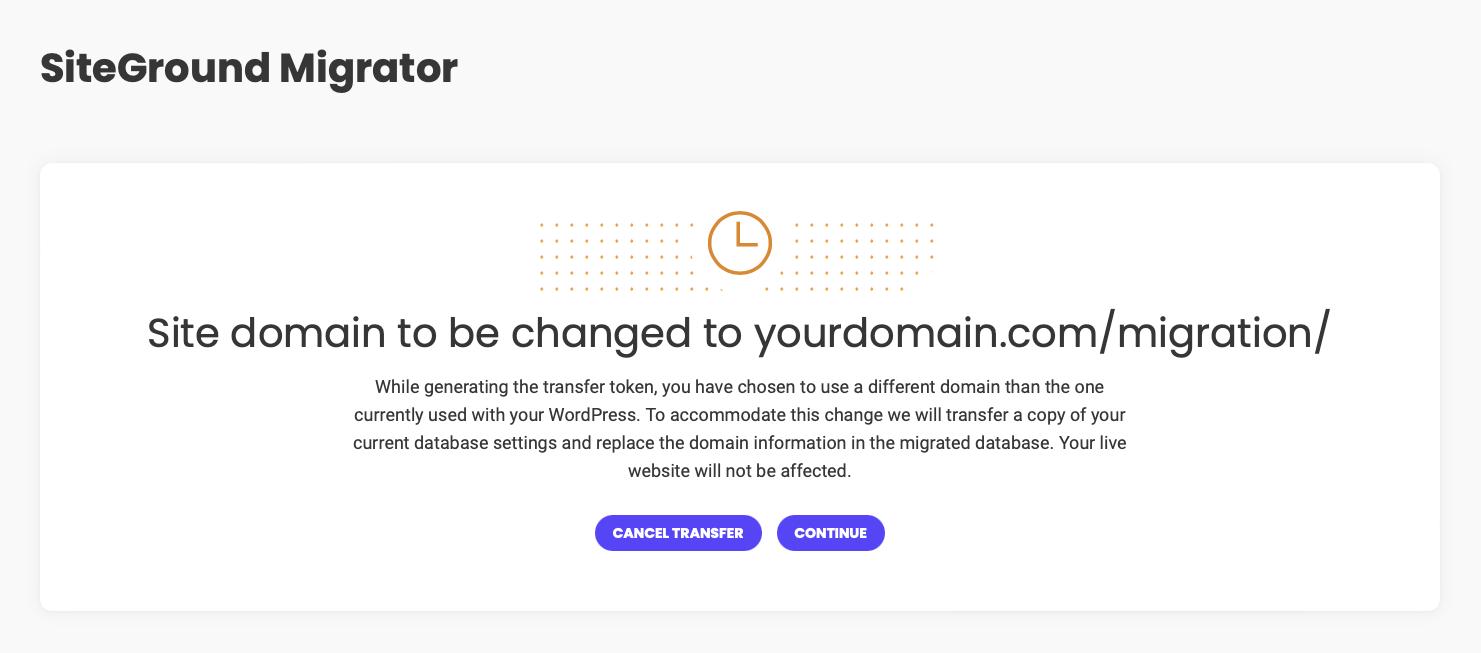
If domains are different, the plugin will inform you about the changes we will make
Downloading your site files to the SiteGround server
Once data migration is completed, we will set your site on the new server, even change its url if necessary
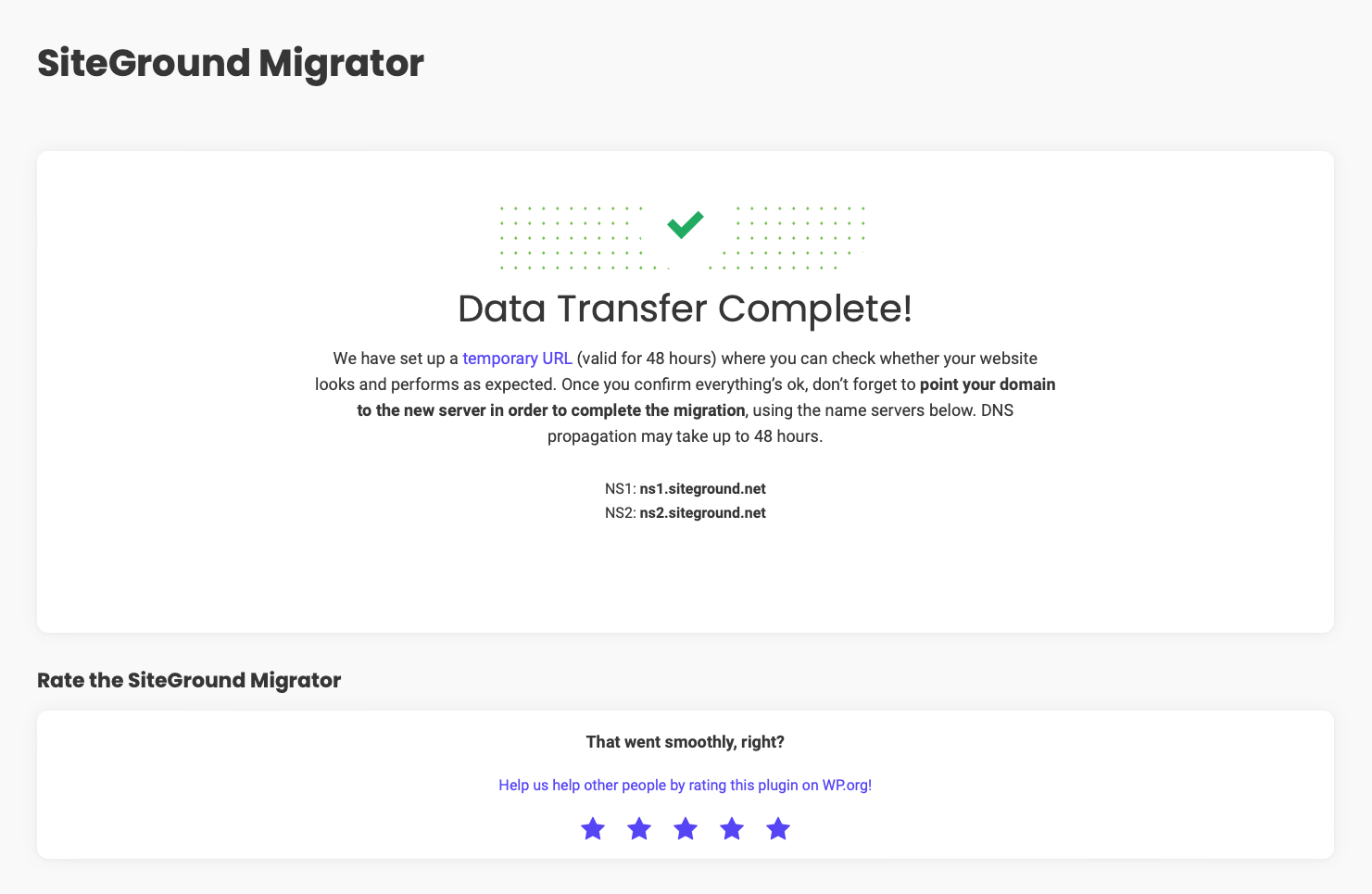
Migration completed! We’ve generated a temporary URL for you to verify your site on the new server



Faq
We download your site content directly on the SiteGround server, that’s why we can’t access your content if it’s hosted on a local environment.
No, the plugin is designed to migrate from stand-alone WordPress installations. If you want to migrate from WordPress.com, please check the Guided Transfer service they offer.
Due to the complexity of MS sites we don’t migrate full MS networks at this point. However, separate blogs from a MS network can be migrated successfully.
We move only your WordPress content – themes, plugins, uploads. If you have other applications or content outside WordPress it will not be migrated
No, we strive to make our plugin work flawlessly on every hosting environment.
The plugin uses your current site admin email to notify you that the transfer is completed. If it fails to send emails you may not receive one upon completion.
Unfortunately, our plugin works on environments that we have no control over. That’s why it can fail or some hosts. In such cases, please contact our support team via a ticket in your Help Desk and we will assist you further!
Reviews
Migration to Siteground made Easy..really, it works great!
By  kmhdesign on October 3, 2026
I’ve used this plugin at least 20+ times now and have never had an issue migrating a site from several other hosting companies. Varying themes, Woocommerce, Bricks themes with CPTs etc…all moved near flawlessly. I just recently migrated a site (just to backup and rebuild) who’s theme no longer had support, running several outdated plugins…and outdated php! it still worked! No…nobody paid me to say this…it just works and deserves the recognition. Great plugin!
Didn't work on multiple sites
By  Gordan (gordano) on September 27, 2026
doesn't work
By  resteasy on September 18, 2026
followed directions exactly, it just keeps returning me back to the start page of the wizard with no error, no details, nothing. I will need to copy site over manually.
Creates a default WP-site after transfer
By  Rosenborg on July 27, 2026
Waiting for over 3500 files to be transfered. Finaly I see Data Transfer Complete! Opening the site on SiteGround and there it is just a default blog page from WP with no content at all. Nothing is tranfered. I have tried two times now with the same result.
Smooth transfer
By  Mayda (maydaohio) on July 14, 2026
Easy to use and seamless transfer. My transfer got stuck once and I disabled the caching and other non-essential plugins on the source site,tried again and that resolved it. Good experience.
TADA nothing's there
By  gulltop on July 7, 2026
Ran a really long time, claimed “Data Transfer Complete!” with no errors or concerns.
But the new site ONLY had plugins.
No users, posts, pages, no theme, not even its name.
Did Not Work Fom Me
By  (2packrats2) on June 17, 2026
Let it run for 4 hours with no end in sight be aborting and looking for another way.
Media library not transferred, had to do it manually
By  (feurerj) on April 18, 2026
It took almost 2 hours but finally the plugin confirmed “Data Transfer Complete.” Unfortunately, I quickly discovered that none of the media files had been migrated. So now I’m stuck downloading those manually to upload to SG. I wish I had know that the plugin had a problem with images before I started as I would have just used Duplicator for the migration (which has never failed me). Lesson learned.
Transfer Was Easy
By  Marvette (themelaningoddess) on March 10, 2026
Followed the instructions. Transfer was smooth and easy. No issues at all
Limited success
By  Corrinda Campbell (corrinda) on March 5, 2026
When it works, it’s great. Only works about 30% of the time, as a web dev that’s migrated ~10 sites in ’25 and ’26
Changelog
Version 2.1.2
Release Date: Oct 8th, 2026
- Environmental check improvements
- Code Improvements
Version 2.1.1
Release Date: Jun 22th, 2026
- Version bump
Version 2.1.0
Release Date: Apr 7th, 2026
- WP CLI improvements
- Layout improvements
- Environmental check improvements
Version 2.0.9
Release Date: Apr 24th, 2023
- Improved compatibility for hosts not supporting php_uname function
- Improved Speed Test results
- Improved file types included to the transfer
- Improved PHP 8.2 compatibility
Version 2.0.8
Release Date: Feb 13th, 2023
- Improved path logging
- Improved compatibility with PHP 5.6
Version 2.0.7
Release Date: Jan 27th, 2023
- Improved older PHP versions support
Version 2.0.6
Release Date: Jan 25th, 2023
- Improved support for migrations from Flyweel and Kinsta
- Improved Foogra theme support
Version 2.0.5
Release Date: Dec 8th, 2022
- Improved error handling
Version 2.0.4
Release Date: Nov 8th, 2022
- Improved SiteGround Security plugin support
Version 2.0.3
Release Date: Nov 1st, 2022
- Improved transfer success screen
- Improved deactivation checks
Version 2.0.2
Release Date: Oct 6th, 2022
- Improved long file names support
- Improved migration progress bar
- Improved transfer success screen
- Improved LiteSpeed Cache support
- Improved WP-CLI support
- Improved plugin translations
- Code refactoring and improvements
Version 2.0.1
Release Date: Sept 29th, 2022
- File Transfer Improvements
Version 2.0.0
Release Date: July 28th, 2022
- Brand New Design
- Code Refactoring
Version 1.1.1
Release Date: May 19th, 2022
- Adding fallback for archives
Version 1.1.0
Release Date: May 19th, 2022
- Improved Woocommerce compatibility
Version 1.0.30
Release Date: April 12th, 2022
- Improved pre-migration checks
Version 1.0.29
Release Date: February 23rd, 2022
- Improved pre-migration checks
1.0.28
- Improved pre-migration checks
1.0.27
- Improved error handling and pre-migration checks
- Added missing articles
- Fix utf-8 characters issues
1.0.26
- Improved error reporting
1.0.25
- Added hosting environment check
1.0.24
- Improved error handling
1.0.23
- Improved migration process
1.0.22
- Improved migration process
1.0.21
Release Date: March 19th, 2020
* Fixed RTL bug
1.0.20
Release Date: January 8th, 2020
* Custom dir support improvement
1.0.19
Release Date: January 8th, 2020
* Better support for custom setup hosting providers
1.0.18
Release Date: January 7th, 2020
* Better handling migrations with custom uploads folder
* Better handling migrations with custom hosts/ports
1.0.17
Release Date: October 23rd, 2019
* WordPress 5.3 Support Declared
* Added PHP 7.4 support
1.0.16
Release Date: September 19th, 2019
* Improved domain change checks
1.0.15
Release Date: June 4th, 2019
* Improved support for unorthodox filetypes
1.0.14
Release Date: June 4th, 2019
* Improved Email validation
* Improved migrator icon
* Better notices in case the host is missing
1.0.13
Release Date: February 25th, 2019
* Added WP-CLI support and example in the main page
1.0.12
Release Date: October 23th, 2018
* Better AES-128-CBC cipher method detection
1.0.11
Release Date: October 16th, 2018
* Fix typos in readme.txt
1.0.10
Release Date: October 10th, 2018
* Add rating box on success screen
* Update translations
1.0.9
Release Date: October 8th, 2018
* Fix authentication issue, due to missing parameters
1.0.8
Release Date: October 6th, 2018
* Add more precise check when trying to retrieve the src_user
1.0.7
Release Date: October 5th, 2018
* Add wp-content dir and other host params to init transfer
1.0.6
Release Date: September 13th, 2018
* Show the real error message from SiteGround api on failure.
* Hide annoying plugin notices on migrator page.
* Send wp-content dir to SiteGroud api.
1.0.5
Release Date: July 23th, 2018
* Handle fatal errors in background processes and display appropriate message to the user.
1.0.4
Release Date: July 16th, 2018
* Bug fixes
1.0.3
Release Date: July 16th, 2018
* Add fallback, when exec is not supported.
1.0.2
Release Date: July 13th, 2018
* Proper Multisite notifications
* Improved PHP Version check
1.0.1
Release Date: July 12th, 2018
* Added field for custom notification email
* Added PHP version check upon plugin activation
* Improved encryption process to save memory usage
* Fixed bug with the www prefix being considered as a domain change
* Improved support for custom database servers
* Improved support for Windows-based hosting environments
* Fixed a bug with the temporary link
1.0.0
Release Date: June 7th, 2018
* Initial Release