
Simple 301 Redirects by BetterLinks – Easy Redirect Manager
Description
Improve Your Website User Experience With Simple 301 Redirects Solution for WordPress
Launching a marketing campaign with a new URL? Got “404 not found” errors? Or relaunching your website with a new URL? Let’s redirect your old URLs to new ones automatically by creating 301 redirects to existing pages.
Simple 301 Redirects provides an easy method of redirecting requests to another page on your site or elsewhere on the web. It’s especially handy when you migrate a site to WordPress and can’t preserve your URL structure.
By setting up 301 redirects from your old pages to your new pages, any incoming links will be seamlessly passed along, and their page rank (or what-have-you) will be passed along with them.
⭐ FEATURES OF SIMPLE 301 REDIRECTS:
◾With this plugin, you can check and redirect your old URLs to the new ones with a few easy steps
◾ Designed for any website with very easy and user friendly interface which you can set up in few seconds
◾Works great eCommerce, blog, magazine, small business and any other websites
🔰 MANAGE YOUR LINKS WITH SIMPLE 301 REDIRECTS:
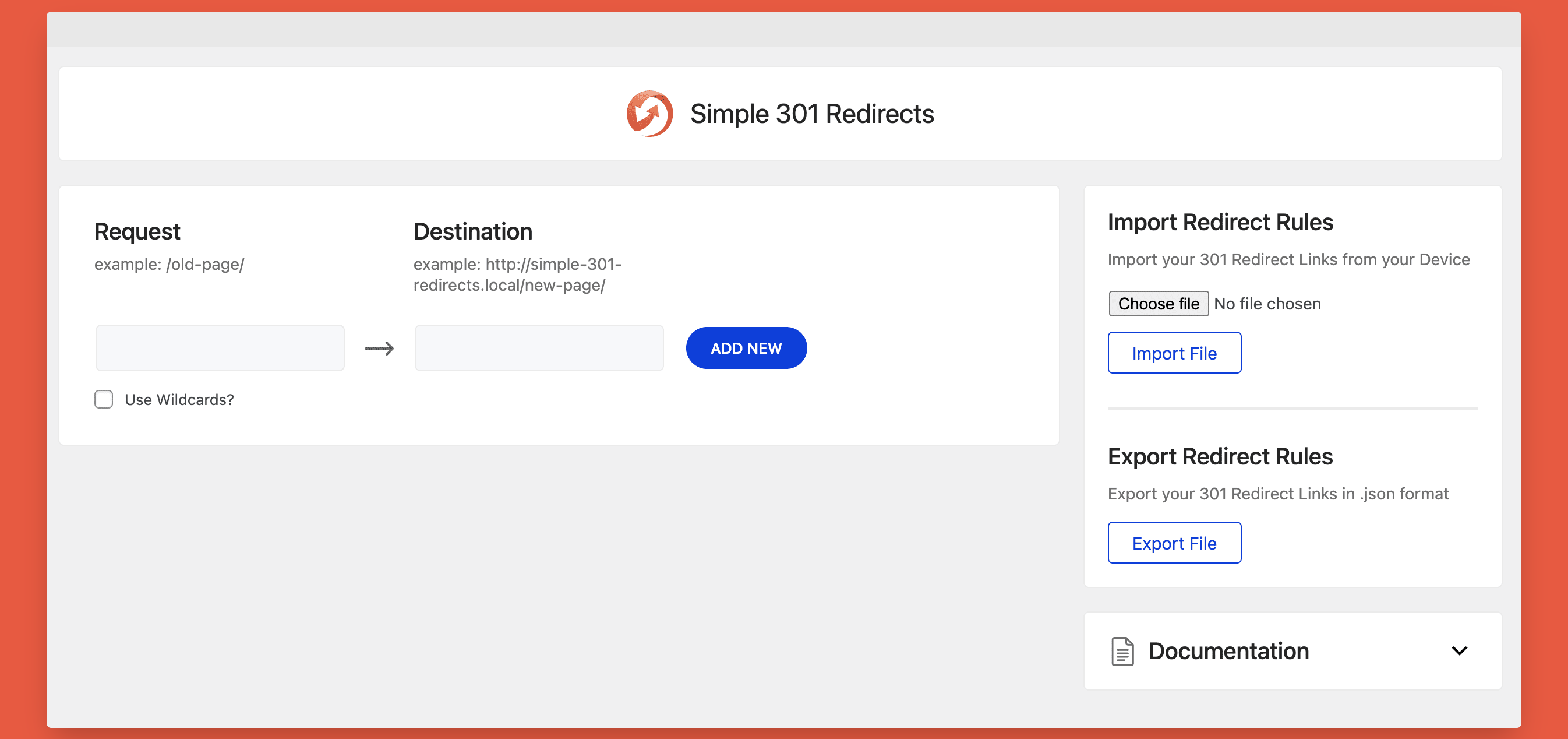
◾Import Redirect Rules: You can import redirect links in bulk from your device and upload them using this plugin to manage links
◾ Export Redirect Rules: You can also export your 301 Redirect Links in .csv format to use in future
◾ Wildcards: It will redirect all files within a directory to the same filename in the redirected directory. To use wildcards, put an asterisk (*) after the folder name that you want to redirect. Example:
- Request: /old-folder/*
- Destination: /new-folder/*
◾Click Analytics with BetterLinks: Simple 301 Redirects does not track clicks. If you need click-through analytics for your redirects, you can install our separate free plugin BetterLinks from WordPress.org and migrate your redirects to it
◾ Friendly Support: Get super friendly community support as we have an extraordinary support team ready to help you. Ask your questions in the support forum & someone from our team will help you
🏆 Featured by Renowned WordPress Publications
Simple 301 Redirects has been loved by lots of users, website owners, bloggers and marketers:
“The plugin’s name could not be better. It really is simple to do 301 redirects. For example, if you modify the URL of one of your pages, then you can take the old URL and redirect it to the new one. Not only can this keep some SEO value, but it’s good for user experience as well.”
“I like this plugin because: You can quickly create 301 redirects without leaving your WordPress dashboard. It makes it much easier to manage your existing 301 redirects. It’s just plain easier for beginners than digging around the .htaccess file.”
THIS PLUGIN IS MAINTAINED BY THE TEAM WPDeveloper.
Need More Advanced Solution for Link Management?
Try BetterLinks – the advanced link management plugin that simplifies your marketing campaigns by offering a range of powerful features. You can easily shorten links, conduct split tests with dynamic redirects, and check for broken links.
The solution also allows you to monitor campaigns using a UTM builder, manage user roles, and analyze click-through rates. Additionally, you can create links without needing admin access and track analytics effortlessly, ensuring your marketing efforts are successful without any hassle.
🎁 [FREEBIE] Handful Plugins To Improve Your WordPress Site
If you like Simple 301 Redirects, then consider checking out our other WordPress Plugins & take your website to next level:
🔝Essential Addons For Elementor– Most popular Elementor addons with 1 million active users in the WordPress repository.
👉 Essential Blocks For Gutenberg – The ultimate blocks library to enhance your Gutenberg web-building experience.
🔔NotificationX– Best Social Proof & FOMO Marketing Solution to increase conversion rates.
📝BetterDocs– Best Documentation & Knowledge Base Plugin for WordPress, which also reduces your manual support request.
♾️EmbedPress – EmbedPress lets you embed videos, images, posts, audio, maps and all other types of content into your WordPress site with one-click to showcase it beautifully for the visitors.
☁️Templately – Free templates library for Elementor & Gutenberg along with the cloud collaboration for WordPress.
⏰ SchedulePress: Advanced editorial calendar & complete solution for WordPress Post Scheduling, social sharing, missed scheduled alerts and more.
🛑 Disable Comments – Instantly allow or disallow comments from any post type in WordPress and gain complete control over your full website.
⚡ Flexia: Most lightweight, customizable & multi purpose theme for WordPress.
👨💻 DOCUMENTATION AND SUPPORT
- For documentation and tutorials go to our Documentation
- For video tutorials go to our YouTube Playlist
- If you have any more questions, visit our support on the Plugin’s Forum
- For more information about features, FAQs and documentation, check out our website.
💙 LOVED SIMPLE 301 REDIRECTS?
-
Join our Facebook Group
-
Learn from our tutorial on the YouTube Channel
-
If you love Simple 301 Redirects, rate us on WordPress
Visit WPDeveloper to learn more about how to do better in WordPress with Help Tutorial, Tips & Tricks.
Source Code
The admin screen’s JavaScript (assets/js/simple-301-redirects.core.min.js) and stylesheet (assets/css/simple-301-redirects.css) are compiled files. Their human-readable source ships with the plugin:
- JavaScript (React):
src/, built with@wordpress/scriptsusingwebpack.config.jsandbabel.config.json - Stylesheet (SCSS):
assets/scss/
The same source is also in the public development repository: github.com/WPDevelopers/simple-301-redirects.
To rebuild both files from the plugin folder, run:
yarn install --frozen-lockfile
yarn build<h3>External services</h3>
Simple 301 Redirects performs redirects entirely on your own site. It connects to an external service only in the cases below.
WPInsight usage analytics (opt-in, off by default)
WPInsight is WPDeveloper’s usage analytics service. We use it to learn which WordPress versions, PHP versions, plugins and themes people run alongside Simple 301 Redirects, so we can keep the plugin compatible with them.
- When data is sent: only after an administrator agrees, either by clicking “Allow & Continue” on the first step of the Quick Setup wizard or “Sure, I’d like to help” in the opt-in notice. It is sent once at that moment, then about once a day by WP-Cron (only the details that changed since the last report), and once more when the plugin is deactivated. If you click “Skip” or “No Thanks.”, or ignore both, nothing is ever sent.
- What is sent: your site URL and site name, WordPress version, site language and charset, PHP version, server software, whether the site is a multisite, text direction, the server path of the plugin, the lists of active and inactive plugins, the active theme and its version, and the Simple 301 Redirects version. On deactivation it sends the same details again, plus the reason and any note entered in the deactivation form. No email address or other personal account details are sent. Like any web request, the connection also reveals your server’s IP address to the service.
- Where it is sent:
https://send.wpinsight.com/process-plugin-data - Terms and privacy: Terms and Conditions, Privacy Policy
YouTube (Quick Setup video)
The first step of the Quick Setup wizard embeds a Simple 301 Redirects tutorial video from YouTube, using YouTube’s privacy-enhanced domain (https://www.youtube-nocookie.com). While that step is on screen, your browser loads the video player from YouTube, which receives your IP address and browser details like any embedded video. Nothing is sent from your server. YouTube Terms of Service, Google Privacy Policy
WordPress.org Plugins API (only when you click “Install BetterLinks”)
The settings page offers to install our free BetterLinks plugin. Only when an administrator clicks “Install BetterLinks” does the plugin ask the WordPress.org Plugins API (https://api.wordpress.org/plugins/info/) for BetterLinks’ download link and download it from WordPress.org, the same way the Plugins > Add New screen does. The request sends the plugin slug betterlinks along with the information WordPress core sends with every WordPress.org API request. WordPress.org Privacy Policy
Installation
- Upload Simple 301 Redirects to the
/wp-content/plugins/directory - Activate the plugin through the ‘Plugins’ menu in WordPress
- The Quick Setup wizard opens: choose whether to share usage data, turn wildcards on or off, and add your first redirect. You can skip any step.
- Add more redirects on the Settings > 301 Redirects page.
Screenshots

Simple 301 Redirects – Dashboard
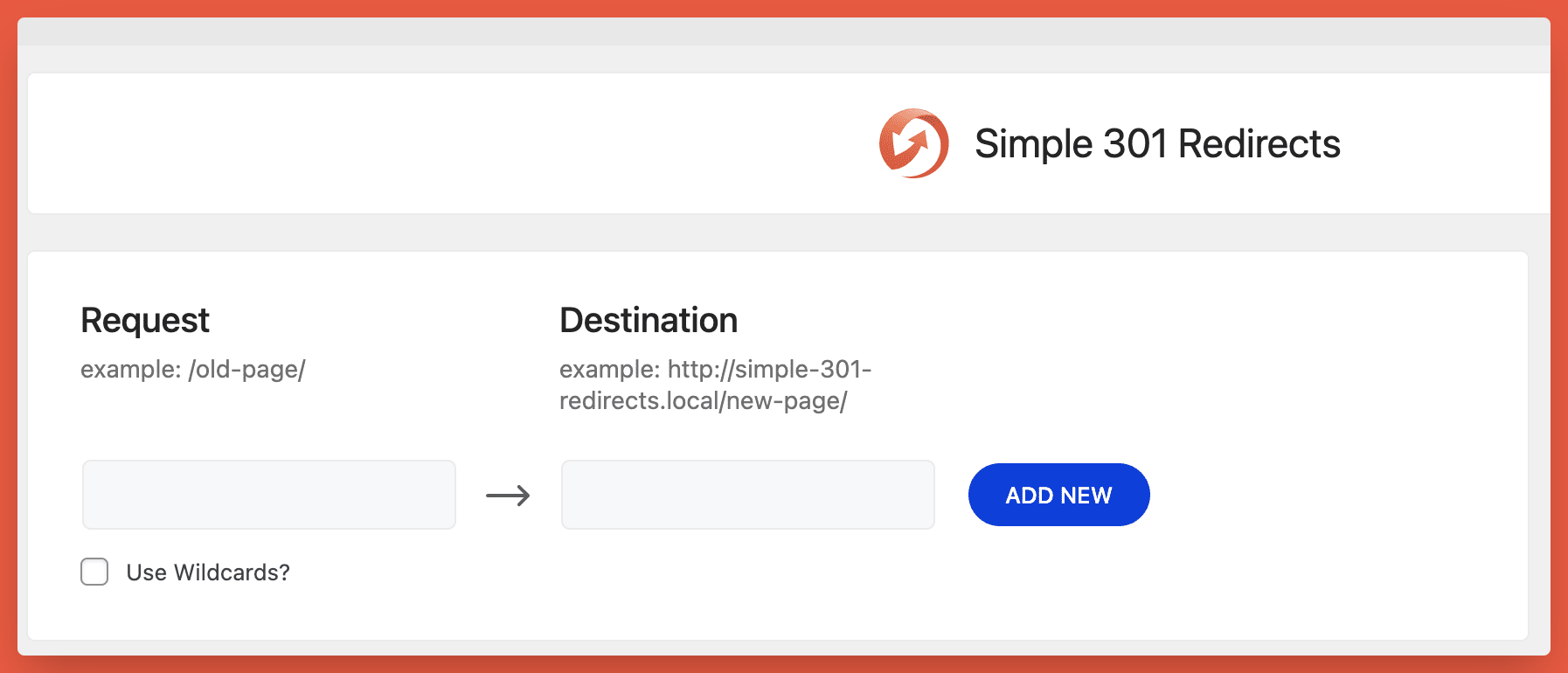
Simple 301 Redirects – Setup
Reviews
No longer maintained
By  Knut Sparhell (knutsp) on January 24, 2025
This plugin used to be simple, just doing av simple redirecting task. It know has gotten issues cluttering the log file when debugging. Support recommends another, totally bloated plugin. I recommend staying away and find antoher simple redirects mananger. Sad.
Cant import
By  leviblu on September 20, 2023
Cant import 🙁
No longer working after upgrading (for URL strings with symbols)
By  thejae on April 19, 2023
First, thank you for this great free plugin. We’ve been using it for many years. Recently after upgrading WP to 5.9.5 (I know it’s an old version but bear with me). The following redirects no longer work
Request:/blog-test/blog-title.html?lang=en
However if I remove the ?lang=en parameter, it will work again. We’ve never had this issue before.
Any advice would be greatly appreciated.
Redirects stopped working
By  Stanislav Khromov (khromov) on September 21, 2022
Plugin Quit Working
By  graphicsbyte on August 5, 2022
Abandoning this plugin after using it for years
By  Studiobovenkamer on May 19, 2022
Just starting using this again.
By  xolite on September 3, 2021
https://www.yoursite.com//new-page/
Should be a single slash
Destination
example: https://www.yoursite.com/new-page/
Great work, I appreciate the plugin.Don't use this Plugin if you value your site
By  EdwardR on August 9, 2021
Used to work, but not any more…
By  naznewsgirl on July 1, 2021
Ruined (after the WPDeveloper acquisition ~ 4 months ago)
By  peterarends on May 25, 2021
Changelog
2.1.2 – 19/10/2026
- Few minor bug fixes & improvements
2.1.1 – 15/10/2026
- Few minor bug fixes & improvements
2.1.0 – 08/02/2026
- Fixed: PHP issue caused by incorrect _load_textdomain_just_in_time() usage.
- Few minor bug fix and improvements
2.0.11 – 13/11/2024
- Tested up to WordPress version 6.7
- Few minor bug fix and improvements
2.0.10 – 16/07/2024
- Added: WordPress 6.6 Compatibility
- Few minor bug fix and improvements
2.0.9 – 27/09/2023
- Fixed: Import Related Issue.
- Few minor bug fix and improvements
2.0.8 – 30/08/2023
- Fixed: Vulnerability Issue.
- Few minor bug fix and improvements
2.0.7 – 13/09/2022
- Fixed: WP-CLI issue.
- Few minor bug fix and improvements
2.0.6 – 19/10/2021
- Added: CSV Import/Export option
- Few minor bug fix and improvements
2.0.5 – 08/07/2021
- Fixed: Http mixed content issue
- Added: AJAX Support in place of REST API
- Few minor bug fix and improvements
2.0.4 – 05/05/2021
- Improved: User role capabilities check in Ajax requests for security enhancements
- Few minor bug fix and improvements
2.0.3 – 18/04/2021
- Fixed: Redirects fail with trailing slash in the Request URL
- Improved: Import/Export feature for security enhancements
- Few minor bug fix and improvements
2.0.2 – 15/04/2021
- Fixed: Link Redirection not working when Shortend URL is shared on Facebook
- Fixed: Destination URL not fully visible on smaller devices
- Improved: Coding structure to enhance security
- Few minor bug fix and improvements
2.0.1 – 07/04/2021
- Few minor bug fix and improvements
2.0.0 – 01/04/2021
- Revamped: New UI/UX
- Added: Support for WordPress 5.7
- Added: Options to Export/Import Links
- Few minor bug fix and improvements
1.07
- Security Update – Better handling of posted data.
1.06
- Security Updates – Special thanks to Ryan Hellyer!
1.05
- Wildcard support
- Delete functiontionality
- On-page documentation
1.04
- Removed deprecated function calls
- Updated code to better match WordPress coding standards
- Updated handling of https protocol to prevent errors in certain server configurations
- Better support for destinations that start with a leading slash instead of the full domain
1.03
- Sorry for the double update. I forgot to check for PHP4 compatibility. Many people are still using PHP4, apparently, so this update is to fix compatibility with these legacy systems.
1.02
- Added support for special characters in non-english URLs.
- Fixed a case sensitivity bug.
1.01
- Updated redirect method to send headers directly rather than using wp_redirect() because it was sending 302 codes on some servers
1.0
- Initial Release