

Show IP Address
Description
Show IP Address provides a small set of shortcodes for displaying request information. It does not store visitor information or call a third-party IP lookup API.
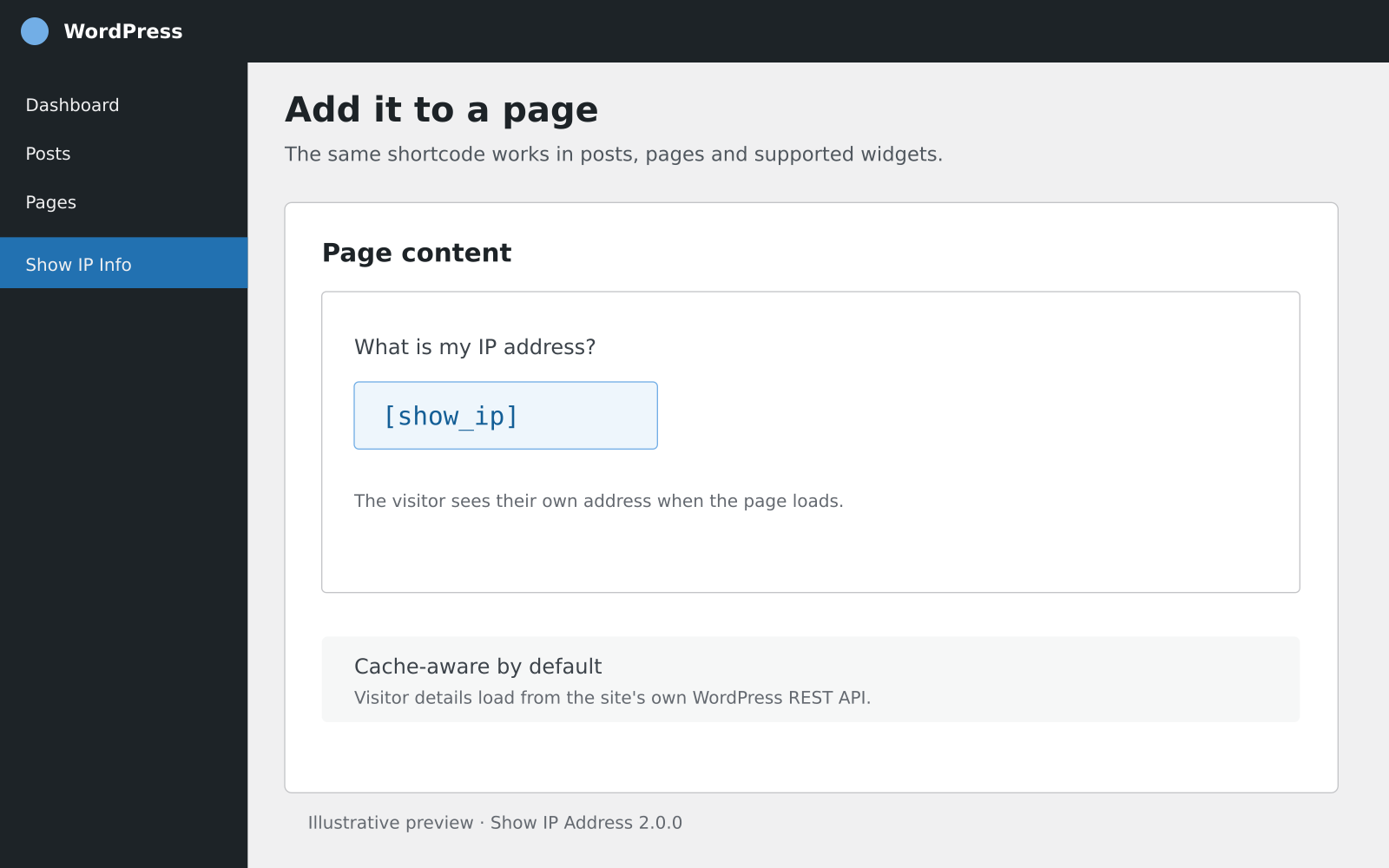
The default shortcode output is loaded from this site’s own WordPress REST API. This avoids putting one visitor’s IP address into HTML that may be served to other visitors by a full-page cache. If a host or security plugin blocks the REST API, the shortcode displays an unavailable message rather than a potentially incorrect cached address.
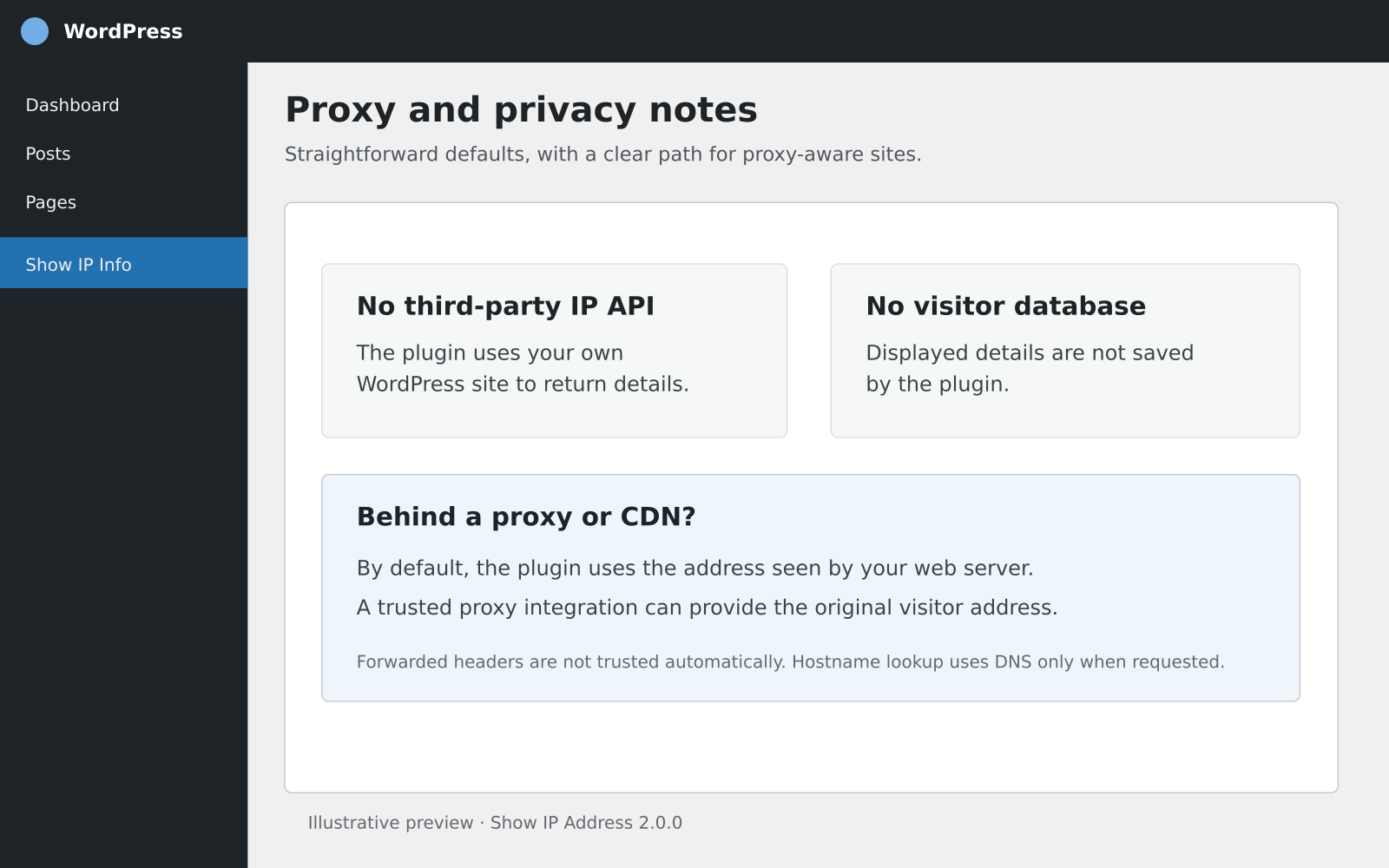
By default, the plugin uses the address seen by the web server (REMOTE_ADDR). If a site is behind a proxy or CDN, this may be the proxy’s address. Forwarded headers are not trusted automatically because they can be forged unless the proxy is configured to set them securely. Hosting providers or site developers can add trusted proxy support with the show_ip_address_client_ip filter.
Shortcodes
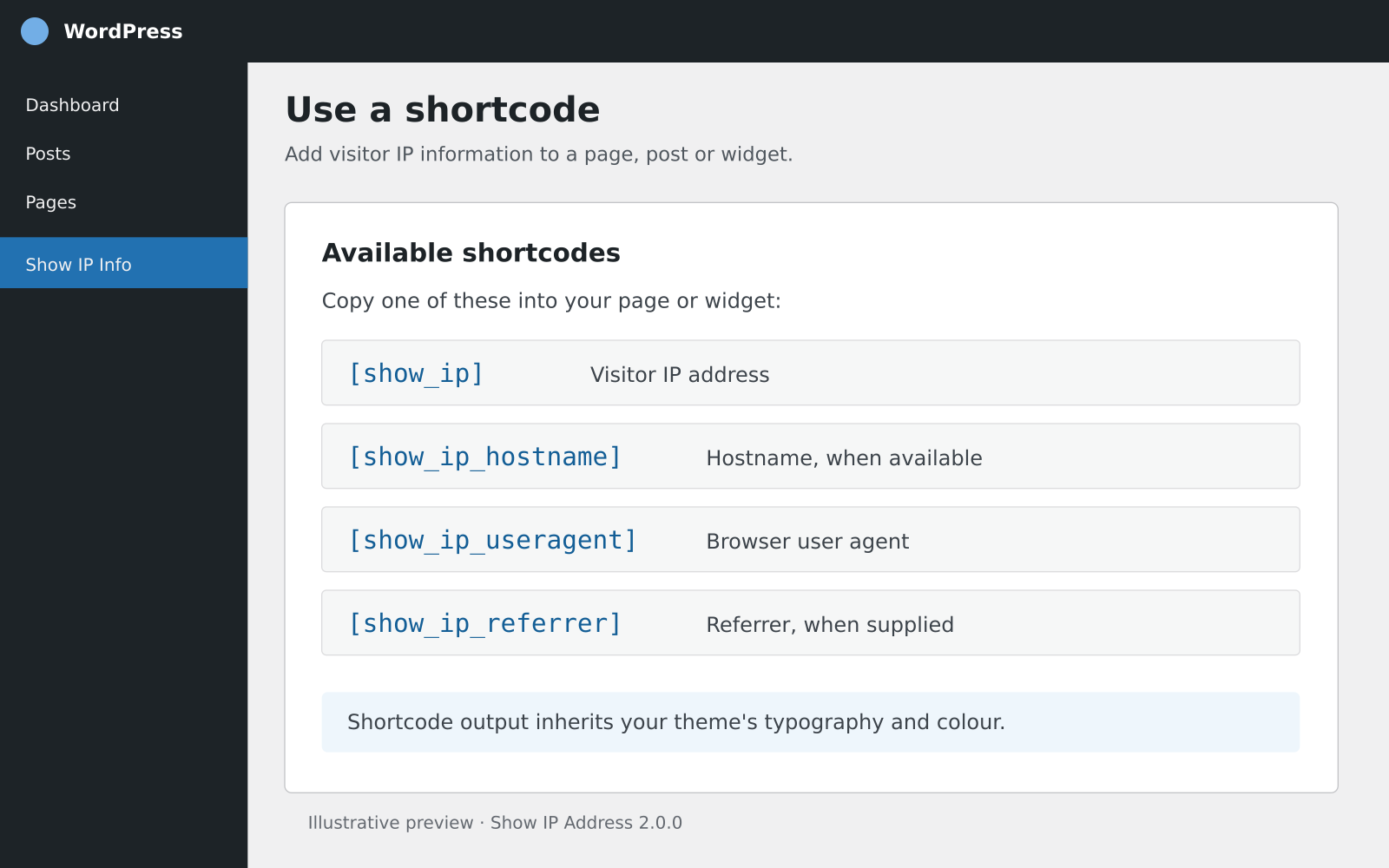
[show_ip]— Display the visitor’s IP address.[show_ip_hostname]— Display the reverse-DNS hostname when available. This performs a DNS lookup only when requested.[show_ip_useragent]— Display the browser user-agent string when supplied.[show_ip_referrer]— Display the referrer URL when supplied. Browsers and privacy settings may omit it.
All shortcodes accept mode="server" for server-rendered output, for example [show_ip mode="server"]. Use this only on pages excluded from full-page caching; otherwise a cache may show one visitor’s details to another.
Shortcodes render with the CSS class show-ip-address and a field modifier such as show-ip-address--ip. The plugin adds no global styles, so typography and colour inherit from the active theme. You can target these classes in your theme stylesheet if desired.
Compatibility
The plugin uses WordPress core APIs, PHP, and a same-site REST request. It has no third-party IP lookup API, custom database table, shell command, or host-specific server dependency. The optional hostname shortcode uses the host’s DNS resolver when requested. The dynamic shortcode requires JavaScript and access to the site’s WordPress REST API. If that request is blocked, the plugin reports that the information is unavailable.
PHP 7.4 is the minimum code compatibility level. PHP 7.4 is end-of-life; use a PHP version that still receives security updates from your hosting provider. WordPress.org recommends PHP 8.3 or newer.
Privacy
The plugin does not store the displayed visitor details. The visitor IP is returned to that same visitor by a public, read-only endpoint on the current site. Site owners remain responsible for their own privacy notices and server/CDN logging.
Screenshots

Illustrative preview of the shortcode list.
Illustrative preview of the dashboard widget.
Example of adding a shortcode to a page.
Illustrative preview of proxy and privacy notes.

Reviews
Works perfect
By  M.F. Jong (mfjtf) on July 14, 2018
Show IP Address worked perfectly out of the box
By  zixus on September 3, 2016
The plugin worked as expected without any issues giving accurate information about the site visitors IP address, should be a great solution for those that need it.
Developer fixed "invalid header" problem
By  trishahdee on September 3, 2016
UPDATE: Developer fixed problem so I am changing my 1-star review to 5-stars as it is working great now. Thank you!
—- Original Review —-
Can not activate the plugin. When I try I get the following message:
The plugin does not have a valid header.
A work in progress
By  Keith Griffiths (Keithgriffiths76) on September 3, 2016
I thought I would create a simple plugin,that does what its meant to do, it’s simple and it works.
Working on a few issues to do with ‘shell_exec()’ but apart from that it works.
Poor Support – Dashboard Errors UPDATED!
By  luckyfox on September 3, 2016
As promised, the plugin has been revised/updated and returned to it’s roots of being a plugin designed to show one’s IP and doing it correctly and effectively. Glad to see we were able to get things sorted! Thank you so much for listening and working with feedback, author!
Updated to 5 stars for doing what it’s meant to do, simple and well!
ORIGINAL REVIEW ( 1 Star )
Created support topic over 2 months ago.
https://wordpress.org/support/topic/disabled-shell_exec
Even went so far as to attempt to contact him via his personal site to ensure he was made aware of this problem and support topic via http://www.keith-griffiths.com/contact-me
No reply at all.
Creator boasts “Any suggested updates I’ll consider in each build.” but can’t be bothered to provide support for an issue that has arisen specifically from this plugin.
1 star, because no lower rating is available, due to errors and nonexistent support.
Changelog
2.0.0
- Retained the original four shortcodes and legacy
get_the_user_ip()helper. - Added cache-safe, same-site dynamic output and clear fallback when the REST request is unavailable.
- Uses
REMOTE_ADDRby default and validates IP values; added a filter for trusted proxy integrations. - Removed unnecessary global CSS and host-specific server calls.
- Added a simple dashboard widget that displays the current administrator’s connection IP.
- Namespaced plugin functions and CSS classes to reduce conflicts with themes and other plugins.
1.8
- Added hostname, user-agent, and referrer shortcodes.
- Refactored the plugin to remove external dependencies.
1.7
- Improved shortcode handling for forwarded IP headers and escaped output.