
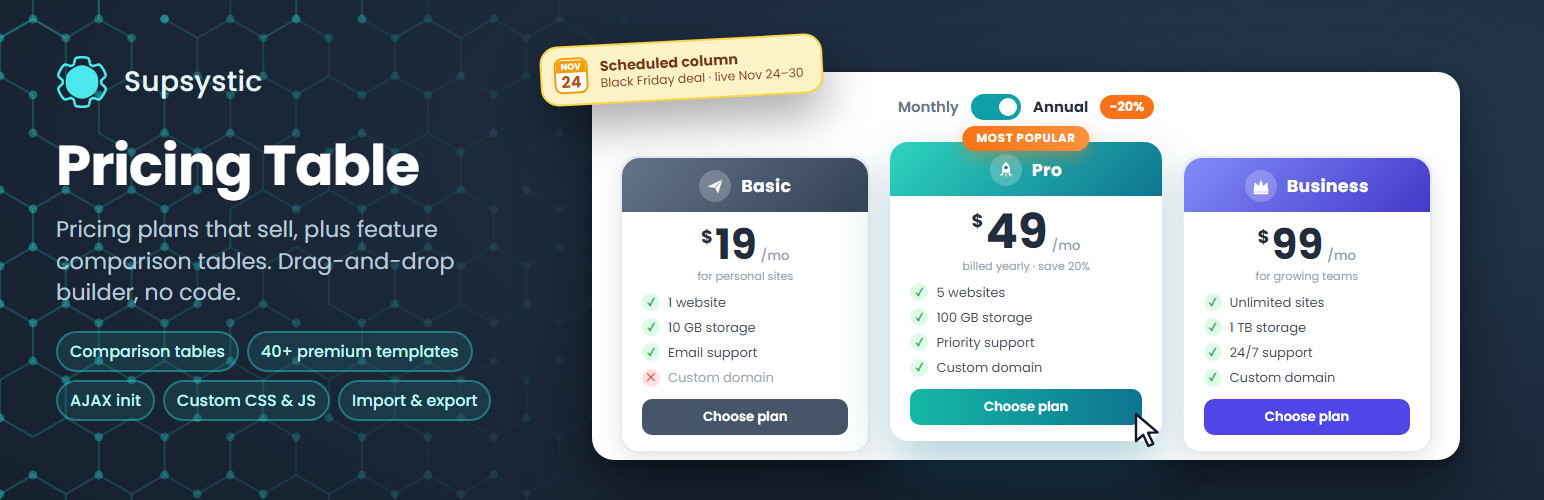
Pricing Table by Supsystic – Responsive Pricing Plans & Comparison Tables
Description
Pricing Table by Supsystic is a WordPress pricing table plugin for pricing plans and feature comparison tables. Pick a template, type your prices and features right inside the table, highlight the plan you want to sell and publish it with a shortcode. No code required.
Unlimited tables, columns and rows are free.
Try it in your browser: open a live demo in WordPress Playground – no install, no account.
What you can build
- Pricing plans for SaaS, hosting, apps, memberships and subscriptions
- Feature comparison tables with check and cross icons
- Service packages for agencies, freelancers and consultants
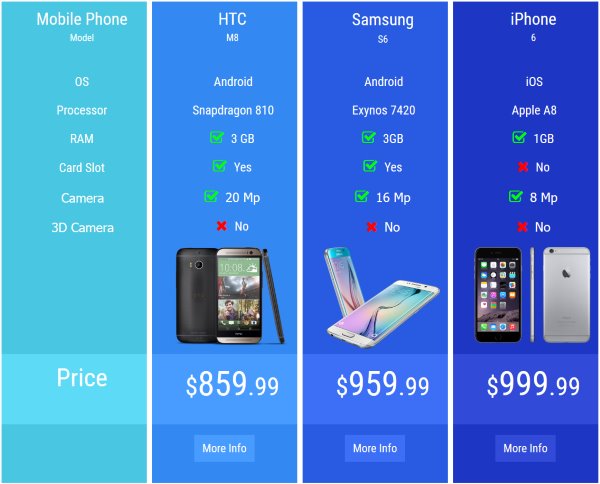
- Product comparison tables with images and specifications
Visual table builder
- Edit text right inside the table and see the result as you type
- Add, clone, move and remove columns and rows
- Highlight a column and add a hover animation so the best plan stands out
- Column badges such as “Most popular”, “Best value” or “Sale” from a ready badge library
- Icons from a built-in icon library, images, videos and buttons in any cell
- Colours, fonts, header style and borders for every table, plus custom CSS
Turn visitors into buyers
- Buttons link to any checkout: a PayPal or Stripe payment link, a WooCommerce product, your cart or a contact form
- Payment icons for PayPal, Stripe and cards to build trust next to the price
- Links can open in a new window and carry a nofollow attribute
Scheduled columns for sales
Show a column only between two dates: a Black Friday deal, a launch offer or seasonal prices appear and disappear on their own.
Responsive on every screen
Tables adapt to desktops, tablets and phones. Responsive mode is on by default, and you can set a minimum column width or switch it off for fixed layouts.
Templates to start from
Start from a ready-made template – flat, gradient, colourful or minimal – and make it yours. Every template is fully editable, and Pro adds 40+ premium templates.
Add tables anywhere
- Shortcode for posts, pages and widget areas
- PHP code for theme templates
- Works with page builders through the shortcode
- Export a table and import it on another site
- Right-to-left language support
For developers
- Custom CSS for every table in a built-in code editor
- Custom HTML and JavaScript for advanced layouts and tracking
- AJAX init: load a table on demand, on a click or when its header is opened, instead of on page load (Pro)
- Clean shortcode and PHP output that works with any theme
Pricing Table Pro
Pro adds premium designs and switches for bigger pricing pages:
- 40+ premium pricing table templates
- Monthly/annual switch toggle, plus switches by button, radio button or dropdown
- Tooltips and popups that explain features right in the table
- Tables loaded on demand by AJAX
- Advanced styling and priority support
Learn more
Installation
- In your dashboard go to Plugins Add New Plugin and search for “Pricing Table by Supsystic”.
- Click Install Now, then Activate.
- Open the Pricing Table menu and create a new table from a template.
- Type your plans, prices and features, then save.
- Copy the table shortcode and paste it into any page or post.
Screenshots

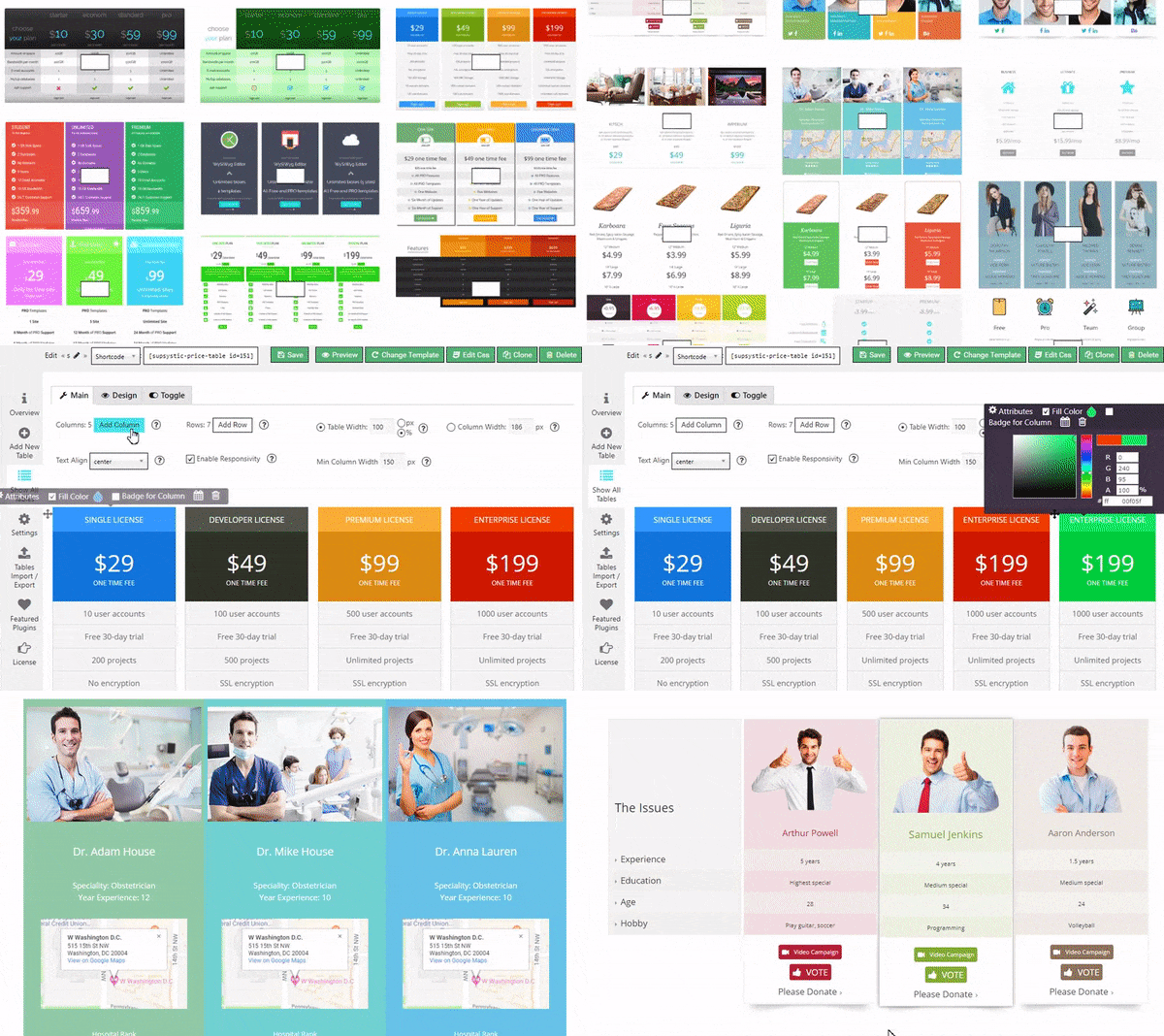
A selection of pricing table templates.
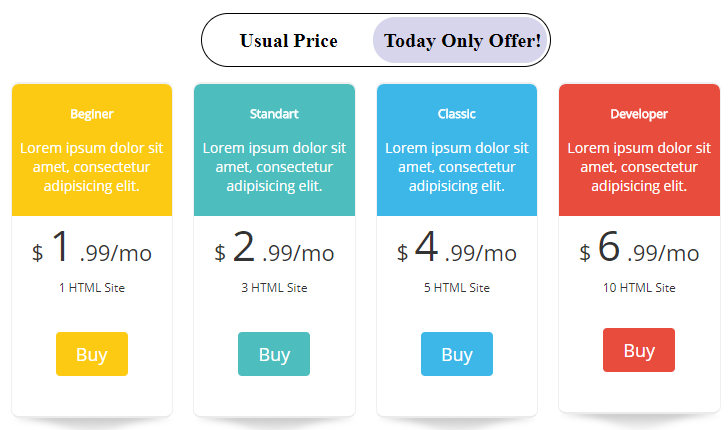
Switch toggle between two sets of prices (Pro).
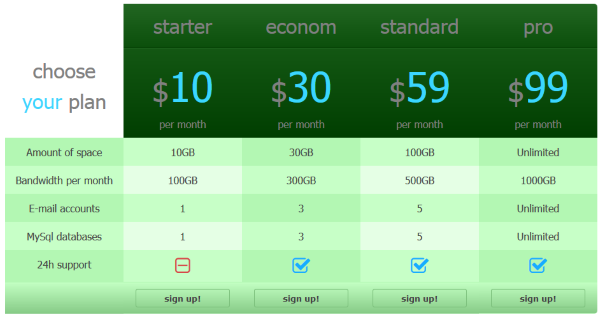
Pricing plans with a highlighted column and feature list.
Comparison table with check and cross icons.
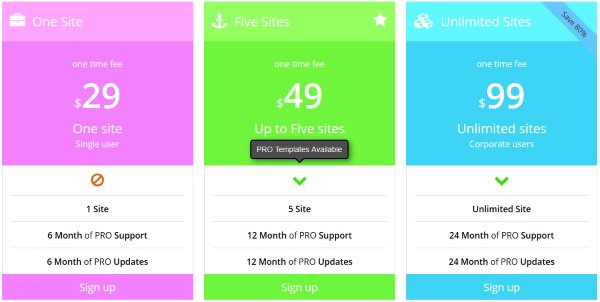
Columns with badges and icons.
Feature comparison with icons in every row.
Table settings and colour editor in the admin area.
Colour variant of the comparison table.
Product comparison table with images.
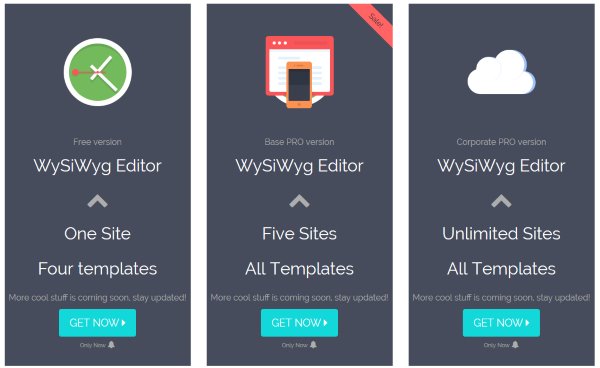
Columns with large icons and call-to-action buttons.
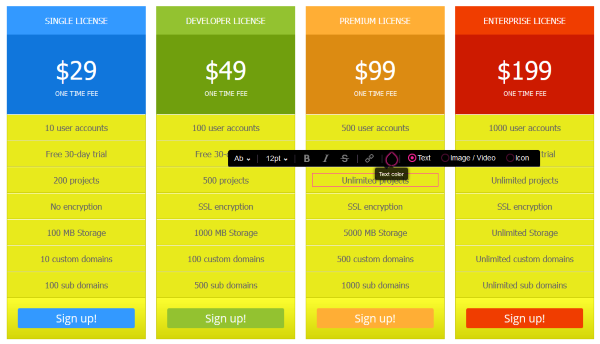
Inline editor: change any text right inside the table.




Faq
No. You can create unlimited tables with unlimited columns and rows. The free plugin never expires.
Each table has its own shortcode, for example [supsystic-price-table id=1]. Paste it into any post, page or widget area. For theme templates, use the PHP code shown next to the shortcode.
Yes. Highlight or enlarge a column, add a hover animation and put a badge such as “Most popular” or “Best value” on it.
Yes, with Pro. The switch toggle shows different prices in the same table, for example monthly and annual billing.
Yes. Scheduled columns appear and disappear between the dates you set, which is ideal for Black Friday, launches and seasonal sales.
Yes. A button can link to any URL: a PayPal or Stripe payment link, a WooCommerce product or cart page, or a contact form.
Yes. Any cell can hold an image, a video, an icon from the built-in library or a button.
Yes. Use rows for features and columns for plans or products, with check and cross icons, images and specifications.
Yes. Tables adapt to every screen size. You can also set a minimum column width or turn responsive mode off.
Yes. Turn off responsive mode, open the column editor, choose Attribute and enter a style such as width: 25%; for each column. The widths of all columns should add up to 100%.
Yes. Export a table and import it on another WordPress site.
The plugin works with modern WordPress themes. In page builders, use the shortcode.
Please report security issues through the Patchstack Vulnerability Disclosure Program. The Patchstack team validates and triages each report and notifies us.
Reviews
Easy and efficient
By  skaldenhoven on June 28, 2025
Easy and efficient plugin to create pricing tables. Can be adjusted with ease and made to fit in the style of the rest of your site.
Trying to love, but it doesn't love me…
By  Terry J (texasbiz) on May 18, 2025
This plugin could be the best on the market, could be:
- Very hard to change text, the cursor jumpt out of focus and you have to start over.
- Text changes colors by simply trying to enter/change the text
- Trying to change the signup button is a nightmare. If you try to modify text color in button, it removes a column and undo does not bring it back.
For example, try changing the text color in the button (using dark 4 column)
Doing so removes a whole block and there is no way to get it back, undo does nothing.
Like I said, this could be the best pricing table plugin on the market but current start it is unusable.
Good if you have the patience
By  quietcity on October 8, 2023
The designs are nice, but trying to work in the table editor is a huge pain! The editing focus exits while you’re typing, the page jumps around for no reason, causing all kinds of accidental clicks and errors. It’s too frustrating. Removing for a simpler option.
Good Plugin
By  schobner on February 23, 2023
Works fine
Nice Plugin
By  hecatomb (hecaombt) on February 7, 2023
Nice
Nice plugin to create beautiful tables!
By  LogoLogics on January 30, 2023
Really love this plugin, creates beautiful tables and is responsive.
Rather easy to use as well.
Support is there, but hard to reach in my experience.
That said, they provide this plugin for free, so thanks for that!
I should have listened
By  cbassoc on November 24, 2022
Excellent
By  fayyazfar on November 14, 2022
Don't waste your time
By  WhiteTipCode (VinxTheLinx) on November 14, 2022
the best
By  wanmohdaiman on September 20, 2022
Changelog
2026
1.12.3 — October 16, 2026
- Maintenance release with minor stability improvements.
1.12.2 — October 15, 2026
- General security hardening and code improvements.
1.12.1 — October 9, 2026
- Maintenance release with minor stability improvements.
1.12.0 — September 23, 2026
- General security hardening and code improvements.
1.11.2 — August 25, 2026
- Maintenance release with minor stability improvements.
1.11.1 — August 11, 2026
- Maintenance release with minor stability improvements.
1.11.0 — August 7, 2026
- Fixed a PHP warning in the Toggle Switch column editor when reopening a table that already has saved toggle options.
- Completed a full compatibility pass across the plugin core and bundled templating engine, from PHP 7.4 through PHP 8.5.
- Made core plugin modules self-healing, so they automatically recover if a database row ever goes missing or gets stuck inactive.
- General code cleanup and stability improvements.
1.10.05 — August 3, 2026
- Minor fixes.
1.10.04 — May 31, 2026
- Updated PHP compatibility.
- Confirmed compatibility with WordPress 7.0.
1.10.03 — March 31, 2026
- Updated PHP compatibility.
- Confirmed compatibility with WordPress 6.9.4.
2025
- Reworked core plugin internals and delivered ongoing compatibility updates for WordPress 6.8.x and 6.9.x.
- Fixed a text-domain loading issue and polished the admin interface.
- Versions released: 1.9.14–1.10.02.
2024
- Strengthened label handling for better security.
- Versions released: 1.9.13.
2023
- Added support for WordPress 6.2/6.3 and PHP 8.2.
- Refined the Love Link feature.
- Versions released: 1.9.10–1.9.12.
2022
- Added support for WordPress 6.0 and PHP 8.1.
- Versions released: 1.9.8–1.9.9.
2021
- Completed a major security and database hardening pass, and removed the bundled Bootstrap dependency.
- Migrated static assets from CDN to local files for GDPR compliance.
- Fixed the toggle switch, color picker, and OVH hosting connectivity issues.
- Versions released: 1.8.9–1.9.7.
2020
- Added WordPress 5.4/5.5 compatibility.
- Improved security and fixed a corrupted-table recovery issue.
- Versions released: 1.8.0–1.8.8.
2016-2019
- Added the Toggle Switch feature, a redesigned color picker, and Right-to-Left language support.
- Refined responsive behavior, tooltips, and column/template handling across numerous releases.
- Removed legacy CDN dependencies and improved translation support.
2015 and earlier
- Established the plugin’s core feature set: drag-and-drop table builder, PRO templates, CSS editor, import/export, and responsive tables.