

Parallax Section Block – Add Parallax Scrolling Effects to Sections
Description
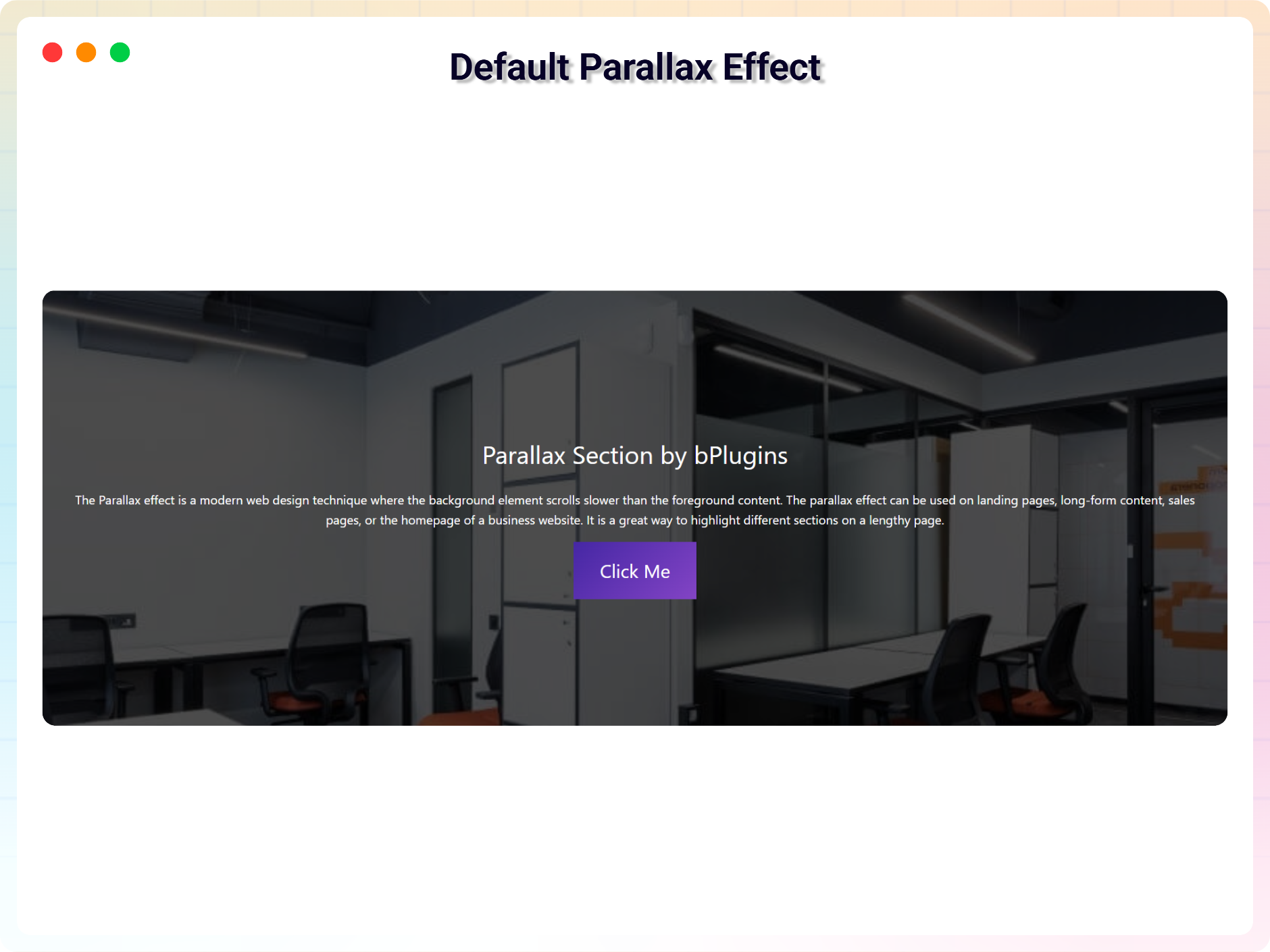
The parallax effect is a modern web design technique where the background element scrolls slower than the foreground content. The parallax effect can be used on landing pages, long-form content, sales pages, or the homepage of a business website. It is a great way to highlight different sections on a lengthy page.
You can easily create a parallax section with this plugin.
Features
- Easy to use
- It does not require much technical knowledge to use
- It is lightweight because it relies on JavaScript
- Smooth motion — every effect glides toward the scroll position instead of jumping (on by default).
- Parallax Layers (Free) — put any blocks inside and each one moves at its own depth as you scroll, with per-layer speed, direction and fade.
- Parallax Tilt Card (Pro) — cards that tilt toward the pointer and drift on scroll, with image parallax and a glare sheen, in four styles.
- Parallax Testimonials (Pro) — a 3D coverflow, stacked, spotlight or minimal testimonial carousel with autoplay and swipe.
- Parallax CTA (Pro) — a conversion band with a magnetic button, animated aurora and converging orbs, in four styles.
- Parallax Cube (Pro) — a 3D cube or prism that turns to reveal each content face, with tabs, drag and autoplay.
- Parallax Skills Cloud (Pro) — skill bubbles that drift on a spring field and scatter from the cursor, in five styles.
How to use
- First, install the Parallax Section plugin
- Add the Parallax Section block from the block category called “Widgets” in the Gutenberg editor.
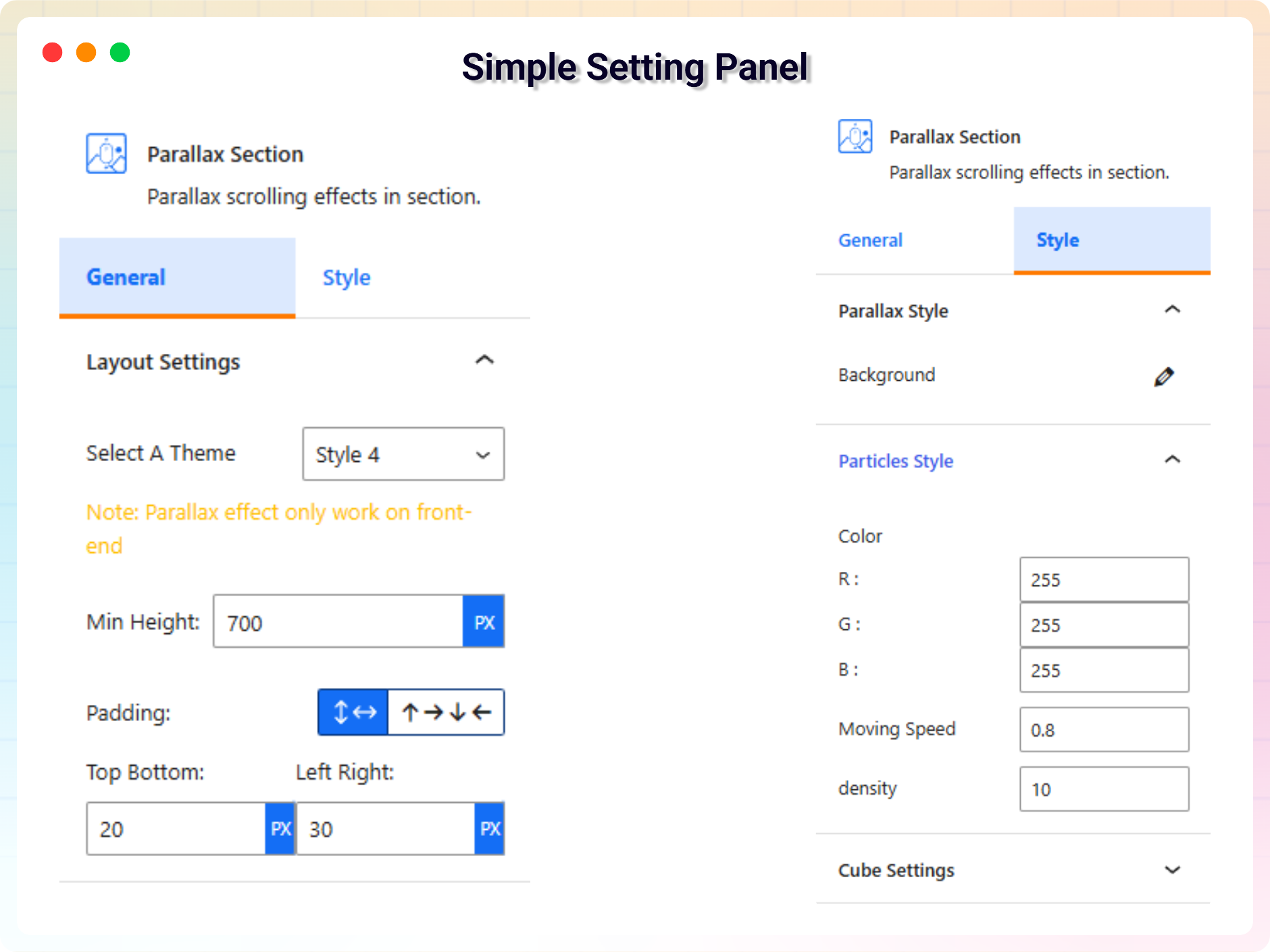
- You can change block settings from the right-side settings sidebar.
-
Enjoy!
-
For installation help click on Installation Tab
Feedback
- Did you like this plugin? Dislike it? Do you have a feature request? Please share your feedback with us
Check out the Parent Plugin of this plugin-
B Blocks – A blocks collection and page building tool for Gutenberg.
Check out our other WordPress Plugins-
Html5 Video Player – Display videos as single and playlist in multiple skins.
PDF Poster – Display/Embed PDF files with different styles.
Html5 Audio Player – Listen audios with awesome visuals.
StreamCast – Customizable radio player with different skins.
3D Viewer – Embed 3D models and 3D products with interaction.
Advanced Post Block – Show posts and custom posts in different layouts.
Installation
From Gutenberg Editor:
- Go to the WordPress Block/Gutenberg Editor
- Search For Parallax Section
- Click on the Parallax Section block to add the block
Download and Upload:
- Download the Parallax Section plugin (.zip file)
- In your admin area, go to the Plugins menu and click on Add New
- Click on Upload Plugin and choose the
parallax-section.zipfile and click on Install Now - Activate the plugin and Enjoy!
Manually:
- Download and upload the Parallax Section plugin to the
/wp-content/plugins/directory - Activate the plugin through the Plugins menu in WordPress
Screenshots

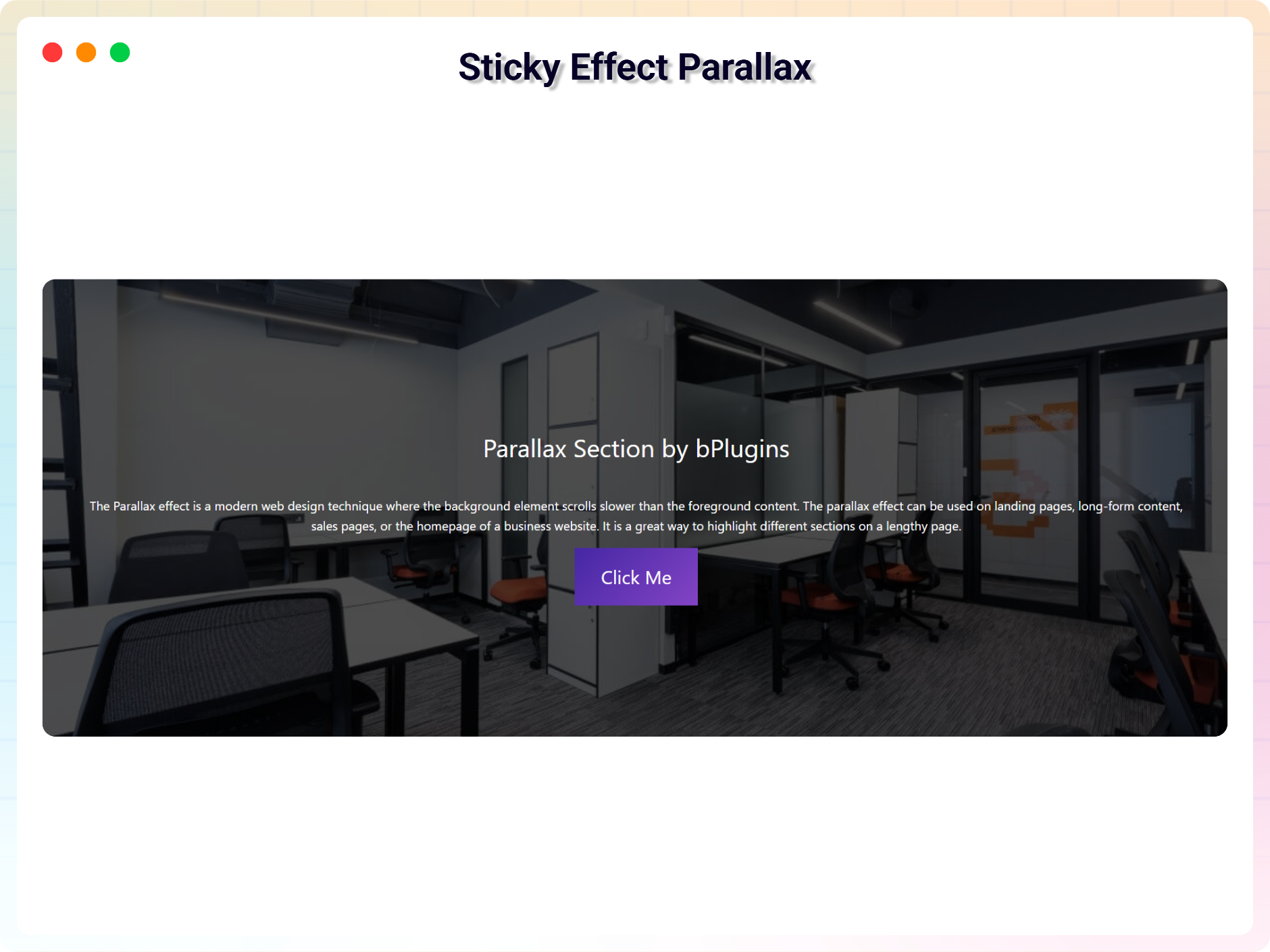
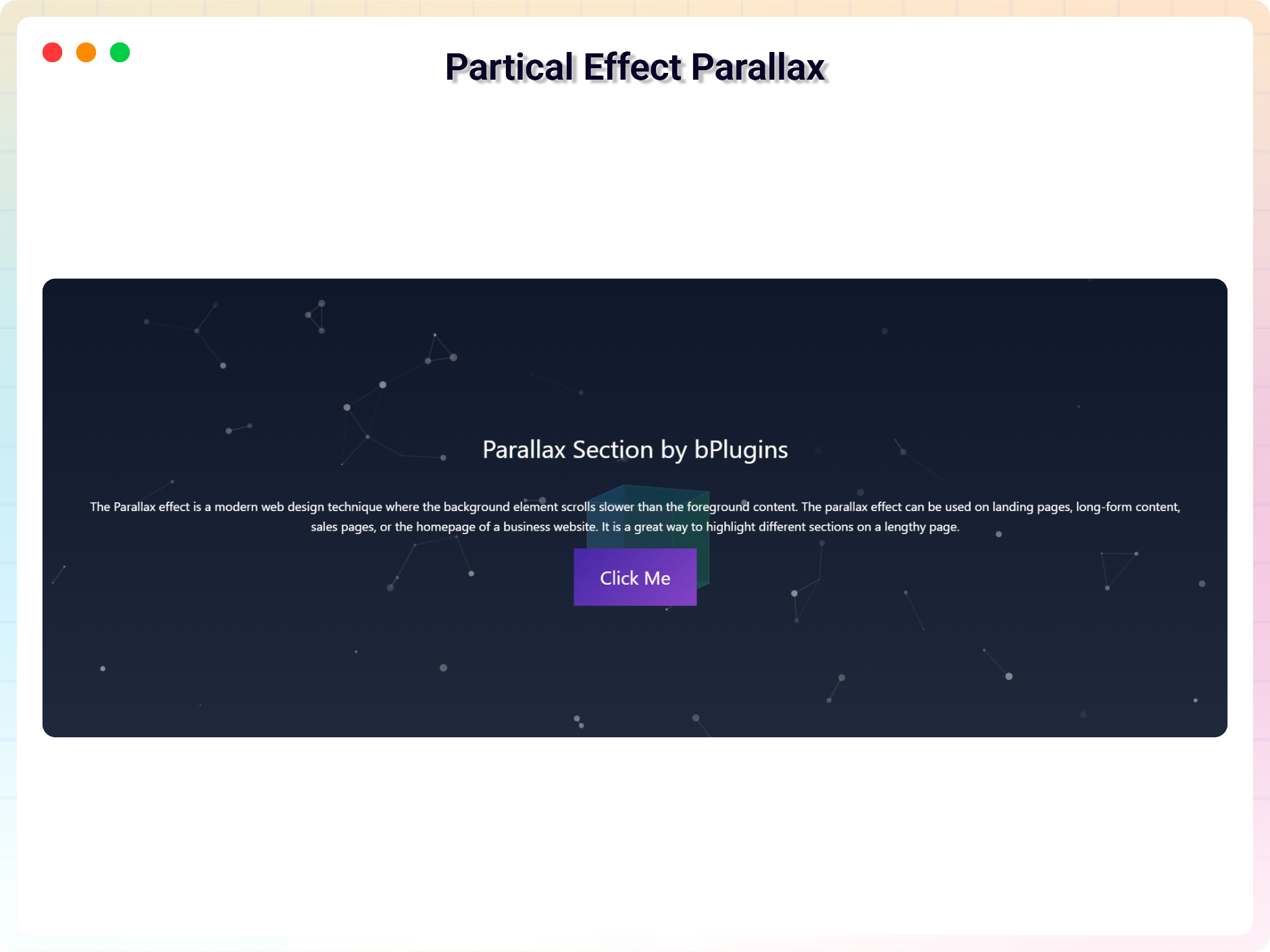
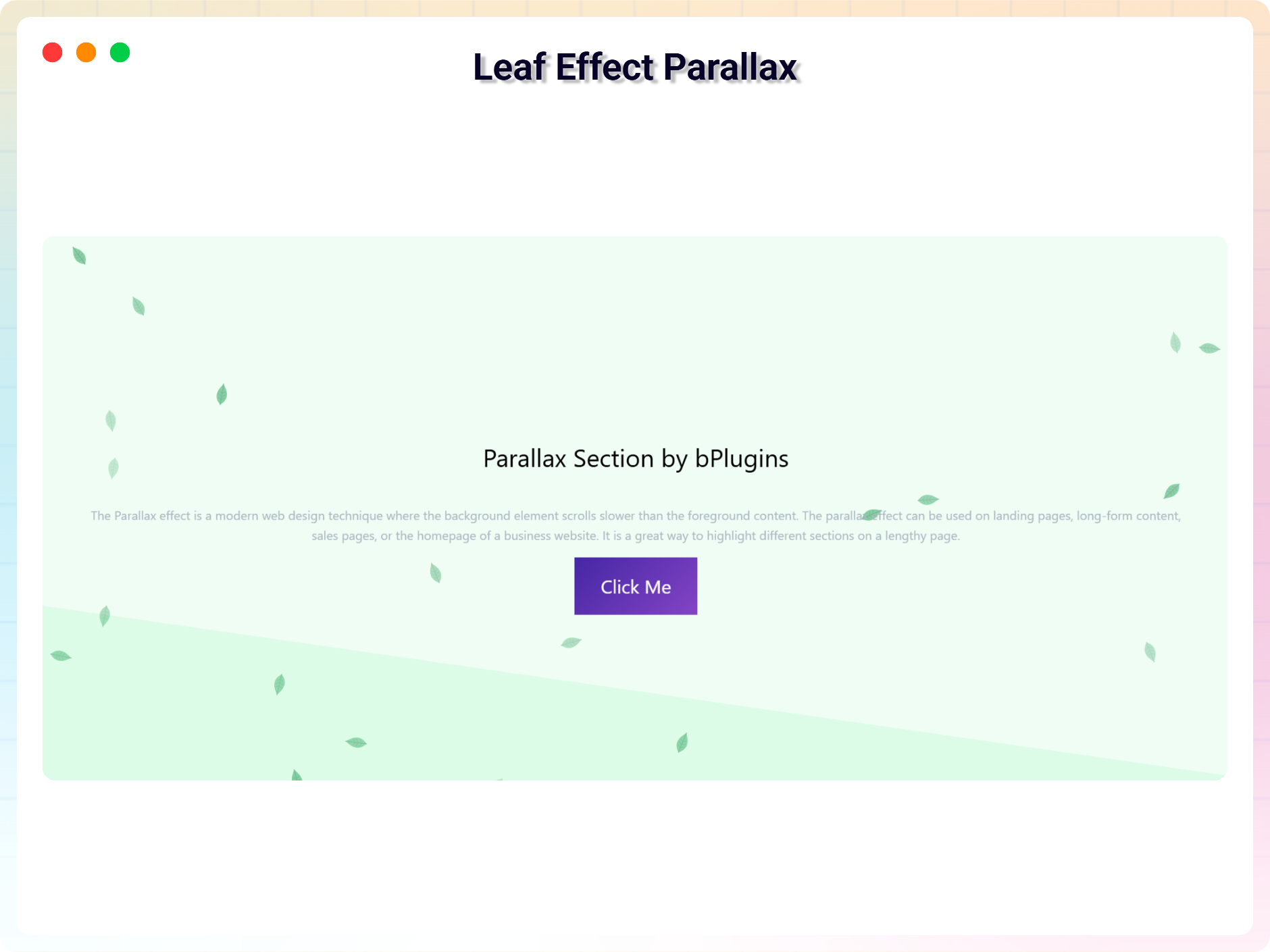
Parallax Section
Parallax Settings
Faq
Is Parallax Section free?
Yes, Parallax Section is a free Gutenberg block plugin.
Does it work with any WordPress theme?
Yes, it will work with any standard WordPress theme.
Can I change block settings?
Yes, you can change block settings from the Gutenberg block editor’s right sidebar.
How many times can I reuse a block?
You can use unlimited times as you want.
Where can I get support?
You can post your questions on the support forum here
Where do I report security bugs found in this plugin?
Please report security bugs found in the source code of the Parallax Section block – Parallax scrolling effects in section. plugin through the Patchstack Vulnerability Disclosure Program. The Patchstack team will assist you with verification, CVE assignment, and notify the developers of this plugin.
Reviews
2.0 Update Ruined it!
By  obergagi on November 2, 2025
Was working Perfectly fine, but 2.0 update just greets you with a paywall, Breaks old parallax sections, and just works worse in genereal. Just revert it back.
Easy to use and reliable
By  David Robinson (davidglenrobinson) on January 25, 2024
Thanks for the nice plugin. It was easy to set up and worked as advertised. I’ll keep it in my library of favorites.
Easy to use, easy to understand
By  lukas2018 on October 17, 2022
Works Great!!!
By  bigwavemaui on June 8, 2022
Add Parallax
By  warpcoil on May 2, 2022
Best parallax block
By  badalsaha899 on February 20, 2022
Changelog
2.2.0 – 25 October 2026
- New free block: Parallax Layers — put any blocks inside and each one moves at its own depth as you scroll, with per-layer speed, direction and fade
- New: “Smooth motion” option for the Parallax Section block — effects glide toward the scroll position instead of jumping (on by default)
- New: Parallax Layers can be used in shortcodes on every site via the “Section Block” picker
- Improved: Leaf effect leaves now turn as you scroll, without jitter
- Improved: animated “how to use” guide on the dashboard
- Fixed: a JavaScript error for site visitors on pages with the Parallax Section block
2.1.1 – 1 October 2026
- Updated: live demo links for every section and a watch-video link for each Pro section
2.1.0 – 28 September 2026
- New Pro sections: Parallax Tilt Card, Testimonials, CTA, Cube and Skills Cloud — each with multiple style presets and tabbed General / Style settings
- New: “Mouse scroll” pin mode for Testimonials and Cube — the section sticks while scrolling moves through the cards or turns the cube face by face
- New: scroll parallax depth for Tilt Card, CTA, Cube and Skills Cloud, plus a floating effect for the Cube
- New: use any Pro section in a Parallax Section shortcode via the new “Section Block” picker
- New Scroll Zoom effect for the Parallax Section block (Pro)
- Improved: parallax effects now play while editing in the block editor
- Improved: section background images cover the section and stay in place on pinned sections
- Improved: new default background image, refreshed block icons, and the Demos page now shows this plugin’s demos
- Accessibility: keyboard navigation, ARIA roles and live regions, and prefers-reduced-motion support across all sections
- Performance: throttled, passive scroll handling on every effect
- Security: all user links are scheme-validated before output
2.0.4
- Freemius SDK and Admin Dashboard Updated
2.0.3
- Admin Dashboard Updated
2.0.2
- Black Friday Sale Link Added
2.0.1
- Update Freemius Lite SDK
2.0.0
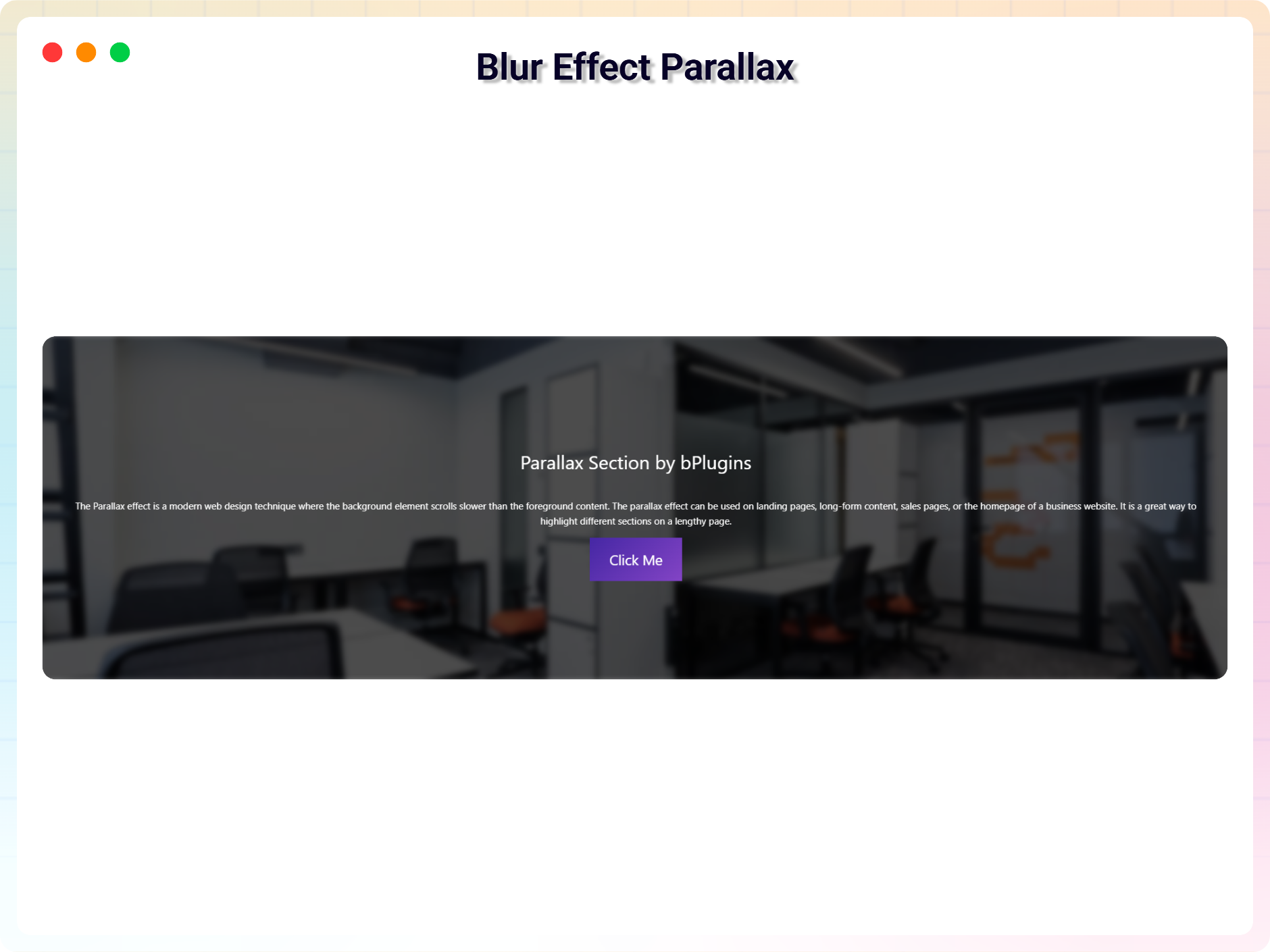
- 5 New Theme Added
- Blur Effect Parallax
- Vertical Parallax
- Particle Parallax
- Three Image Parallax
- Row Scroll Parallax
1.0.9
- Fix Iframe issue
1.0.8
- Reduce Dependency
1.0.7
- Fix issue
1.0.6
- Initial height
1.0.5
- Not load scripts if block is not used
1.0.4
- Add translate feature
1.0.3
- Fix Dependency
1.0.2
- Reduce PHP Code
- Performance Improvement
1.0.1
- Reduce PHP Code
1.0.0
- Initial Release.