
Mortgage Calculator
Description
Mortgage Calculator adds a simple, lightweight mortgage calculator to your WordPress site. Visitors enter the total amount, down payment, interest rate and mortgage period and instantly see their estimated monthly payment, the total with interest and the total including the down payment. Add it with the “Mortgage Calculator” block, use it as a widget in any widget area or place it in a post or page with a shortcode.
Features
- “Mortgage Calculator” block for the block editor, a classic widget and the
[mortgage_calculator]shortcode - Inputs: total amount, down payment, interest rate and mortgage period in years
- Results: monthly payment, total payable with interest and total including down payment
- Optional amortization schedule and chart in a popup (see External services below)
- Settings page for currency sign and position, thousands and decimal separators, number of decimals, default values and the wording of the result text
- Editable field labels for each widget or shortcode
- Translation-ready, with ready-made translations for German, Spanish, French, Italian, Brazilian Portuguese and Turkish
- Works in the visitor’s browser, no page reload
How to use
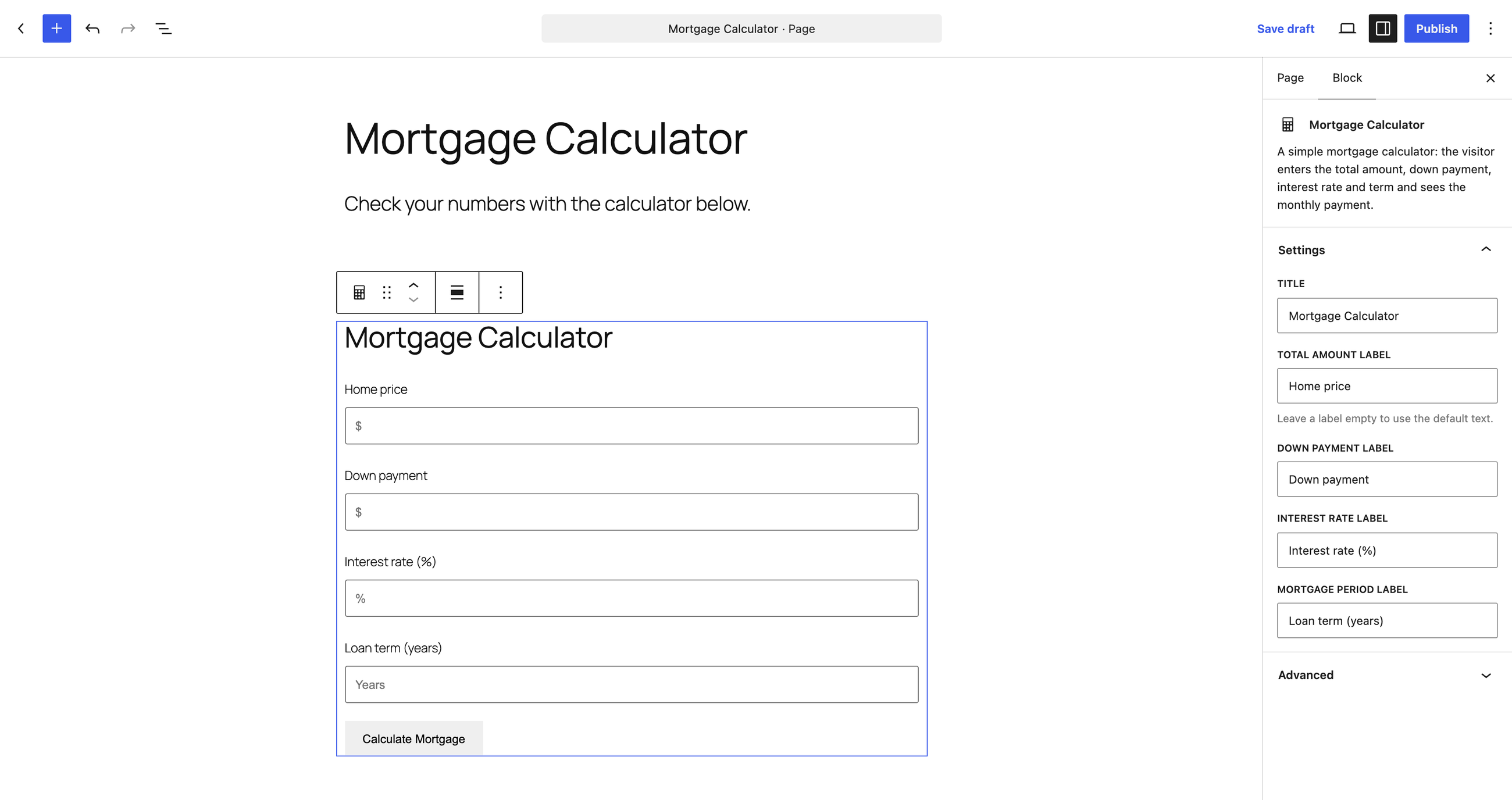
In the block editor click the (+) button, search for “Mortgage Calculator” and insert the block; the title and the field labels are in the block sidebar. You can also go to Appearance > Widgets and add the “Mortgage Calculator” widget, or paste the shortcode into any post or page:
[mortgage_calculator]
You can change the title and the field labels in the shortcode:
[mortgage_calculator title="Monthly Mortgage Payments" mc_total_amount_label="Home price" mc_down_payment_label="Down payment" mc_interest_rate_label="Interest rate" mc_mortgage_period_label="Years"]
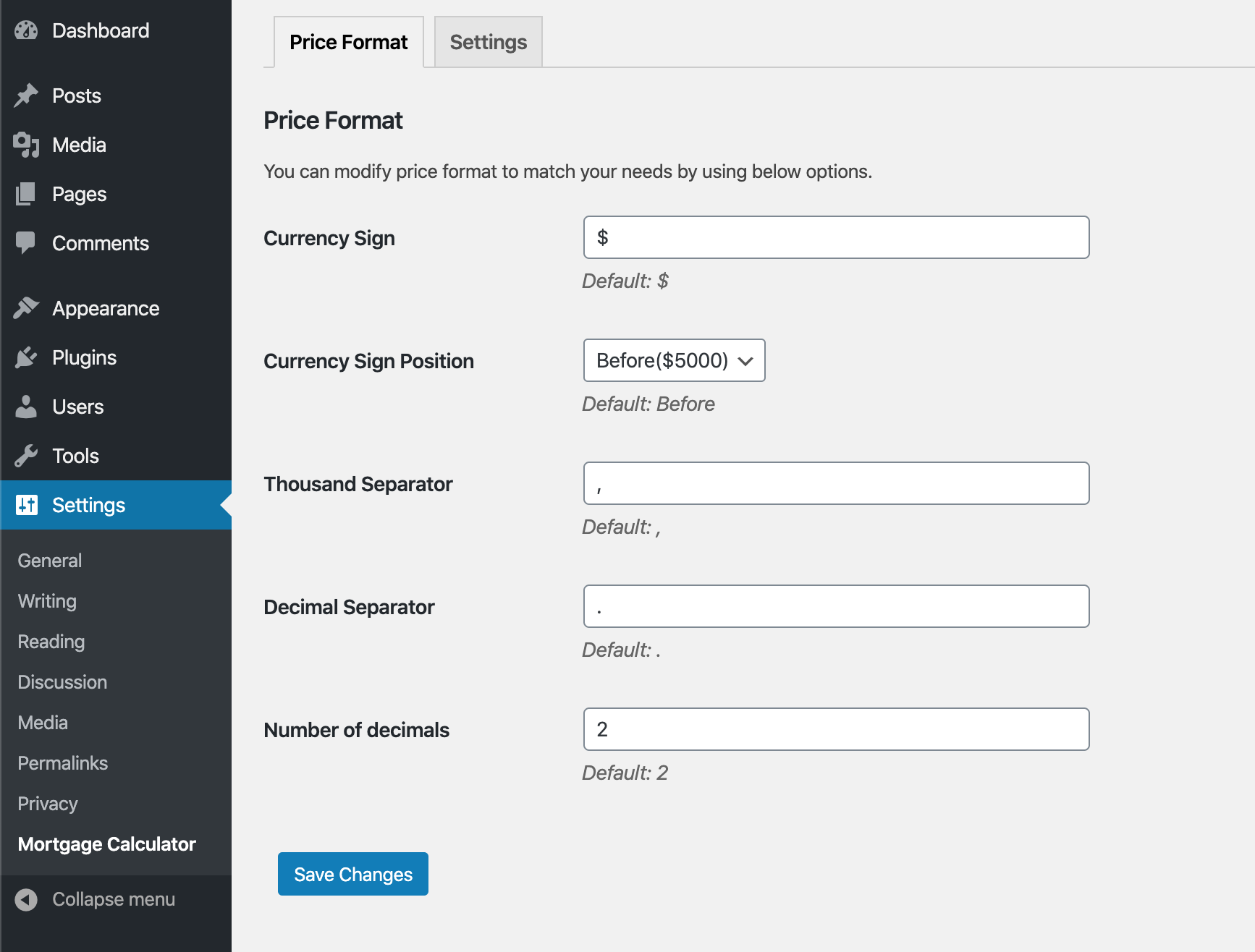
Set the currency, number format and default values under Settings > Mortgage Calculator.
Calculation method
The monthly payment is the standard fixed-rate amortization payment. The loan amount is the total amount minus the down payment, the monthly rate is the annual interest rate divided by 12, and the number of payments is the mortgage period in years times 12. With a zero interest rate the loan amount is simply divided by the number of payments. The result covers principal and interest only.
Who it is for
Real-estate agents, home-buying blogs, mortgage brokers and property sites that want a clean payment calculator without a heavy plugin.
External services
This plugin works entirely in the visitor’s browser: the monthly payment is calculated with JavaScript and nothing is sent to a server while the calculator is used.
The only external service is the optional “Amortization Schedule” link shown under the result. When a visitor clicks it, the calculator sends the entered loan amount, down payment percentage, interest rate and loan term to mlcalc.com (operated by ARSIDIAN LLC), which displays the amortization schedule and chart in a popup. No personal data is sent; the request is made only on that click, never on page load.
- Service: https://www.mlcalc.com/
- Terms of use: https://www.mlcalc.com/terms.htm
- Privacy policy: https://www.mlcalc.com/privacy.htm
Installation
- Unzip the downloaded package
- Upload
mortgage-calculatorto the/wp-content/plugins/directory - Activate the plugin through the \’Plugins\’ menu in WordPress
- Insert the “Mortgage Calculator” block, visit the widgets section to use the widget, or use the shortcode
[mortgage_calculator]
Screenshots

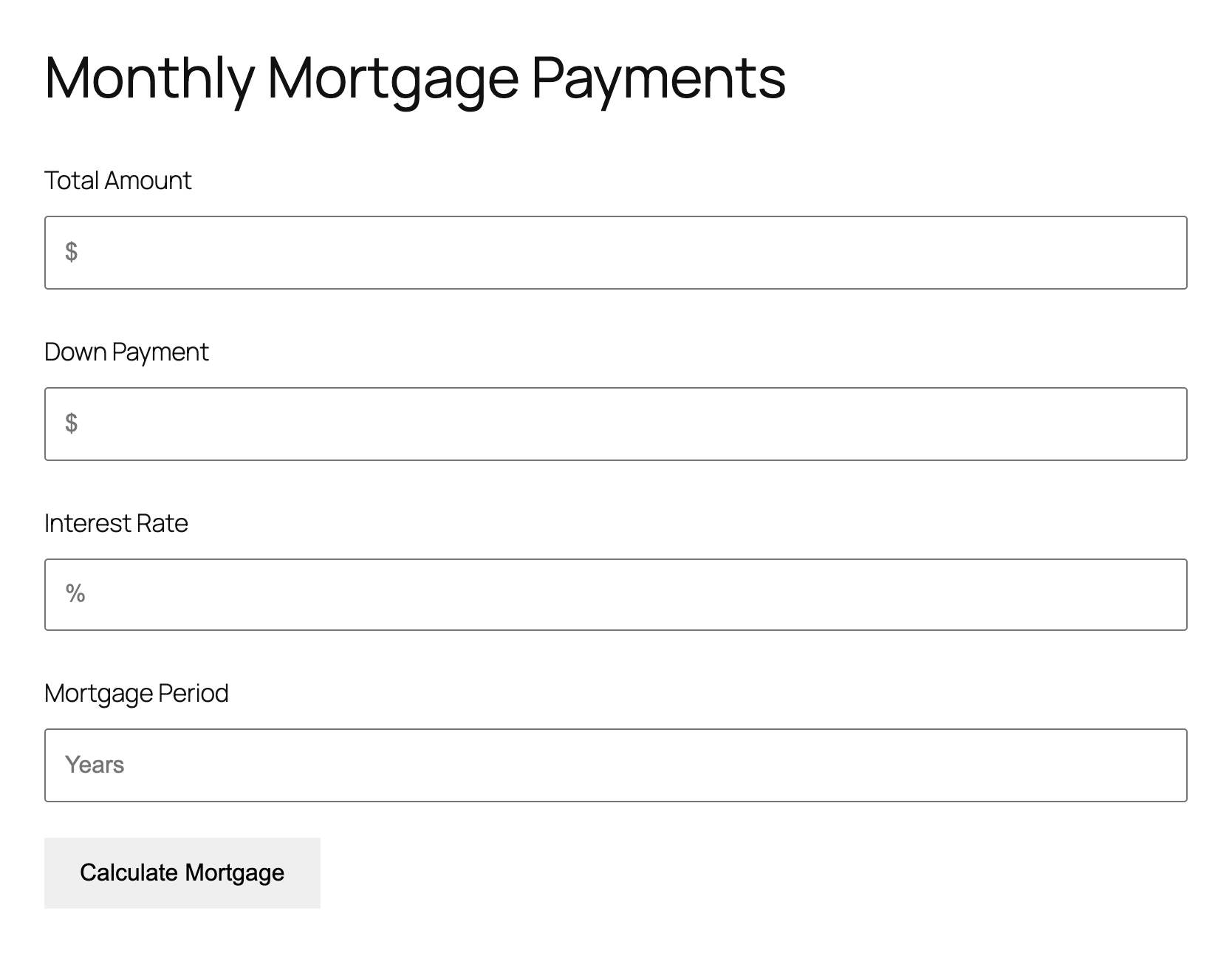
The mortgage calculator on a page.
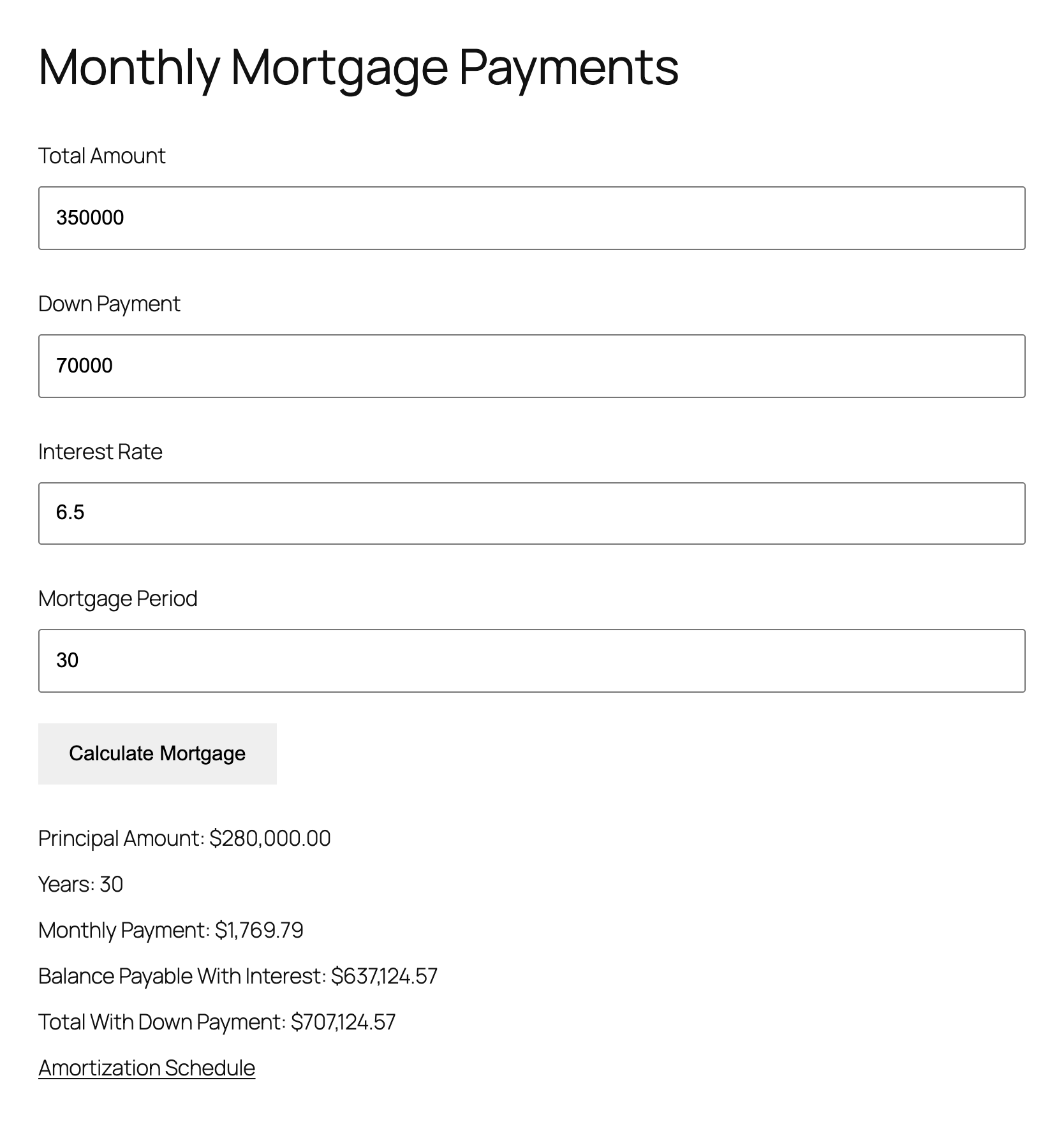
The calculated monthly payment, balance payable with interest and total with down payment.
Price format settings.
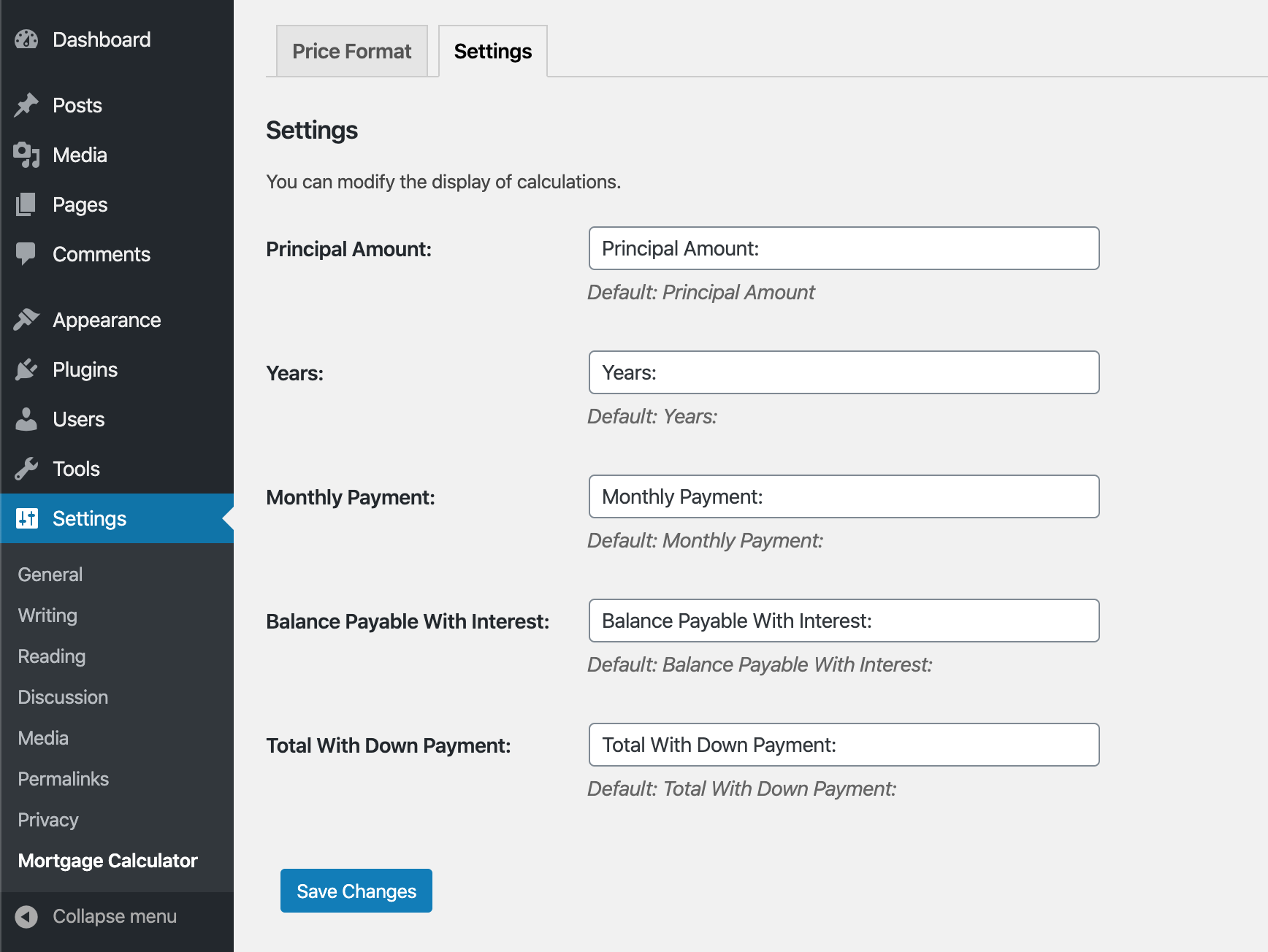
Label settings for the calculation results.
The Mortgage Calculator block in the block editor, with its title and label settings in the sidebar.
Faq
How do I add the mortgage calculator to a page?
In the block editor insert the “Mortgage Calculator” block. Or paste the shortcode [mortgage_calculator] into a page or post (in the block editor, into a Shortcode block).
Can I use it as a sidebar widget?
Yes. Go to Appearance > Widgets and add the “Mortgage Calculator” widget to any widget area.
How is the monthly payment calculated?
With the standard fixed-rate amortization formula: loan amount = total amount – down payment, monthly rate = annual rate / 12, number of payments = years x 12.
Does it include property tax, insurance or PMI?
No. The result is principal and interest only. Taxes, insurance, PMI and fees are not included, so your real monthly cost will be higher.
Is the plugin translated?
It is translation-ready and includes German, Spanish, French, Italian, Brazilian Portuguese and Turkish translation files. You can also change the field labels and the result wording in the settings or the shortcode.
Does it send data to external services?
The calculation itself runs in the browser and nothing is sent. Only if a visitor clicks the “Amortization Schedule” link, the loan figures are sent to mlcalc.com to display the schedule. See the External services section above for details.
Reviews
Widget con traducción 🙂 gracias!
By  xirgooo on April 4, 2022
It does the job right
By  danielepais on December 8, 2020
Perfect
By  sisterswithaplan on June 30, 2020
appreciate support
By  mausoftware on March 24, 2020
Exactly what I needed!
By  umairjadoon on November 20, 2018
The Best Mortgage Calculator Plugin
By  Muhammad Tariq (tariqkhansmd) on November 15, 2018
Simple and Best Mortgage Calculator
By  Sungraiz Faryad (sungraiz) on November 14, 2018
Best Mortgage Calculator Plugin
By  Usman Ali Qureshi (usmanaliqureshi) on November 14, 2018
Changelog
1.4.0
- New: Gutenberg block “Mortgage Calculator” with the title and field labels in the sidebar.
- New: the plugin is translation-ready; the remaining settings page texts can be translated too.
- New: a review reminder in the admin after two weeks, dismissible.
1.3.1
- Security: escape all output, including shortcode attributes, widget labels and values saved in the settings.
- Security: the settings page now requires the manage_options capability; settings values are sanitized on save.
- Security: updated the bundled jQuery Validation plugin from 1.15.0 to 1.19.5.
- Fixed PHP warnings on PHP 8 and renamed internal functions and classes with a unique prefix.
1.3.0
Tested with WordPress 6.7.0.
1.2.1
Fixes
1.2.0
Added shortcode mortgage_calculator
1.1.12
Tested with WordPress 6.4.0.
1.1.11
Tested with WordPress 5.9.3.
1.1.10
- Small fix
1.1.9
- JS and CSS fixes.
1.1.8
- Technical version change.
1.1.7
- CSS fix.
1.1.6
- Small fix.
1.1.5
- Tested with WordPress 5.6.1
- Added Default Values tab in Settings to specify default values for Amount, Down Payment, Rate and Term
- Added Amortization Schedule popup with Amortization Schedule and Chart
1.1.4
- Changed plugin author
1.1.3
- Tested with WordPress 5.5
1.1.2
- Tested with WordPress 5.4
1.1.1
- Widget space issue fixed
- Translation files updated
1.1.0
- Mortgage output string options added
- Calculation with zero down payment enabled
- Calculation with zero interest enabled
- Tested with WordPress 5.3.2
1.0.3
- Tested with WordPress 5.2.2
1.0.2
- Added language translation files for Spanish, French, German, Italian, Turkish and Portuguese
- Fixed a debug notice
- Improved localization
- Refactored code to resolve probable conflicts with other plugins or themes
1.0.1
- Improved escaping
- Improved translation support
1.0.0
- Initial Release