

Login IP & Country Restriction
Description
Login IP & Country Restriction hooks into the WordPress authentication system to give you complete control over who can even attempt to access your login page. By default, all access is allowed until you configure specific rules to whitelist or blacklist logins by explicit IP addresses or entire countries.
This plugin is highly effective at stopping massive botnet brute-force attempts before they strain your server resources.
🔒 Core Features (100% Free)
- IP Restriction: Allow or block specific IP addresses (supports local loops like 127.0.0.1 and IPv6).
- Country Restriction: Whitelist or blacklist entire countries from accessing the authentication filters.
- Independent Logic: Run IP rules only, country rules only, or combine both together for maximum security.
- Smart Redirects: Configure custom behavior to automatically redirect restricted traffic back to the front page.
- XML-RPC Protection: Secure authentication methods beyond standard web forms.
- Data Portability: Quickly export and import your security settings, and check status details for debugging.
💎 Take Your Security Further with Pro
Login IP & Country Restriction Pro adds:
* Additional rule types
* Redirect restricted login (404 or 403 with a custom message)
* Lockout duration and individual user lockout
* WooCommerce integration (automatically allow the countries of new customers)
* Bypass the IP and country restrictions for specific roles
* Single IP login per user
* Simulate an IP or country to test your rules
Explore Login IP & Country Restriction Pro
Important Safety Note: Please ensure you always configure the plugin to allow your own IP address or country before locking down settings so you do not accidentally lock yourself out!
License
This program is distributed in the hope that it will be useful, but WITHOUT ANY WARRANTY; without even the implied warranty of MERCHANTABILITY or FITNESS FOR A PARTICULAR PURPOSE.
Installation
- Upload the
login-ip-country-restrictionfolder to the/wp-content/plugins/directory. - Activate the plugin through the Plugins menu in WordPress.
- Navigate to the new settings panel to set up your allowed IPs and countries.
Screenshots

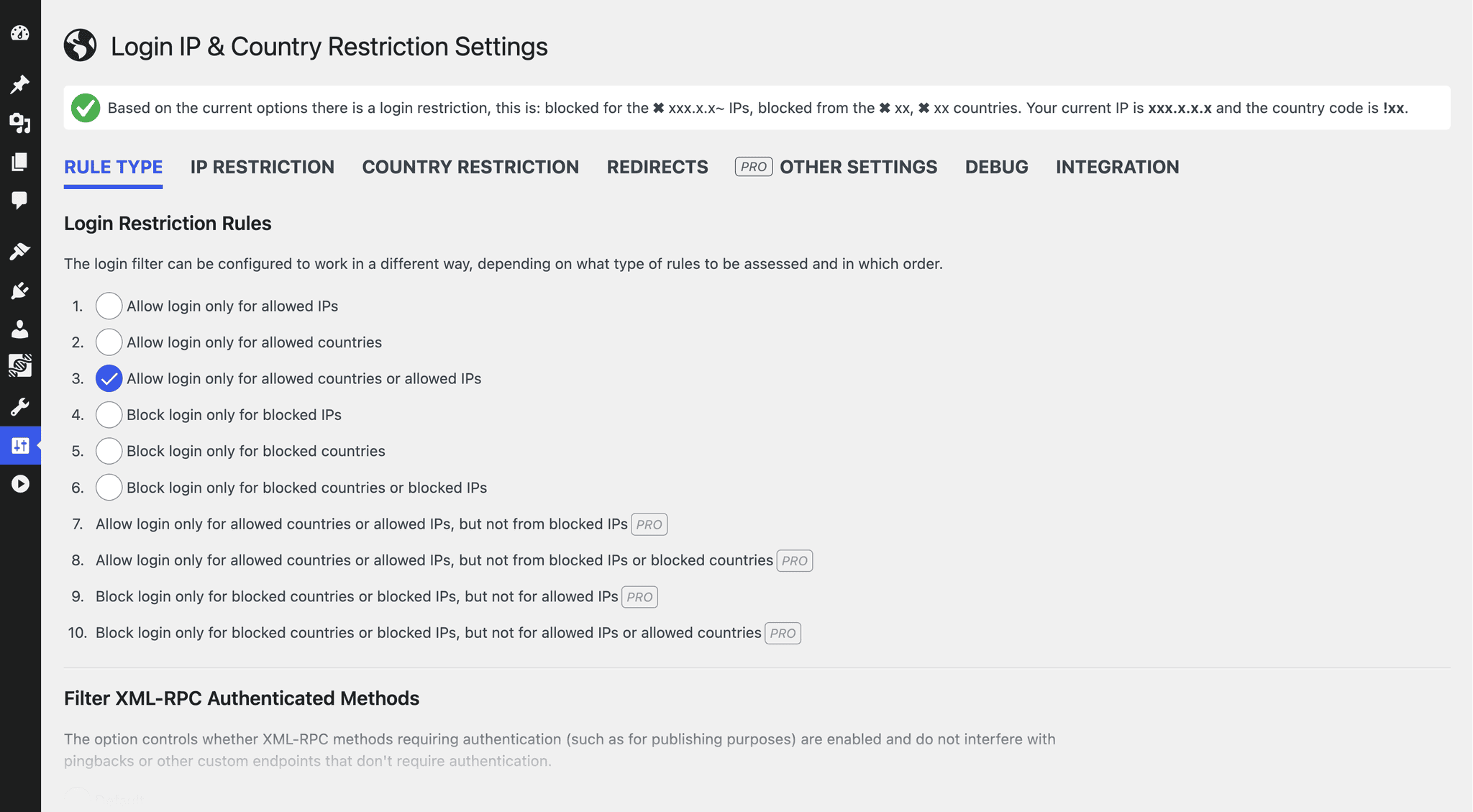
Main configuration dashboard for login restriction rules and XML-RPC methods.
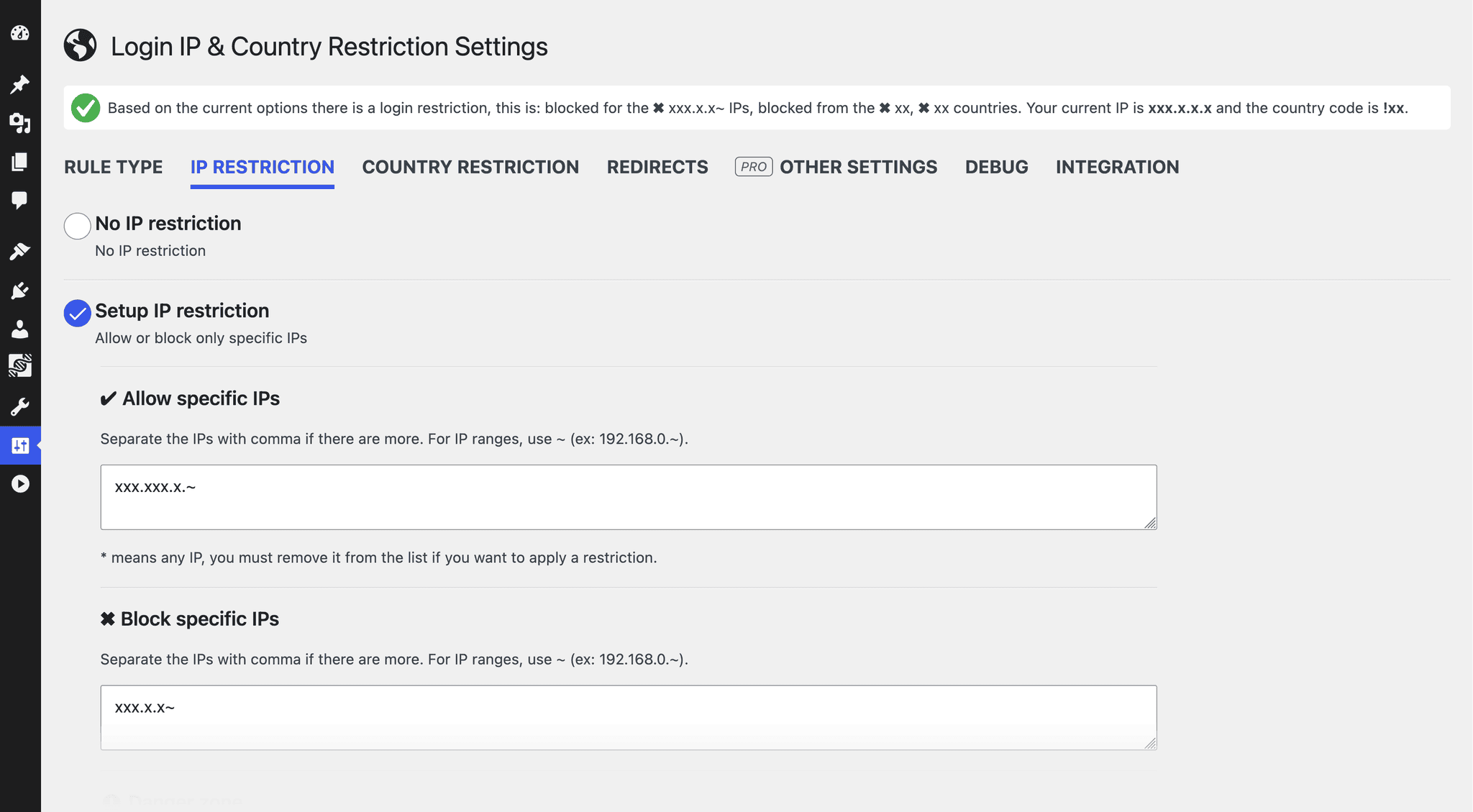
IP restriction interface showing easy management of allowed and blocked IPs.
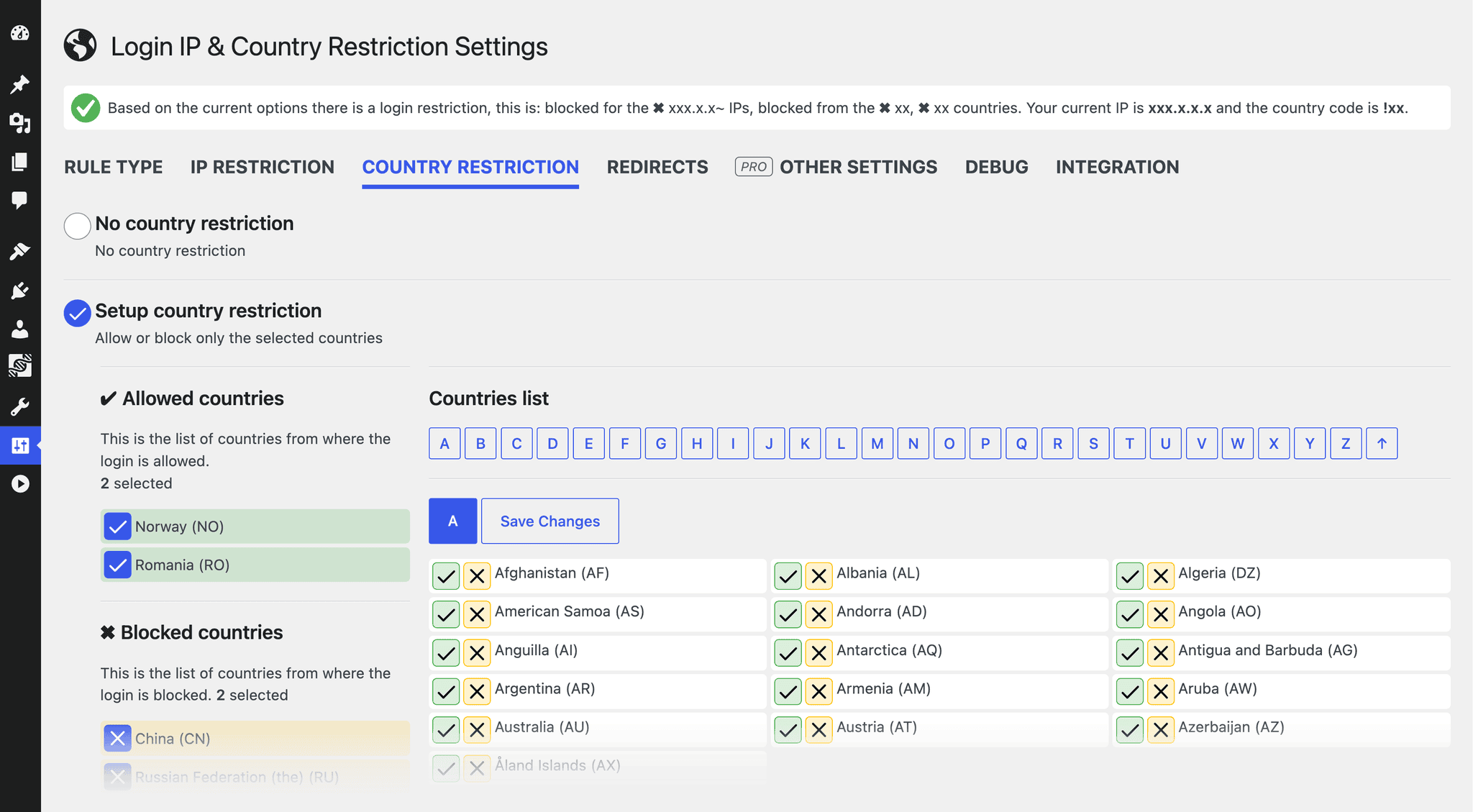
Country restriction panel with simple multi-select dropdowns for whitelists and blacklists.
Redirect settings to manage blocked visitors.
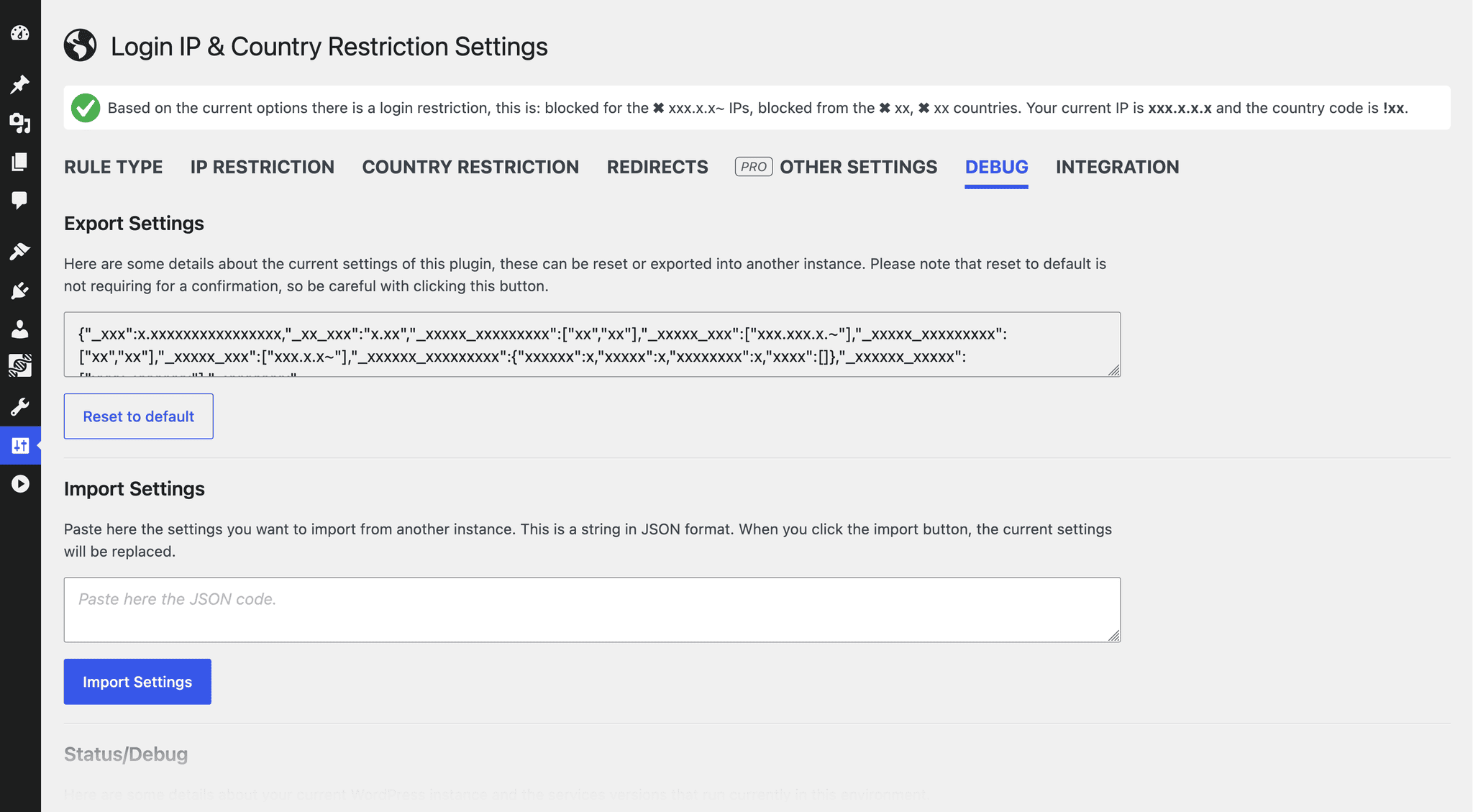
Tools layout for importing/exporting configurations and reviewing debug details.
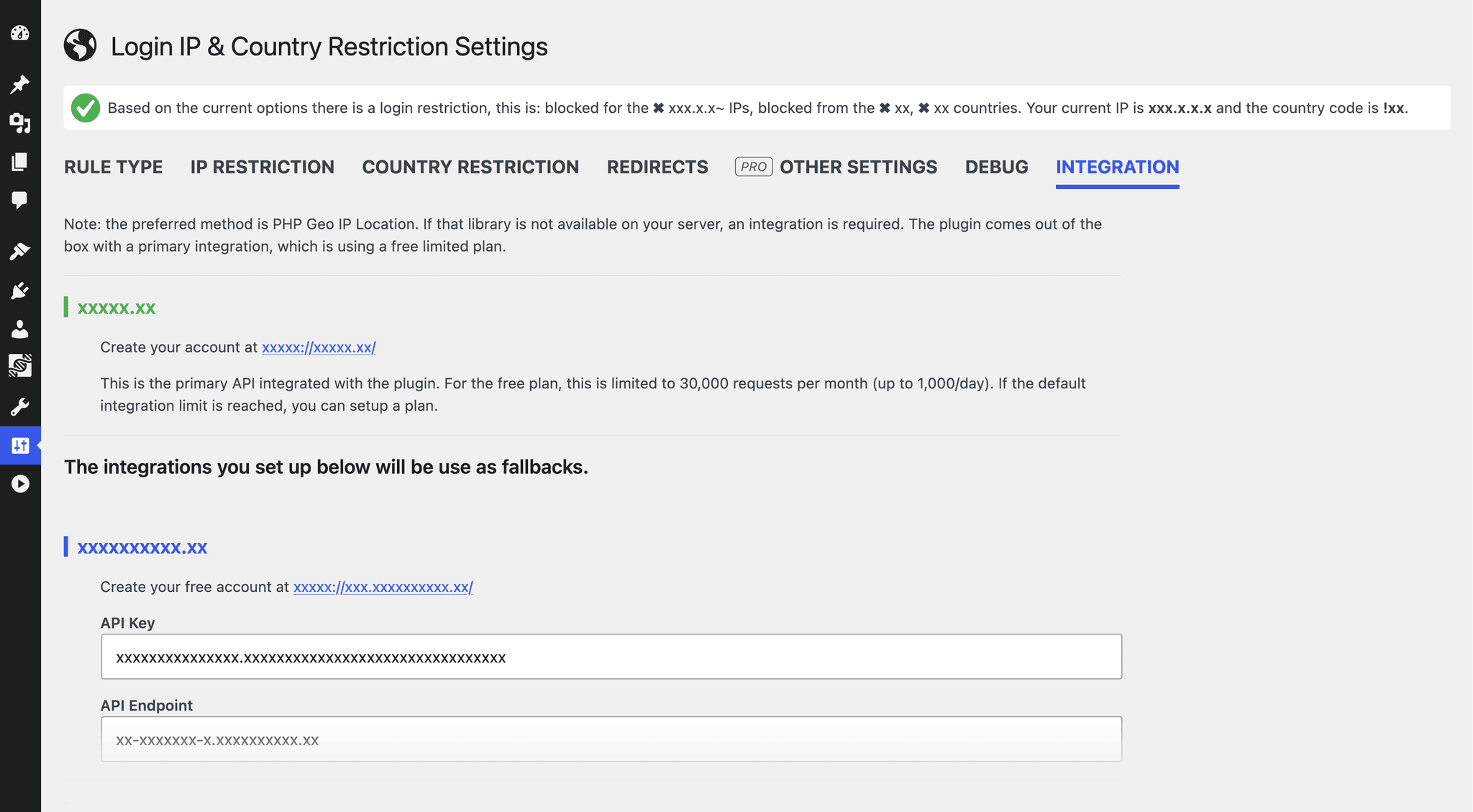
Integration settings and details.

Faq
No. Out of the box the plugin uses the PHP GeoIP extension when it is available on the server, otherwise the free ipapi.co lookup. Optionally, you can add API keys for the geolocated.io, ip2location.io or geoplugin.net services in the integration settings. The lookup method that works for your server is remembered for a few hours.
Enable the option to trust the Cloudflare visitor IP (HTTP_CF_CONNECTING_IP) in the IPs settings. Enable it only if the site is really behind Cloudflare, because otherwise visitors could spoof that header. Sites that were already using the plugin keep this enabled until the settings are saved.
Yes. Both types of restrictions work entirely independently of one another. You can restrict by country, whitelist a few specific external IPs, or use both methods simultaneously.
If you accidentally lock yourself out by misconfiguring your country or IP whitelist, don’t panic. Simply log into your server via FTP or hosting File Manager, rename the plugin folder from login-ip-country-restriction to login-ip-country-restriction-temp to temporarily disable it, log back into WordPress, rename it back, and correct your configuration.
Reviews
Does what it needs to do
By  polfre on July 5, 2026
Simple in use and does its job
Great plugin – works wonderfully
By  dany84 on November 10, 2025
The plugin stopped all bot attempts to log in onto my website, and I am no longer invaded by notifications of those failed attempts.
Great plugin
By  laszlobartucz on October 2, 2025
We use a hosting service that oesn’t allow for easy country restrictions – this plugin is our saviour.
partially working
By  blackossian on September 11, 2025
it seems it doesn’t block South Africa
Not working anymore
By  eevan79 on August 28, 2025
Edit:
Rating changed because the add-on has been updated and now works.
This plugin uses the geoplugin.net service, which is no longer free, so the plugin no longer works either.
This is a message:
“geoPlugin API is no longer available for free use. To continue access, please upgrade to a paid plan”
Simple but highly effective
By  mtido on February 16, 2025
I had an increase in incorrect login attempts, it started with a few and then quickly escalated to over 600 per day. From another plugin came the hint with GEO blocking by IP, then I came across this plugin and then had everything blocked except for my own country. Finally only 1-2 per day. Thank you
Perfect match for my requirements
By  jenbodeu on January 18, 2025
Perfect match for my requirements
This plugin needs an update
By  narubi on July 17, 2024
I have installed this plugin few months ago and it was working really well. However, in the last couple of days there have been many visits from the blocked countries to the wp login page. Please update the plugin IP database ASAP! Thanks!
Good Set of Free Options (Except for redirection)
By  Dennis Bareis (dbareis) on March 10, 2024
I’d like to be able to redirect to a specific page, that doesn’t seem possible in free or PRO version.
Love this!
By  Marjoline on March 12, 2024
Changelog
6.8.4
- Tested up to 7.2
- Highlighted the currently active detection method in the intergation tab
- Assets updates
See the full changelog for detailed information on changes made in the earlier versions.