

Blocks Starter Templates – Block Templates & Patterns
Description
Blocks Starter Templates gives you complete websites and ready-made page sections for the WordPress block editor (Gutenberg). Pick a starter template, import the pages you need, change the texts and pictures – and your site is ready. Everything is made with core WordPress blocks: no page builder, no custom blocks, no lock-in.
Browse all templates and live demos · Documentation
How it works
- Open a page in the block editor and click Starter Templates in the toolbar (or go to Starter Templates › Templates).
- Choose a template – a whole website – or a single section.
- Import it. The blocks, layout and pictures are added to your site, ready to edit.
Starter templates: whole websites
18 free starter templates with a homepage and pages such as About, Services, Portfolio, Pricing, FAQ or Contact – and new designs keep coming (see below):
- Business, consulting, agency, construction and transport websites
- Landing pages for products, apps, SaaS and webinars
- Restaurants and cafes
- Fitness studios and personal trainers
- Fashion and beauty
- Portfolios and personal websites
- Online stores with WooCommerce blocks
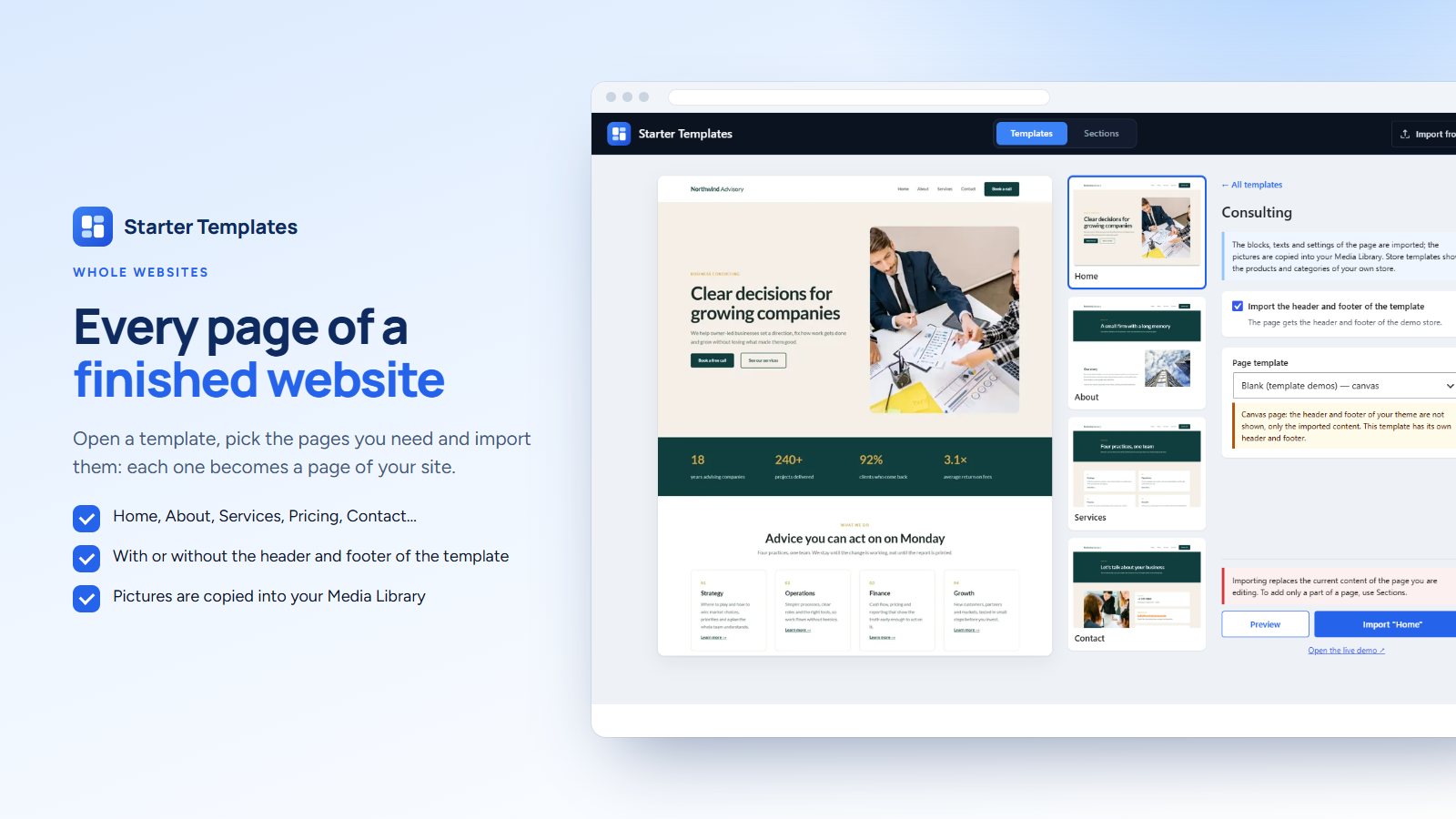
Open a template to see all its pages, preview a page with your own theme, and import it into the page you are editing or into a new draft. You choose whether the header and footer of the template come along.
Block templates: sections for any page
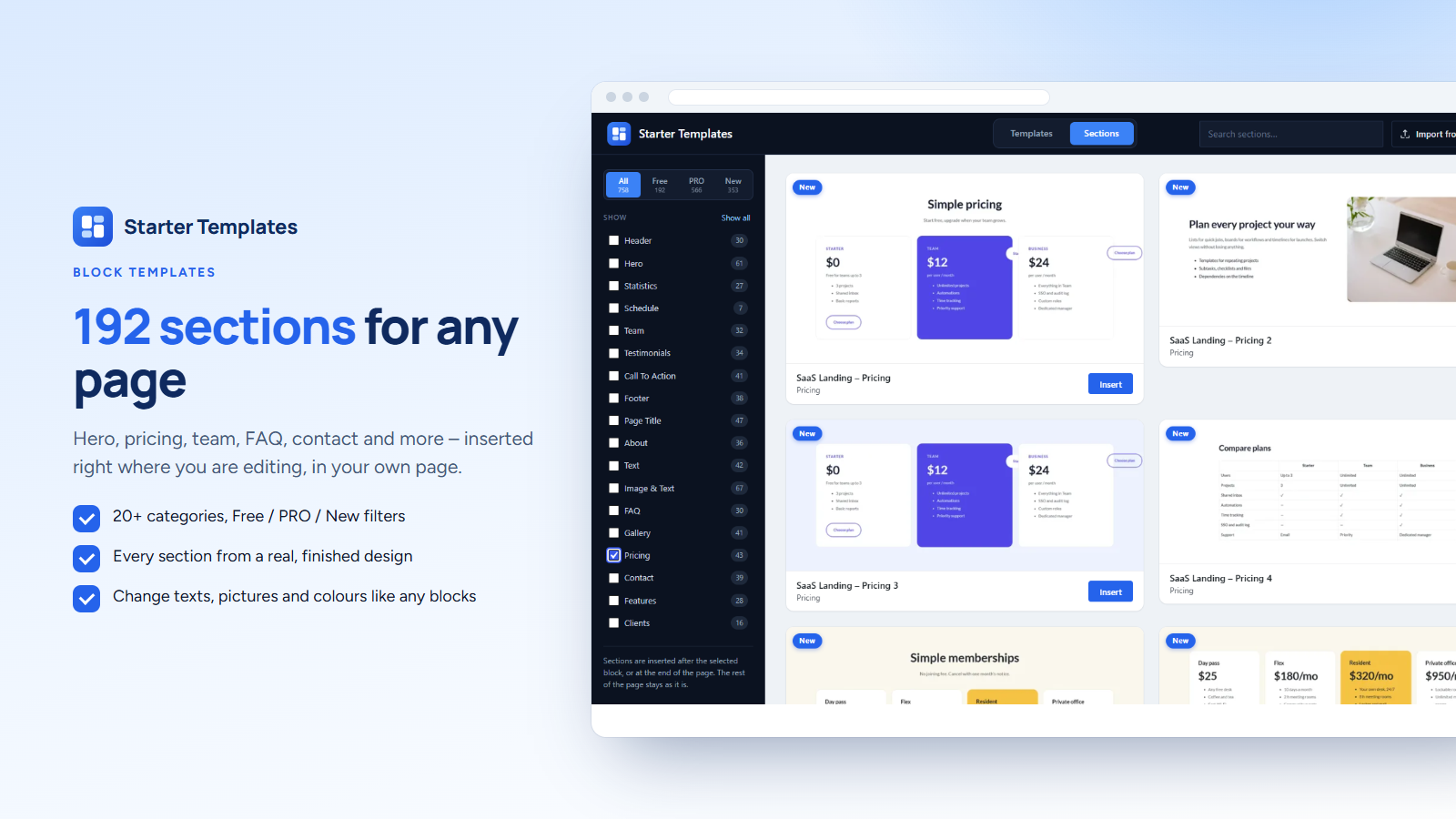
192 free sections cut from the starter templates: hero, about, features, services, statistics, team, testimonials, pricing, FAQ, gallery, contact, call to action, headers and footers. Filter by category, Free, PRO or New and insert a section right where you are editing – the rest of the page stays as it is.
New designs without a plugin update
New templates and sections are published to our library and appear in your template window automatically, with a short notice in the dashboard showing the newest ones. The templates bundled with the plugin always work, also without a connection.
Made for the block editor
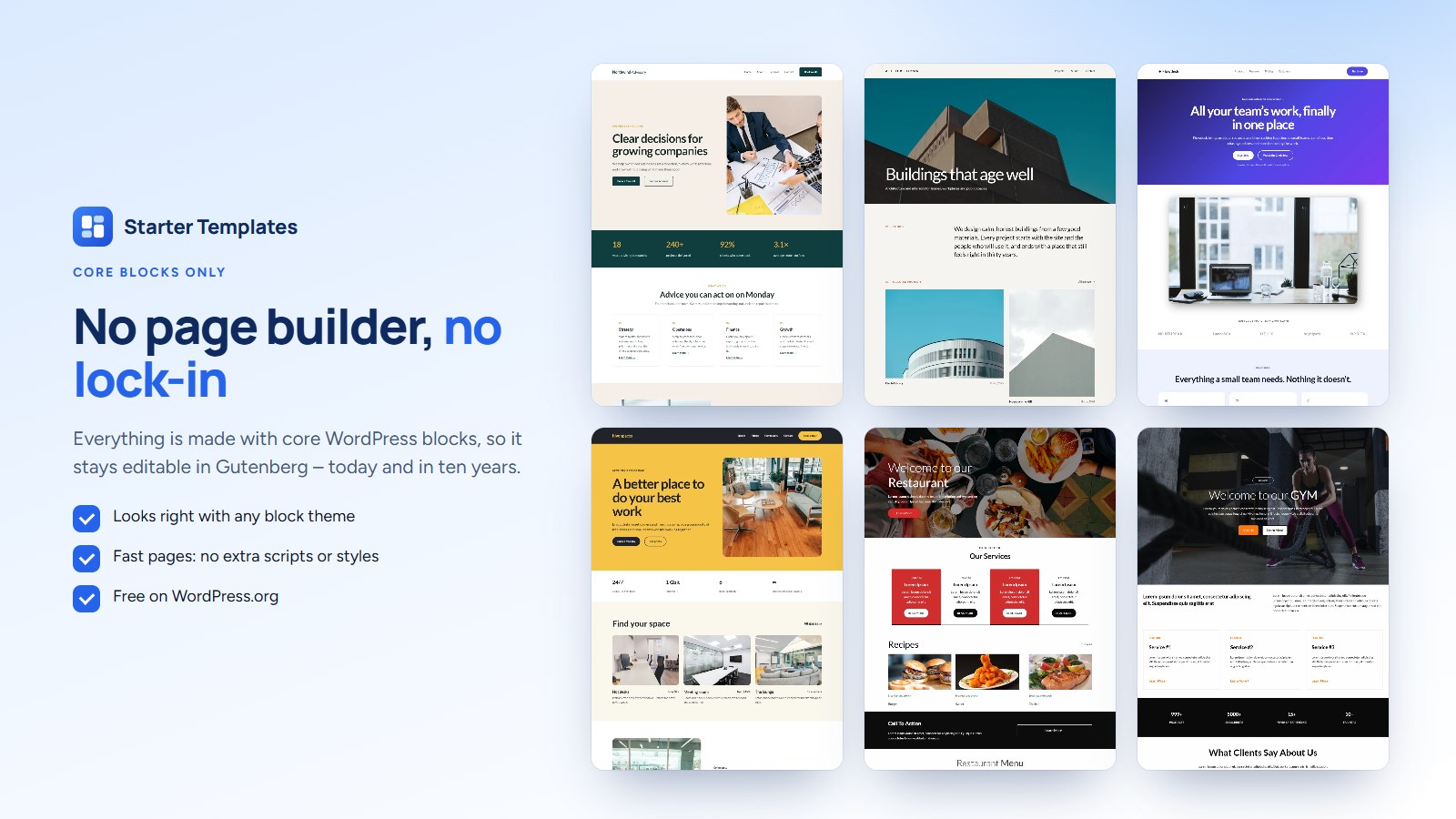
- Core WordPress blocks only – your pages stay editable with any block theme, today and later
- No page builder, no extra scripts or styles on your pages
- Pictures are copied into your Media Library, so your site never depends on ours
- Export any page as a JSON file, or as a ZIP file with its images, and import it on another site
- Store templates show the products of your own WooCommerce store; the plugin offers to install WooCommerce when a template needs it
Starter Templates PRO
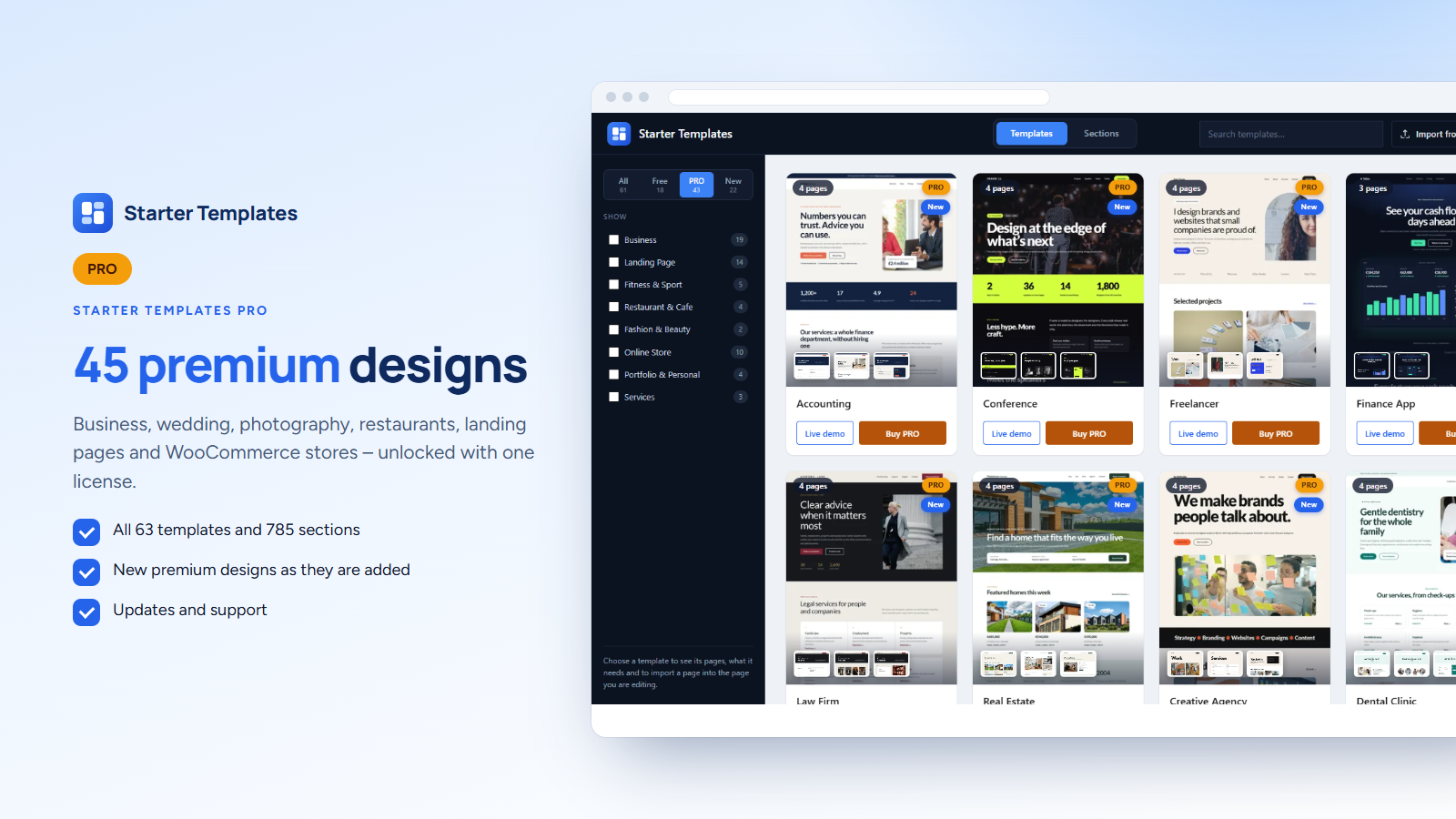
Starter Templates PRO unlocks 45 premium designs and all their sections: business, wedding, photography, restaurants, landing pages and WooCommerce stores, plus every new premium design as it is added. The PRO designs are shown in the free plugin with a lock, so you can see them before you buy.
External service
The template library on wp-fse.com, our website, is used for:
- The list of the library (https://wp-fse.com/wp-json/bst-library/v1/list), loaded at most twice a day (once an hour after a failed attempt) when the plugin needs its lists – the template window, the Templates screen or the notice of new templates in the admin: it adds free templates and sections published after your version of the plugin, the previews of new designs and the current list of PRO templates. The last list is kept, so the plugin works without a connection with the templates it already knows.
- Template files (https://wp-fse.com/wp-json/bst-library/v1/file) of such new free templates, downloaded only when you import or insert one of them. The bundled templates never need the service.
- Previews and pictures: the previews of the templates and sections, and the pictures of a template you import, are loaded from wp-fse.com; on import the pictures are copied into your Media Library.
The requests send the plugin version and your site address (in the user agent, as WordPress does for updates) and the name of the requested file; no other data. Terms and conditions, privacy policy.
Installation
- Go to Plugins › Add New, search for Blocks Starter Templates, install and activate it.
- Open Starter Templates › Templates, or edit a page and click Starter Templates in the toolbar.
- Pick a template or a section and import it. Step-by-step guides: Getting started.
Screenshots

Starter templates for WordPress: the template library in the block editor
Every page of a template – import the ones you need, with or without the header and footer
Block templates: sections for any page, filtered by category, Free, PRO or New
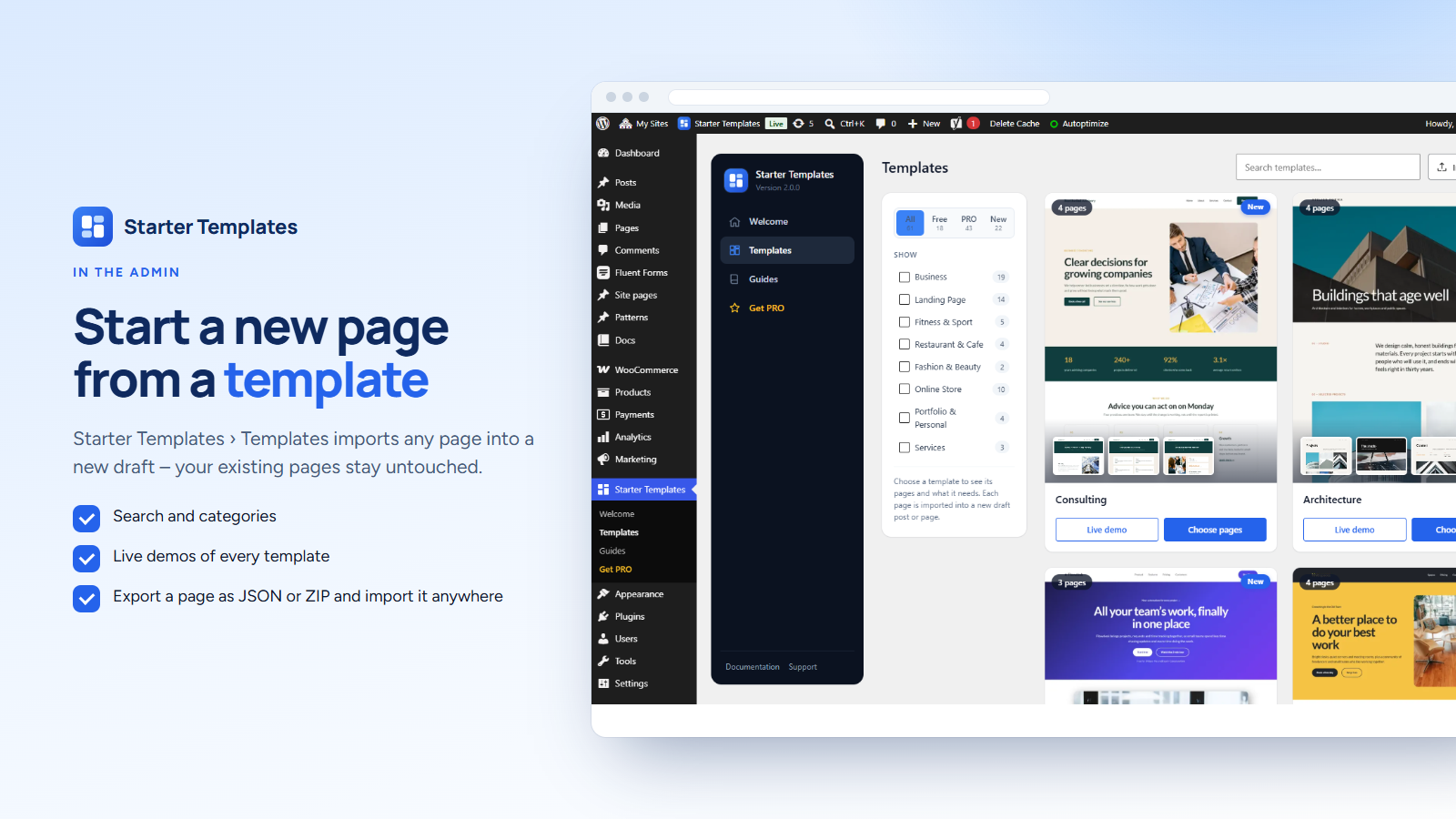
The Templates screen in the admin imports a page into a new draft
New designs appear without a plugin update, with a notice in the dashboard
Made only with core blocks – no page builder, no lock-in
Starter Templates PRO: premium designs, shown locked in the free plugin


Faq
Is it free?
Yes. The plugin and its 18 starter templates and 192 sections are free, also for client websites. Starter Templates PRO adds premium designs.
Where do I find the templates?
In the block editor click Starter Templates in the top toolbar, or open Starter Templates › Templates in the admin menu. Every template also has a live demo.
Does it work with my theme?
Yes. The templates use only core WordPress blocks, so they work with any theme that supports the block editor. Block themes look closest to the demos; for templates with their own header and footer the plugin suggests a full-width page template.
Will an import change my existing pages?
Importing a template replaces the content of the page you are editing – you are asked first. The Templates screen always creates a new draft. Sections are added where you are editing; the rest of the page is not touched.
Do I need a page builder or extra blocks?
No. Everything is built with the blocks that come with WordPress. Deactivating the plugin does not change your pages.
Where do the pictures come from?
The pictures of a template are copied into your Media Library when you import it. Replace them with your own whenever you like.
Can I move a page to another site?
Yes. Export the page as JSON (or as a ZIP file with its images) from the editor menu and import it on the other site with Import from file.
Does it work without an internet connection?
The bundled templates and sections import without our service. New designs, previews and pictures are loaded from wp-fse.com (see “External service”).
I updated from version 1.x. What changed?
Version 2.0 is a new library: a faster template window with categories and sections, previews of every page, the Templates admin screen and export as JSON or ZIP. Your imported pages are not changed. The old cached template lists are removed from the database.
Reviews
Nic specjalnego tylko do prostych stron
By  Danishsard on October 7, 2026
Raczej do prostych stron, mało elementów. Nic szczególnego czego nie da się samemu zrobić w blokach. Ułatwia start, ale to bardzo proste elementy.
Changelog
2.0.0
- New template library: templates and sections with categories, search and Free / PRO filters
- New Starter Templates admin menu with the Templates screen (import into a new draft)
- Preview a page with your theme before importing
- Images are copied into the Media Library on import
- Export a page as JSON or as a ZIP file with its images; import JSON and ZIP files (also files of version 1.x)
- Installs WooCommerce when a store template needs it
- After an update, a notice shows the new templates with small previews; new templates and sections are marked “New” for 30 days
- New free templates and sections from the library on wp-fse.com without a plugin update (the bundled templates stay as a fallback)
- Removed the old template lists cached in the database
1.0.5
- Tested with WP 7.0
1.0.4
- Tested with WP 6.7
- Fixed button loading
1.0.3
- Updated importing code
- Added 3rd party service note in readme.txt
- Removed unused code
1.0.2
- Updated code based on WP review
1.0.1
- Updated theme text domain
- Tested with WP 6.4
1.0.0
- Initial release