

Advanced Testimonial Carousel For Elementor
Description
Advanced Testimonial Carousel For Elementor is a powerful and flexible Elementor widget for displaying customer testimonials and reviews in beautiful carousel and slider layouts.
You can create your own custom testimonials or display real reviews from Google. Choose the review source that best fits your website and customize the appearance to match your design.
With the Pro version, you can enable or disable Custom Reviews and Google Reviews independently, giving you complete control over which type of reviews are displayed.
Whether you want to showcase customer testimonials, Google Business reviews, or reviews from multiple business locations, Advanced Testimonial Carousel For Elementor provides flexible options to build an attractive and responsive review section.
Reviews & Google Reviews
Custom Reviews
Add your own customer testimonials manually and customize the review content, author name, designation, image, rating, and other display options.
With the Pro version, you can enable or disable Custom Reviews whenever you want.
Google Reviews
Display reviews from your Google Business Profile directly on your website.
To use Google Reviews, you need to provide a Google API Key. After configuring the API key, you can add your Google Business location using its Place ID.
You can also add multiple Place IDs, making it possible to display reviews from multiple businesses or business locations on your website.
For example, if you have multiple branches or business locations, you can add the Place ID for each location and manage them from the plugin.
Google Reviews also include additional Pro features such as review sorting, rating filtering, date sorting, and automatic review fetching.
Choose Your Review Source
The Pro version allows you to control Custom Reviews and Google Reviews independently.
You can:
- Enable Custom Reviews
- Disable Custom Reviews
- Enable Google Reviews
- Disable Google Reviews
- Use only Custom Reviews
- Use only Google Reviews
- Use both Custom Reviews and Google Reviews
This gives you complete flexibility to decide which reviews should appear on your website.
Features
- Elementor widget
- 8+ testimonial and review layouts
- Responsive testimonial carousel
- Auto Play
- Enable / Disable Loop
- Navigation arrows
- Pagination dots
- Slider speed control
- Unlimited testimonials
- Custom testimonial reviews
- Google Reviews integration (Pro)
- Google API Key support (Pro)
- Google Place ID support (Pro)
- Multiple Google Place IDs / business locations (Pro)
- Enable / Disable Custom Reviews (Pro)
- Enable / Disable Google Reviews (Pro)
- Google Reviews automatic fetching (Pro)
- Google Reviews sorting options (Pro)
- Google Reviews rating filtering (Pro)
- Google Reviews date sorting (Pro)
- Google rating and review count display (Pro)
- Google Reviews heading and rating display (Pro)
- Custom review rating (Pro)
- Image customization
- Image border radius
- Image size controls
- Background color
- Gradient background color (Pro)
- Testimonial border and box shadow (Pro)
- Image border and box shadow (Pro)
- Typography and styling options
- Author name styling
- Review content styling
- Designation / title styling
- Rating styling (Pro)
- Arrow position customization (Pro)
- Multiple testimonial templates
- New testimonial templates in Pro
- Fully responsive design
Google Reviews
The Google Reviews feature allows you to display reviews from your Google Business locations inside your Elementor testimonial carousel.
To use Google Reviews:
- Add your Google API Key.
- Add the Place ID of your Google Business location.
- Select your preferred review settings.
- Fetch and display your Google Reviews.
You can add multiple Place IDs if you have multiple businesses, branches, offices, or locations.
For example:
- Business Location 1 – Place ID
- Business Location 2 – Place ID
- Business Location 3 – Place ID
This makes it easy to manage reviews from multiple business locations.
Google Reviews features are available in the Pro version.
Review Source Control
The Pro version provides separate controls for Custom Reviews and Google Reviews.
You can choose whether to:
- Show only Custom Reviews
- Show only Google Reviews
- Show both Custom Reviews and Google Reviews
- Disable Custom Reviews
- Disable Google Reviews
This allows you to use the plugin according to your website’s needs.
Features in Detail
Custom Testimonials
Create unlimited custom testimonials with:
- Customer image
- Customer name
- Designation / title
- Testimonial content
- Star rating (Pro)
- Custom styling (Pro)
Google Reviews
Display real reviews from Google Business locations using:
- Google API Key
- Google Place ID
- Multiple Place IDs
- Automatic review fetching (Pro)
- Review sorting (Pro)
- Rating filtering (Pro)
- Date sorting (Pro)
- Google rating display (Pro)
- Total review count (Pro)
Slider & Carousel
Customize your testimonial carousel with:
- Auto Play
- Loop
- Navigation arrows
- Pagination dots
- Slider speed (Pro)
- Responsive settings
- Multiple layouts (Pro)
- Unlimited testimonials and reviews (Pro)
Styling Options
Customize your testimonial design with:
- Image size
- Image shape
- Border radius
- Background color
- Gradient background
- Box shadow
- Border
- Typography
- Author name
- Designation
- Review content
- Rating
- Navigation arrows
- Pagination dots
Installation
This section describes how to install the plugin and get it working.
- Upload the plugin files to the
/wp-content/plugins/directory, or install the plugin through the WordPress Plugins screen. - Activate the plugin through the Plugins screen.
- Make sure Elementor is installed and activated.
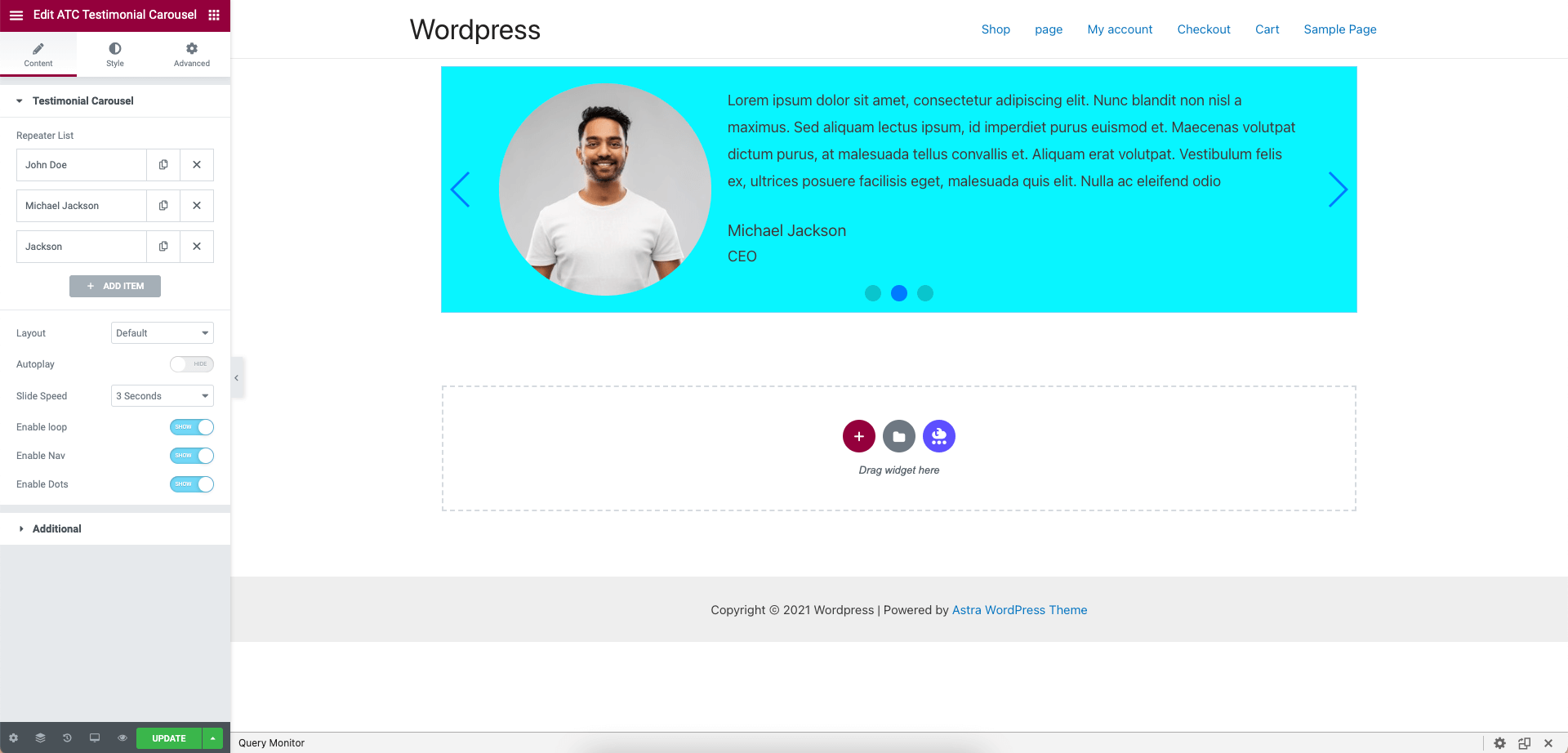
- Open Elementor and add the Advanced Testimonial Carousel widget to your page.
- Configure your testimonials and carousel settings.
- For Google Reviews, configure the Google API Key and add your Google Place ID from the Pro settings.
Screenshots

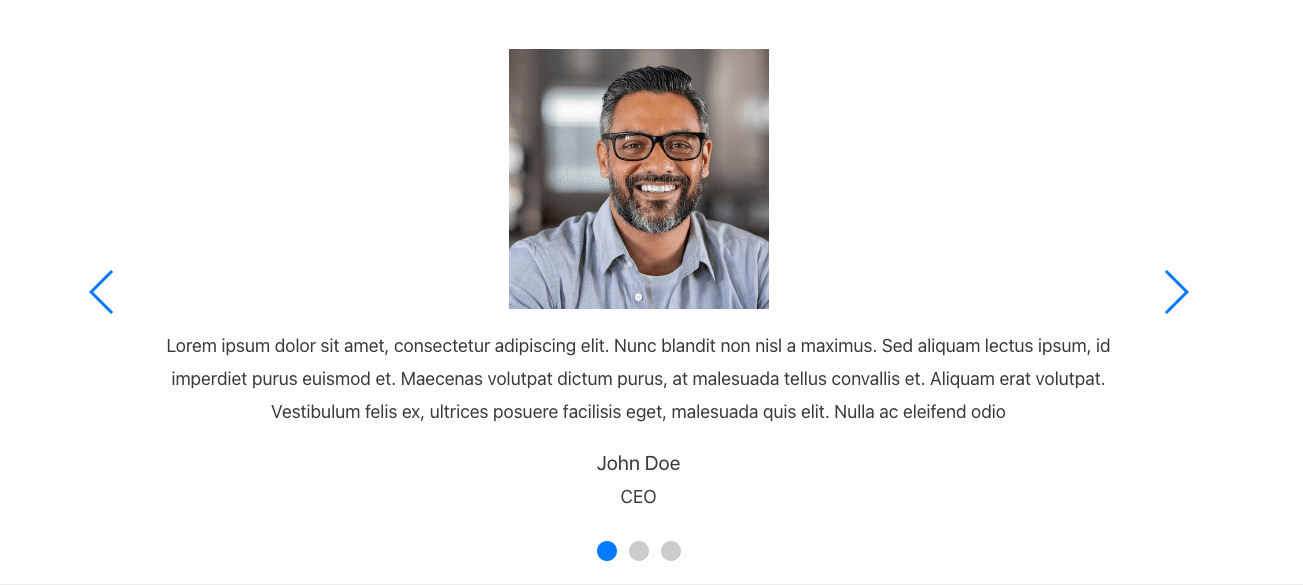
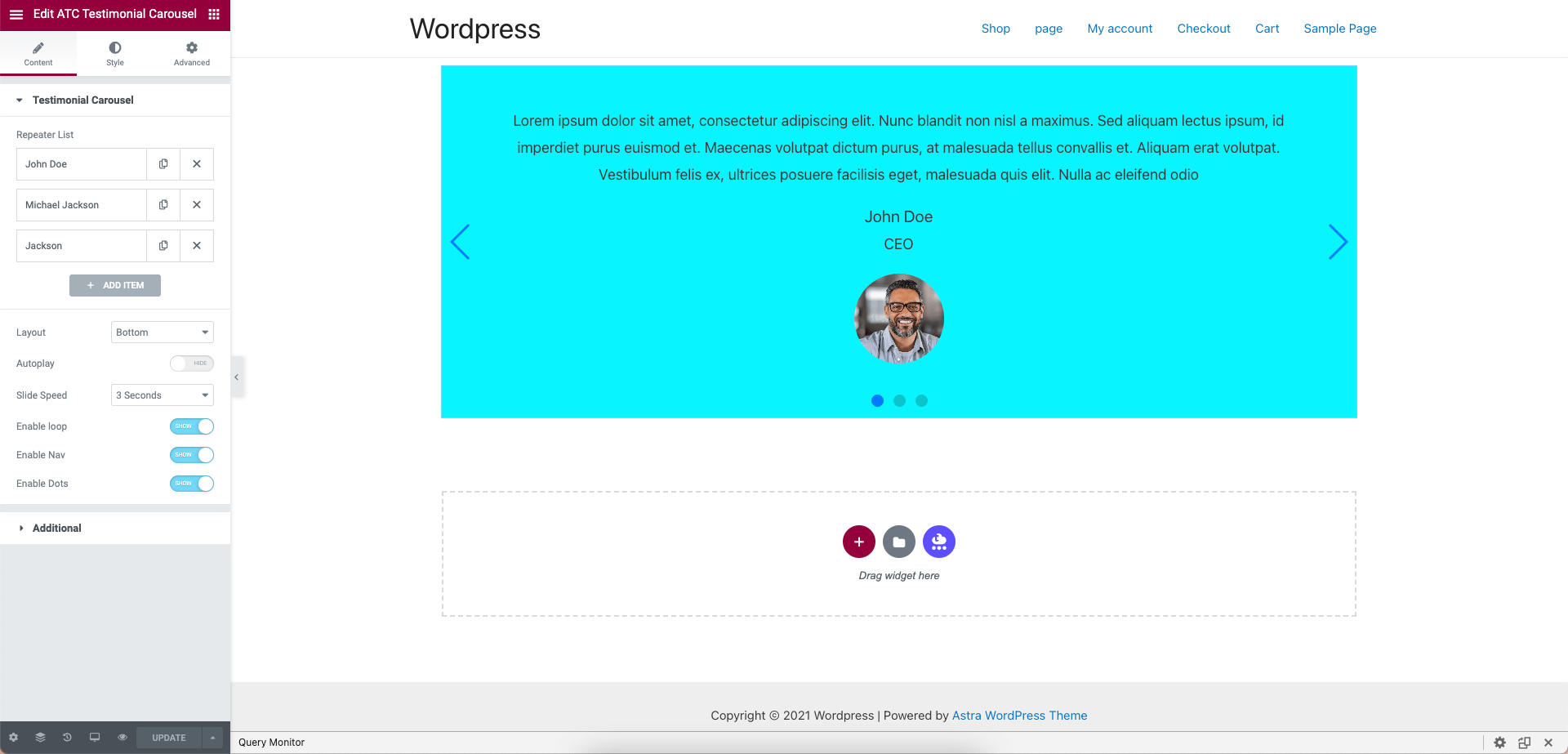
Default Testimonial Layout
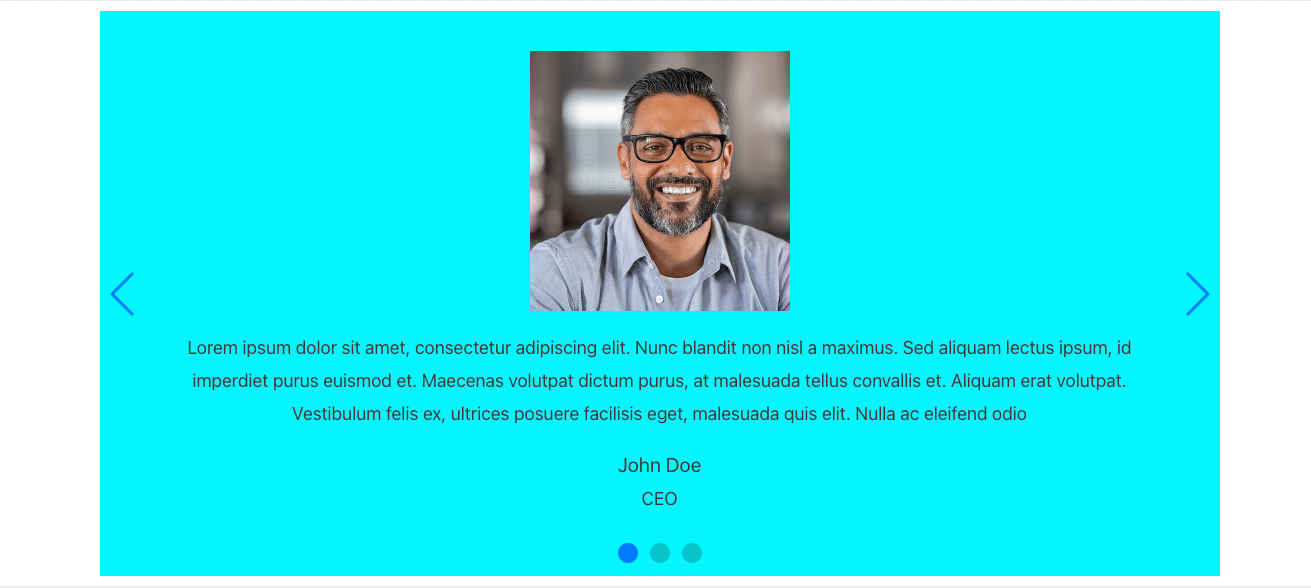
Image Top Layout
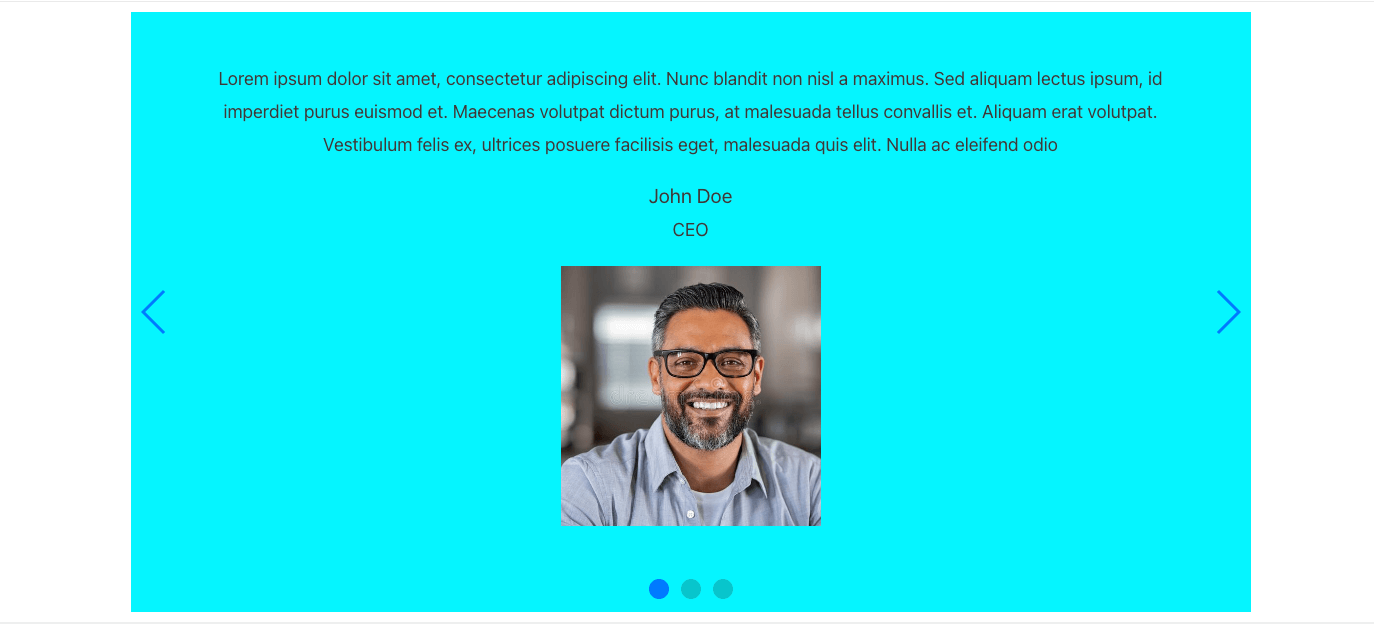
Image Bottom Layout
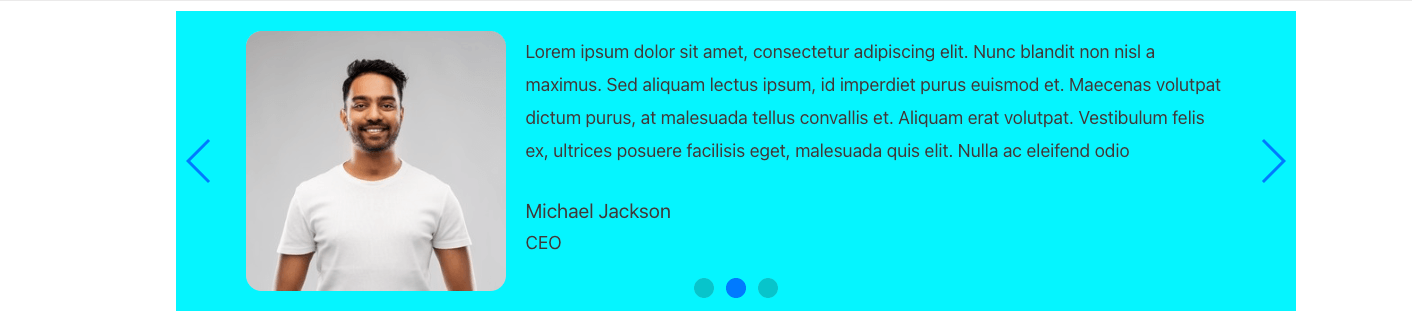
Image Top with Background
Image Bottom with Background
Large Round Image Layout
Small Round Image Layout
Default Background with Border Radius
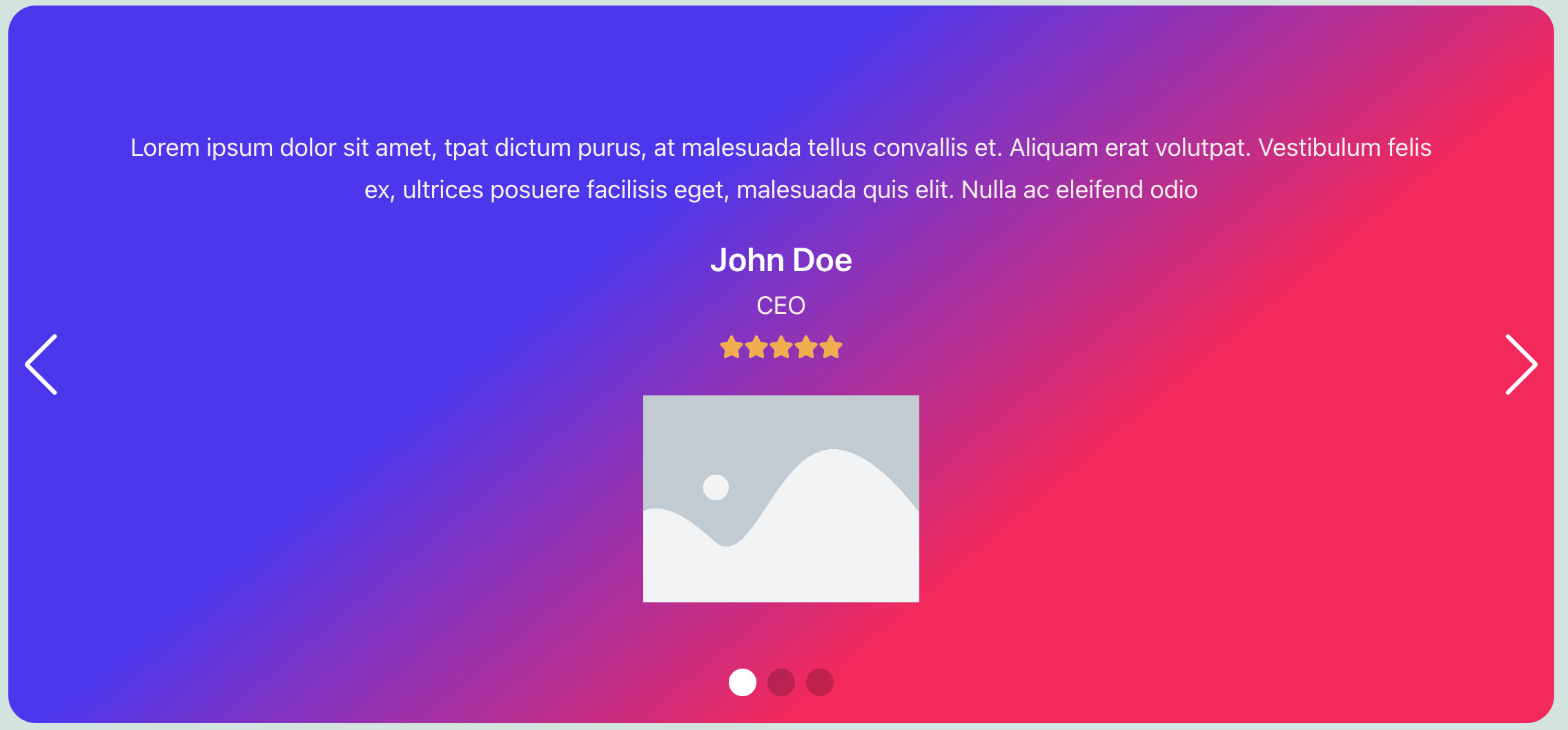
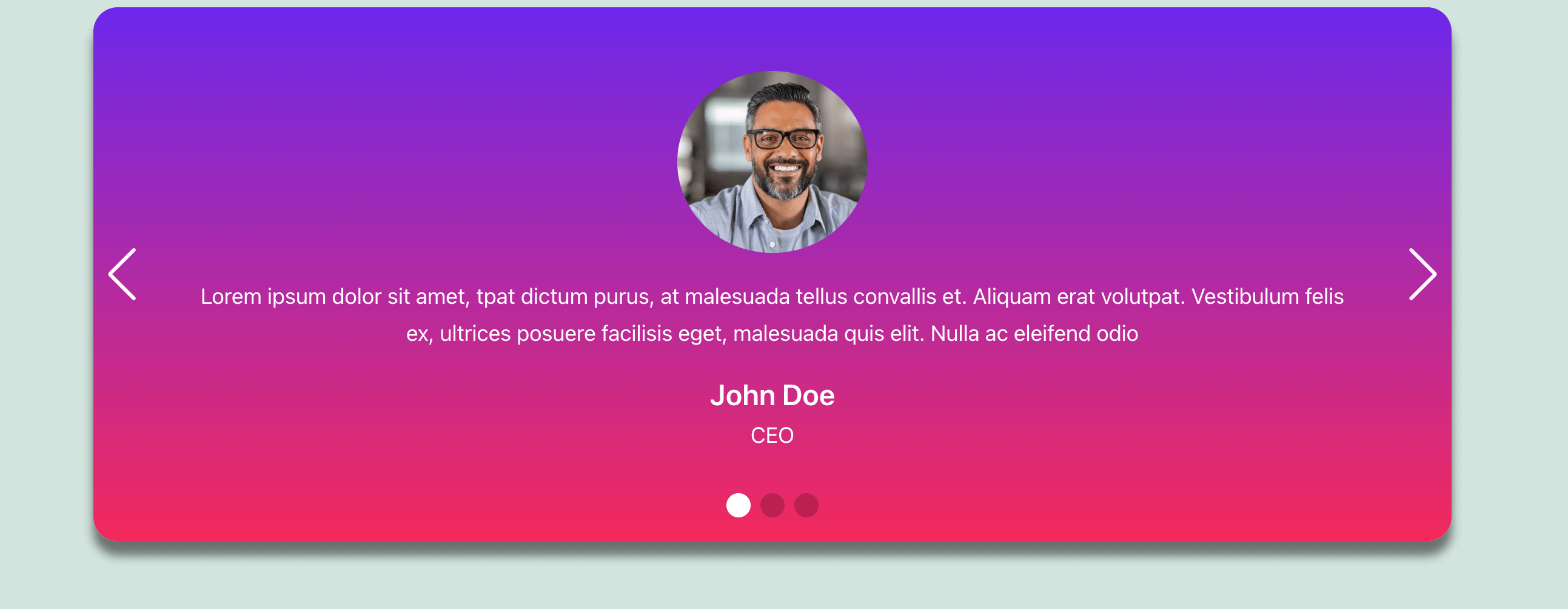
Image Bottom with Gradient Background (Pro)
Default Layout with Gradient Background (Pro)
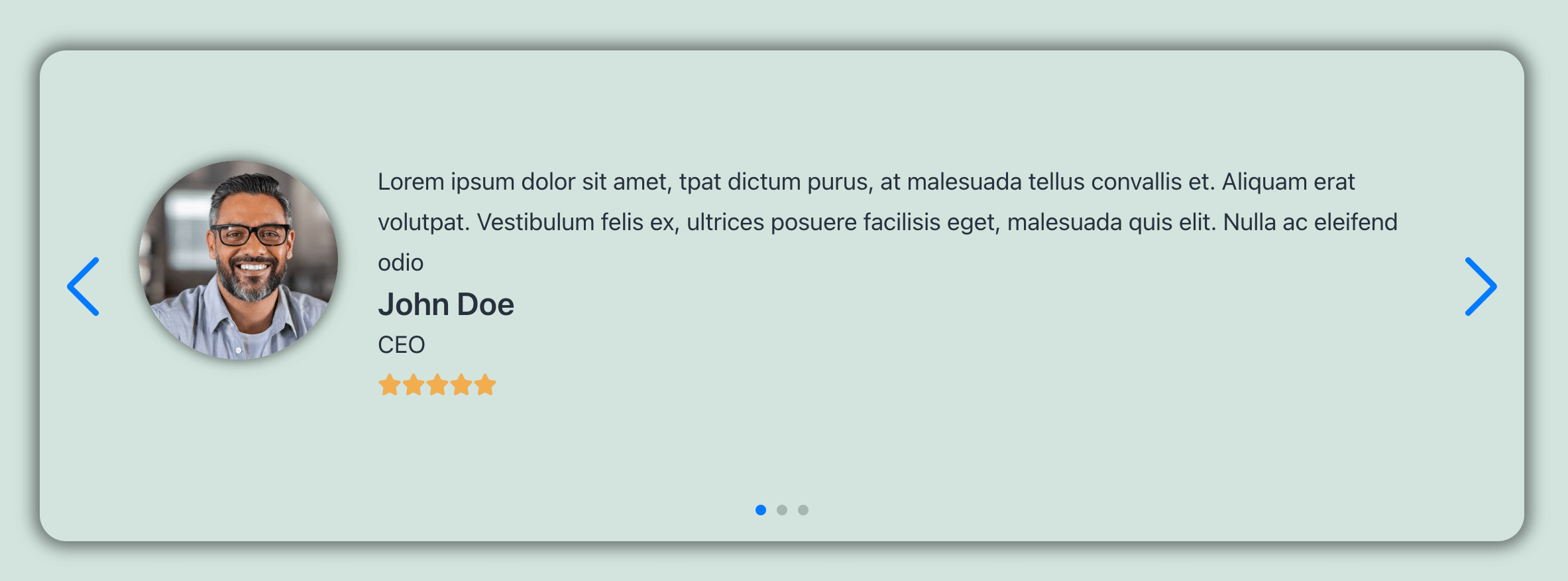
Gradient Background and Box Shadow (Pro)
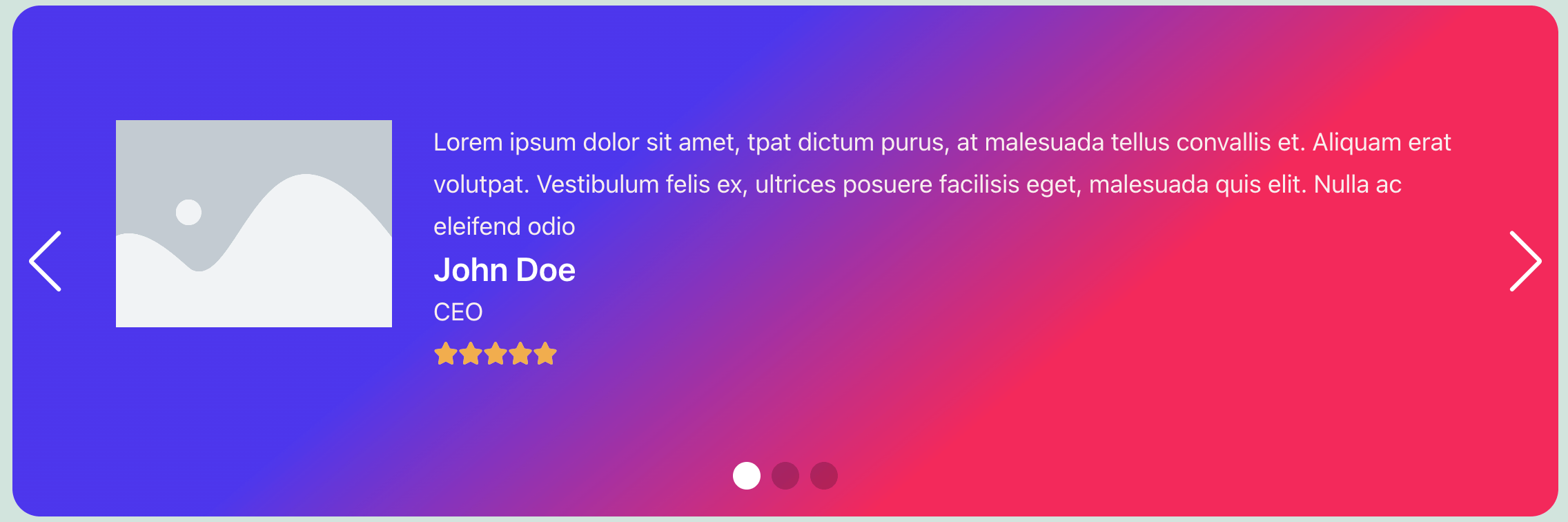
Box Shadow and Rating (Pro)
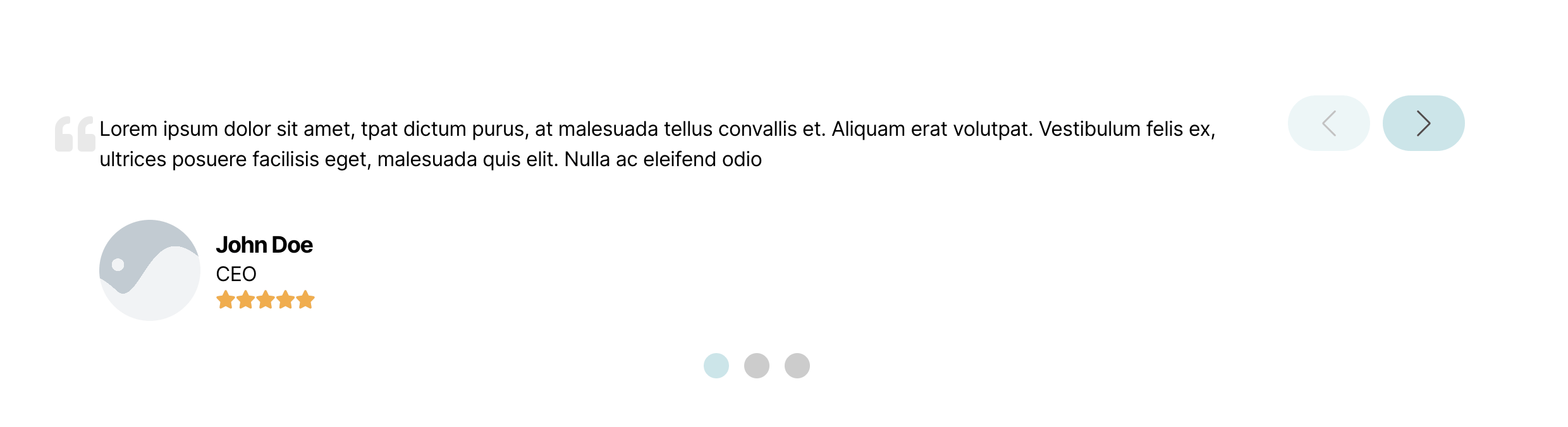
New Testimonial Template (Pro)


Faq
Is the plugin responsive?
Yes. Advanced Testimonial Carousel For Elementor is fully responsive and works across desktop, tablet, and mobile devices.
Can I add unlimited testimonials?
Yes. You can add unlimited custom testimonials and display multiple reviews in the carousel.
Can I use Custom Reviews?
Yes. You can create and display your own custom testimonials.
Can I use Google Reviews?
Yes. Google Reviews are available in the Pro version. You need to configure a Google API Key and add your Google Business Place ID.
Do I need a Google API Key to use Google Reviews?
Yes. A Google API Key is required to connect the plugin with Google and retrieve Google Business reviews.
What is a Google Place ID?
A Google Place ID identifies a specific business or location on Google. You can use the Place ID of your business location to retrieve its Google Reviews.
Can I add multiple Google Place IDs?
Yes. The Pro version supports multiple Place IDs, allowing you to manage reviews from multiple businesses or business locations.
Can I enable or disable Google Reviews?
Yes. The Pro version provides an option to enable or disable Google Reviews.
Can I enable or disable Custom Reviews?
Yes. The Pro version provides a separate option to enable or disable Custom Reviews.
Can I use both Custom Reviews and Google Reviews?
Yes. The Pro version allows you to use Custom Reviews and Google Reviews according to your requirements. You can enable both or use only one of them.
Can I use only Google Reviews?
Yes. You can disable Custom Reviews and use only Google Reviews.
Can I use only Custom Reviews?
Yes. You can disable Google Reviews and use only Custom Reviews.
Can I customize the testimonial image?
Yes. You can customize the image size, shape, border radius, and other image styling options.
Can I customize the testimonial background?
Yes. You can customize the background color. Additional gradient and advanced styling options are available in the Pro version.
Can I customize the testimonial content?
Yes. You can customize the author name, designation, content, typography, colors, spacing, and other styling options.
Can I customize the rating?
Yes. Rating and advanced rating styling options are available in the Pro version.
Can I customize the navigation arrows and dots?
Yes. You can configure and style navigation arrows and pagination dots.
Reviews
Fantastic plugin, great support
By  trevorstaats on October 15, 2026
I have been using this plugin on several sites for a number of years now and it works beautifully. I’d recommend the Pro version for additional functionality. I have required support on only one occasion, response was fast and the issue was sorted out promptly. Would highly recommend.
Limited Free Version, Likely Better with Paid Upgrade
By  Enayet Husain Rajib (TheWebLab) on April 13, 2025
The free version of the plugin offers very limited functionality, with even the most basic customization options blocked. Unfortunately, it’s difficult to evaluate its true potential without upgrading. It seems like a solid plugin if you’re willing to invest in the premium version.
Don't waste your time
By  garlof on November 22, 2023
The plugin is free, but to do anything with it you must pay.
Difficile de faire des chose sans passer vers la version Pro
By  l06ware on November 8, 2023
Impossible d’avoir des fonctionnalités autres que celle de base sans être obligé de passer à un version pro
Fa ciò che dice
By  Ghery on August 11, 2023
Fa quello per cui è programmato: il carosello delle testimonianze, perfettamente integrato con Elementor
Fa ciò che dice
By  robertorefresh on May 15, 2023
ok.
Can't Do Much Without Pro Version
By  NicheLabs (allen.nichelabs) on May 2, 2023
You can’t turn off any of the display options (title, image, name, etc.,) or use the text editor without purchasing the pro version. Most of the testimonials I receive don’t include an image (I don’t know many people that provide a headshot when providing a testimonial) but I can’t turn off the display of the image, so I either have to use a placeholder image or if I delete it then I get a spinning icon in it’s place.
I tried it and I don't recommend it.
By  Harun Sekmen (sekmenq) on March 28, 2023
It asks you to upgrade to premium for even the simplest features. And there are premium upgrade ads everywhere. You are constantly exposed to ads. Many features don’t work as they should. Not compatible enough. A complete waste of time
Awesome Plugin
By  Rezaul Karim (rezaulkarimbd) on February 15, 2023
I like it.
OK
By  atvmototraveler on December 3, 2022
Changelog
4.0.0 (DATE: October 07, 2026)
- Added Google Reviews integration.
- Added Google Business Place ID support.
- Added support for multiple Google Place IDs.
- Added Google Reviews sorting options.
- Added Google Reviews rating filtering.
- Added Google Reviews date sorting.
- Added Google Reviews automatic fetching.
- Added Google rating and review count display.
- Added Custom Reviews enable / disable option.
- Added Google Reviews enable / disable option.
- Added new testimonial and review features.
- Improved testimonial carousel functionality.
3.1.2 (DATE: December 08, 2025)
- WordPress 6.9 Compatible.
3.1.1 (DATE: March 28, 2025)
- WordPress 6.7.2 Compatible.
- Fixed some issues in the Pro version.
3.1.0 (DATE: November 15, 2024)
- Updated Swiper slider.
- Fixed responsive issues.
- WordPress 6.7 compatibility improvements.
3.0.4 (DATE: August 26, 2024)
- Fixed Pro license tab redirection.
- Code refactoring.
3.0.3 (DATE: July 27, 2024)
- WordPress 6.6.1 compatibility.
3.0.2 (DATE: May 15, 2024)
- Bug fixes.
- WordPress 6.5.3 compatibility.
3.0.1 (DATE: March 21, 2024)
- Added AJAX requests for admin functionality.
3.0.0 (DATE: March 8, 2024)
- Added nonce security improvements.
2.0.6
- Added admin notice hide option.
2.0.5
- CSS bug fixes.
2.0.4
- Added license activation.
2.0.3
- Added WYSIWYG editor in Pro.
2.0.2
- WordPress 6.1.1 compatibility.
2.0.1
- Added additional Pro options.
- WordPress 6.1 compatibility.
2.0.0
- Added new Pro features.
- Added rating feature.
- Added options to hide image, author name, and company name.
- Added image border and box shadow options.
- Added testimonial border and box shadow options.
- Added testimonial background options.
- Added arrow position options.
- Added rating styling options.
1.4.0
- Fixed image alt tag.
1.3.0
- Added field sanitization.
- Added image margin and padding options.
- Updated CSS.
1.2.0
- Added admin notice.
1.1.0
- WordPress 5.9 compatibility.
1.0.0
- Initial release.